Fast PDF viewer
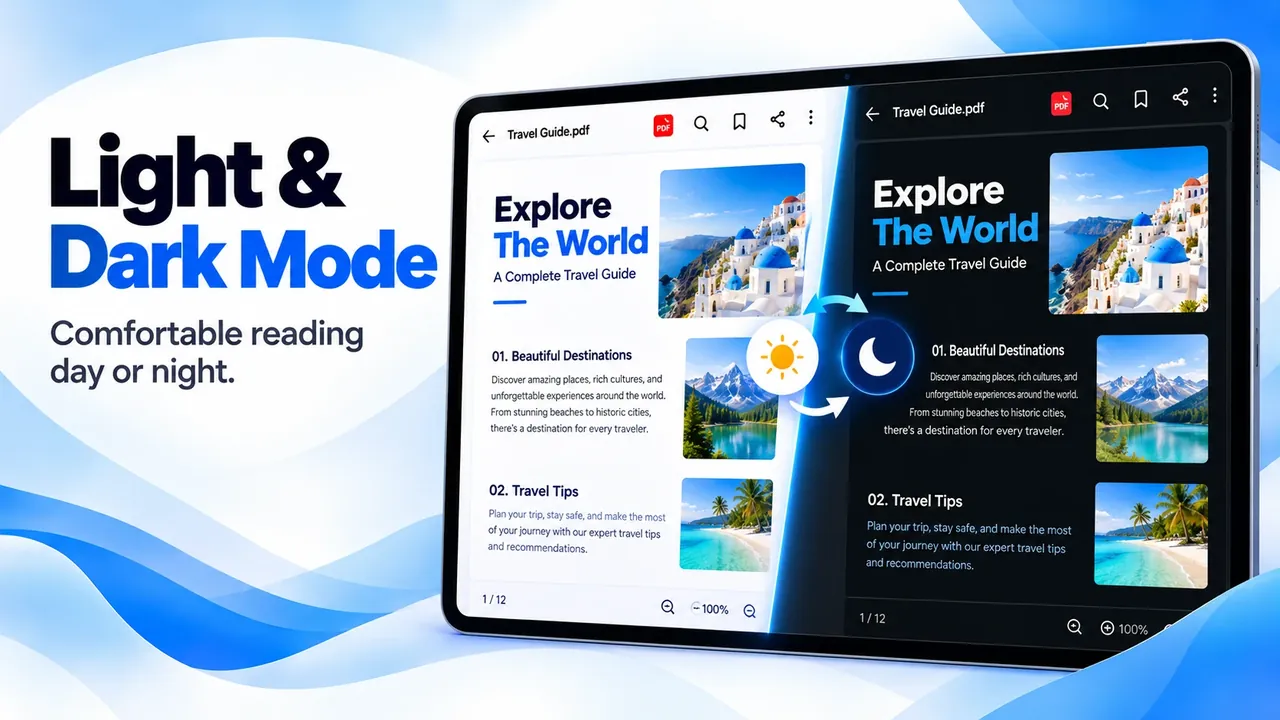
Smooth scrolling, zoom, text search, page thumbnails, dark mode, full screen, and printing.
Open PDFs in a second, highlight and sign documents, read Word, Excel, and PowerPoint files, and convert images to PDF. Everything works offline.
Overview
PDF Reader: PDF Editor, Viewer is a free Android app developed by Elevate Mobile Group LLC and available on Google Play.
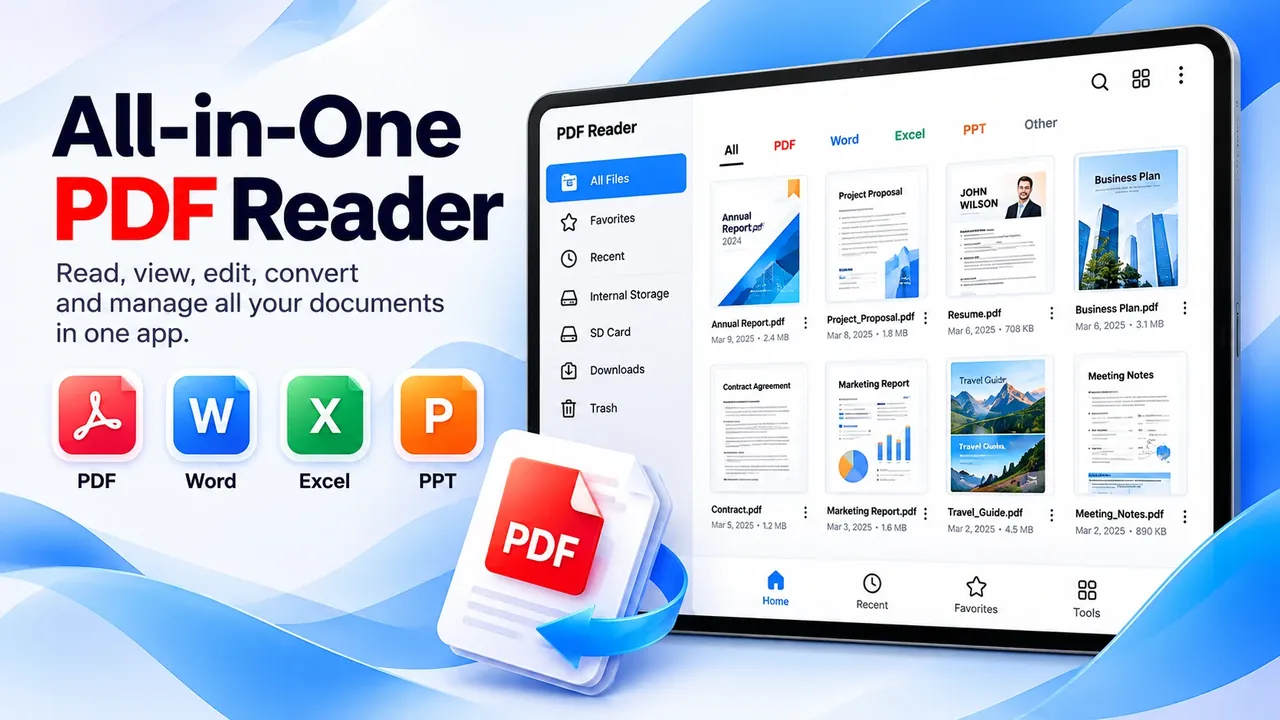
PDF Reader: PDF Editor, Viewer is a fast PDF viewer and document reader for Android. It finds every PDF and office document on your phone, opens them with smooth scrolling and zoom, and lets you search text, jump between pages, and read in dark mode.
Mark up documents the way you would on paper: highlight, underline, add notes, draw, and sign. Convert photos, Word, Excel, and PowerPoint files to PDF, create new documents, and share them when you are ready.
Features
Smooth scrolling, zoom, text search, page thumbnails, dark mode, full screen, and printing.
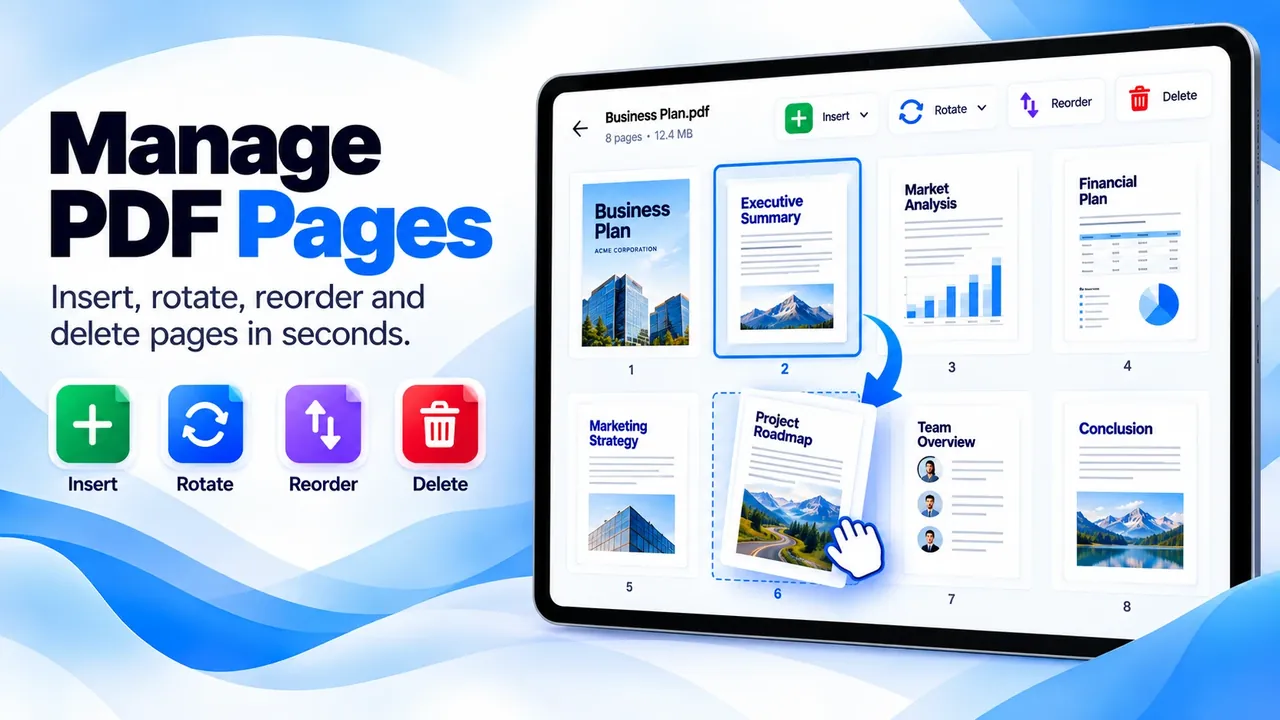
Highlight, underline, add notes, draw with any color, add blank pages, and undo or redo every change.
Draw your signature on any PDF, then save or share the signed file.
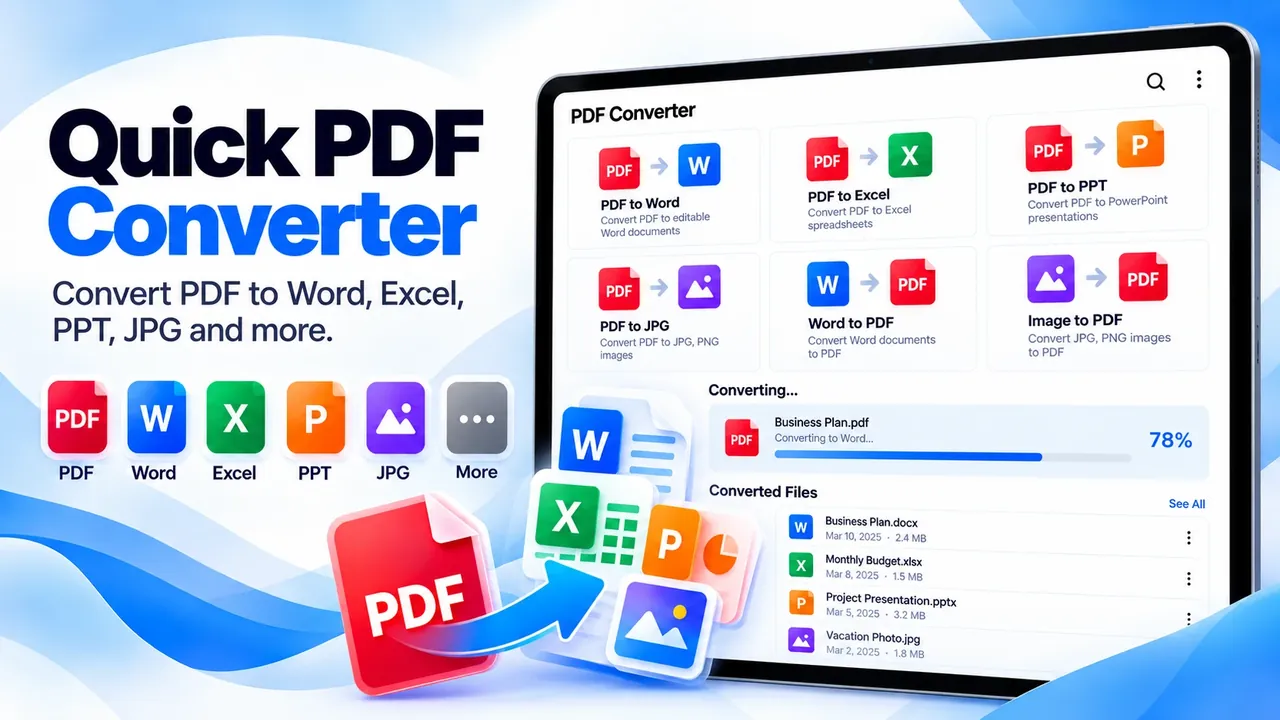
Open DOC, DOCX, XLS, XLSX, PPT, PPTX, TXT, RTF, and CSV files, with a slideshow mode for presentations.
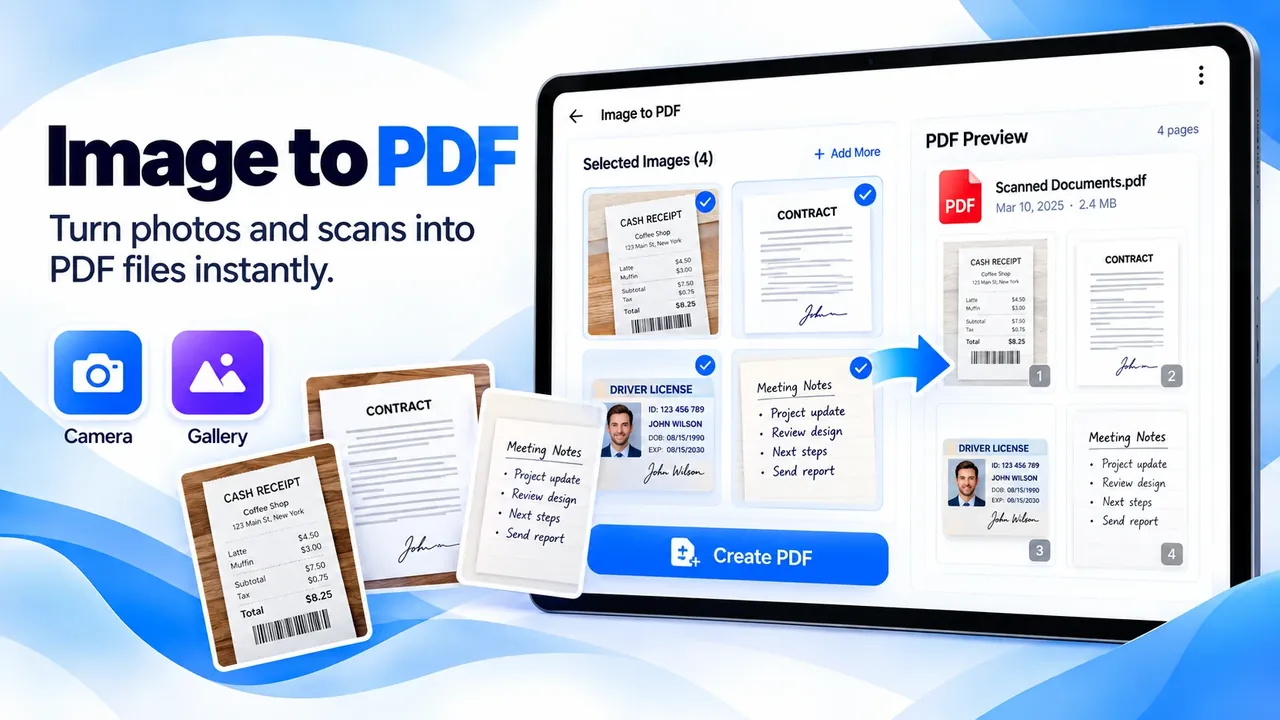
Turn photos, screenshots, and receipts into PDFs and convert Word, Excel, and PowerPoint to PDF.
Files sorted by type, with search, sorting, favorites, recent files, rename, delete, and share.
Screenshots
Official screenshots of PDF Reader: PDF Editor, Viewer for Android.
How it works
Every PDF and document on your phone is listed by type.
Tap a file to read it, or tap Edit to highlight, draw, or sign.
Save your changes, convert to PDF, and share the file.
FAQ
Still need help? Email support@elevatemobilegroup.com or visit support.
Open the app and every PDF on your phone is listed. Tap one to read it in the PDF viewer.
Yes. Reading, editing, and converting documents does not need an internet connection.
Open the PDF, tap Edit, choose the pen, draw your signature, then save.
Yes. The document reader opens Word, Excel, and PowerPoint files and can save them as PDF.
No. Files are opened, edited, and converted on your device and are only shared when you choose to share them.
More from Elevate