Find the popup ad source
Optional live detection uses Usage access to record which app jumped in front of you when a popup appeared.

Random full-screen ads on your home screen or lock screen? Find the installed app that is causing them, reveal hidden apps, and remove the source.
Overview
Popup Ad Detector: App Finder is a free Android app developed by Elevate Mobile Group LLC and available on Google Play.
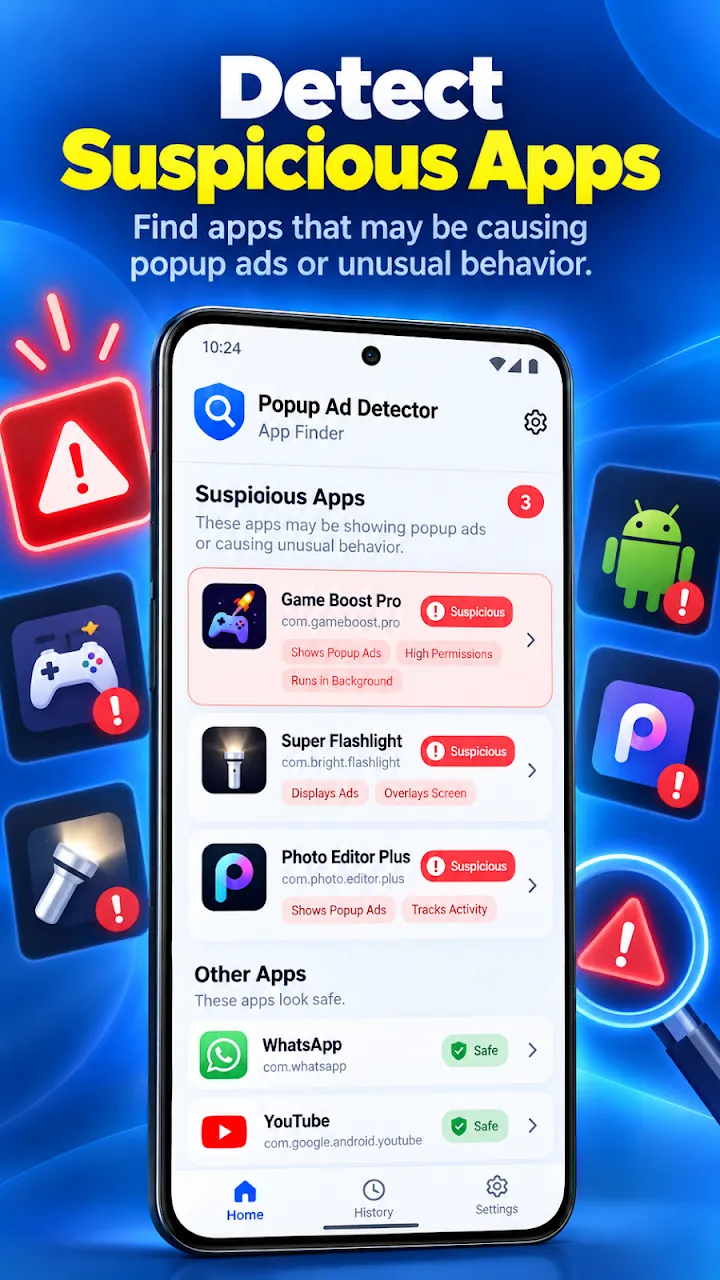
Popup Ad Detector: App Finder helps you identify the installed app that may be showing unwanted popup ads outside the app you are using. Optional live detection notes when an app puts itself in front of what you were doing, so the next surprise ad has a name.
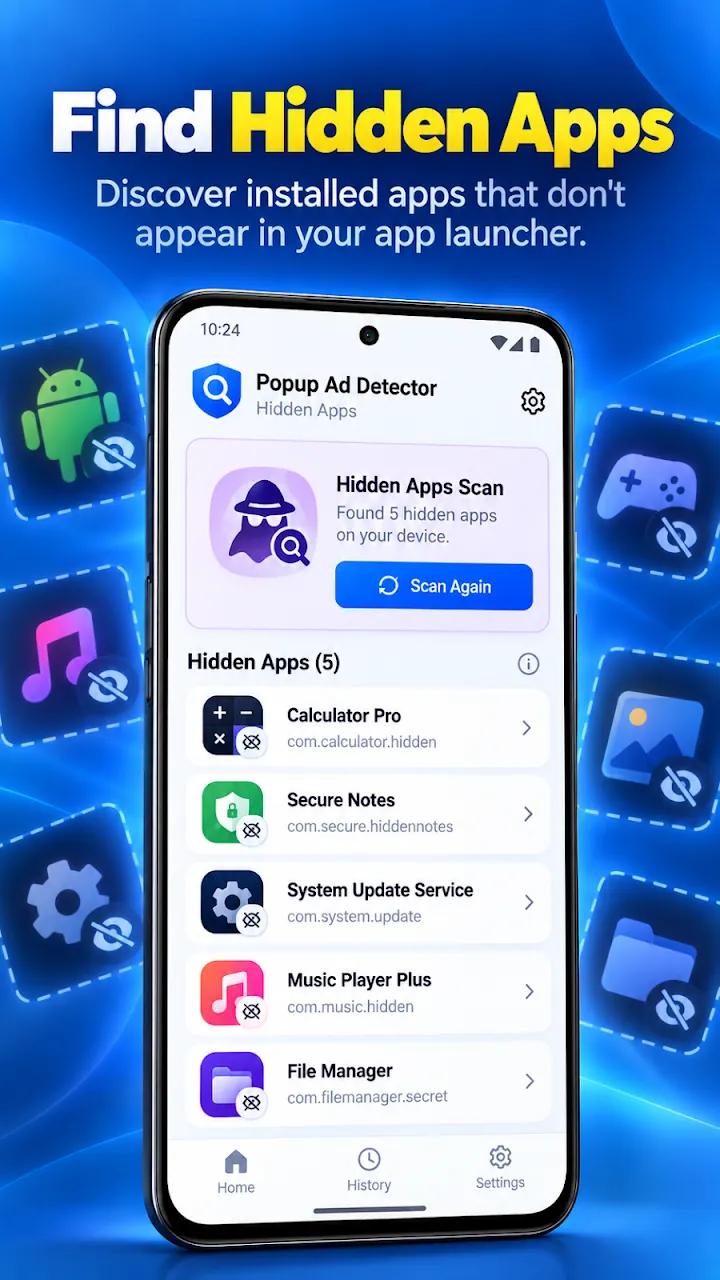
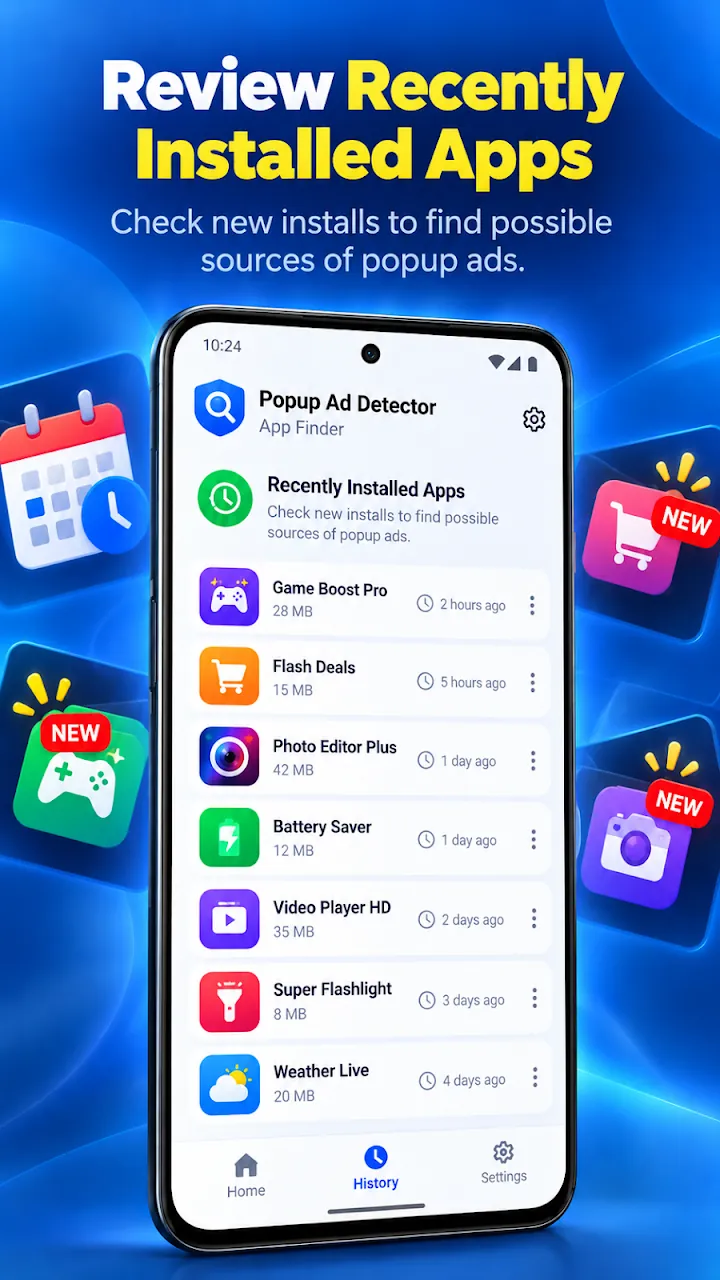
It also reveals apps without a launcher icon, lists apps with powerful permissions such as Display over other apps, Accessibility, Usage access, and Device admin, and sorts apps by install date so you can check what you installed most recently.
Features
Optional live detection uses Usage access to record which app jumped in front of you when a popup appeared.
List installed apps with no launcher icon or a disabled launcher entry, then inspect them before acting.
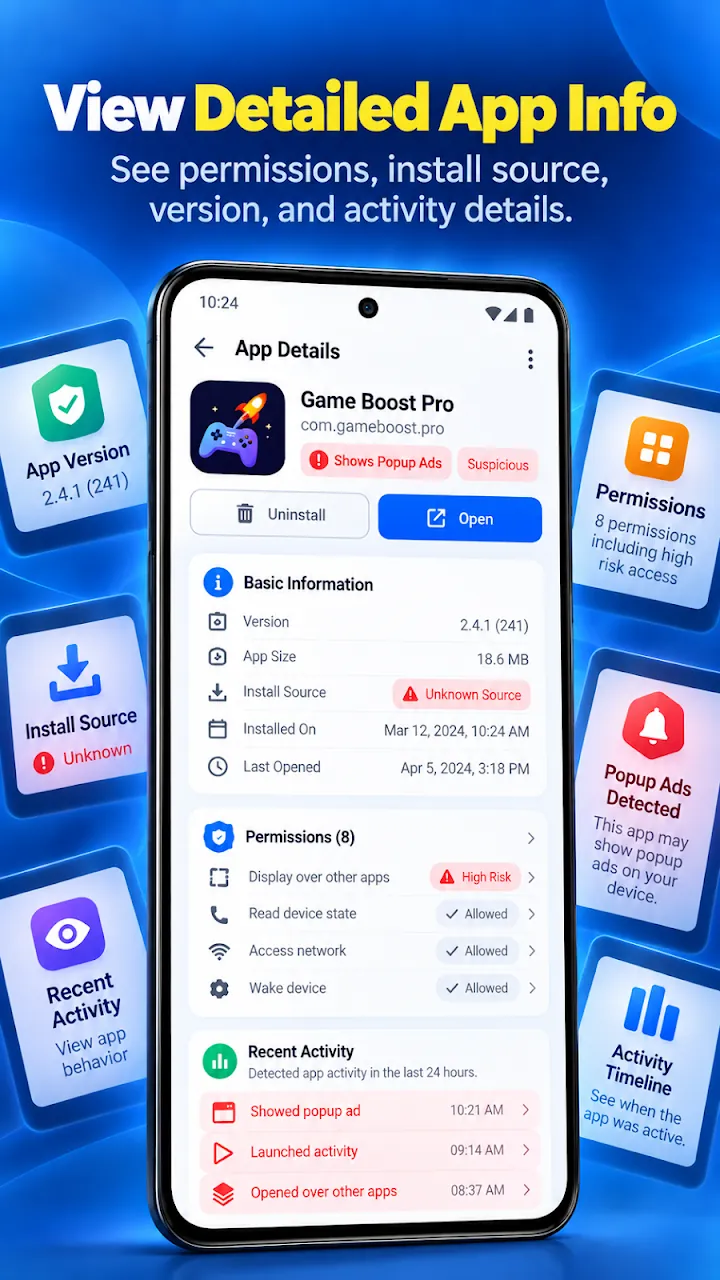
See which apps can draw over other apps or use Accessibility, Usage access, or Device admin.
Sort by install date to check new apps first when popup ads start suddenly.
Every result shows the reasons behind it: hidden launcher status, powerful permissions, install source, and detected popup activity.
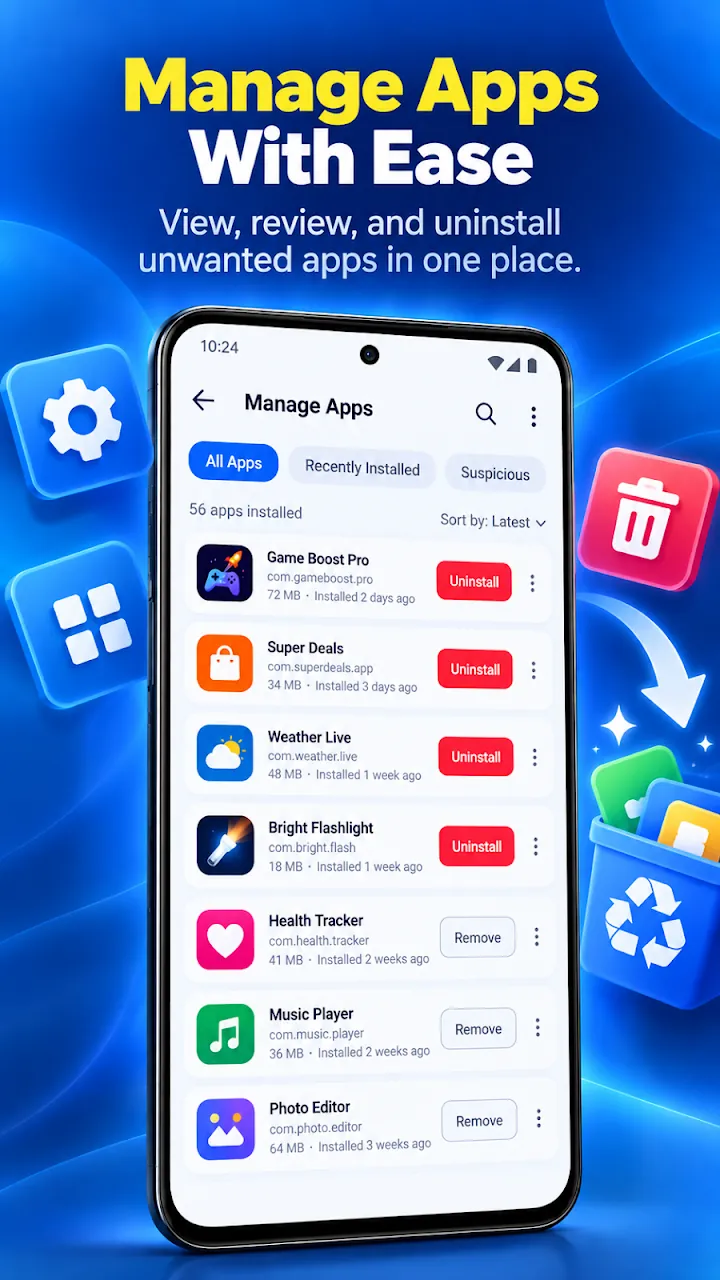
Search apps, open App info, mark trusted apps as safe, and start the standard Android uninstall for apps you no longer want.
Screenshots
Official screenshots of Popup Ad Detector: App Finder for Android.
How it works
Open the app to list hidden apps, powerful permissions, and recent installs.
Optionally grant Usage access so the next popup ad is linked to the app that caused it.
Check the risk details, mark trusted apps as safe, and uninstall the source.
FAQ
Still need help? Email support@elevatemobilegroup.com or visit support.
Turn on live detection in Popup Ad Detector. When a full-screen ad appears outside the app you are using, the app that came to the front is recorded so you can review and uninstall it.
No. Some Android system apps and background services have no launcher icon. Always review the details shown before removing anything.
No. App analysis runs on your phone and your installed-app list is not uploaded to us.
Yes. Live detection uses Android's Usage access permission, which you grant in Settings and can turn off at any time.
No. It opens Android's standard uninstall screen and you confirm every removal yourself.
More from Elevate