Automatic game mode
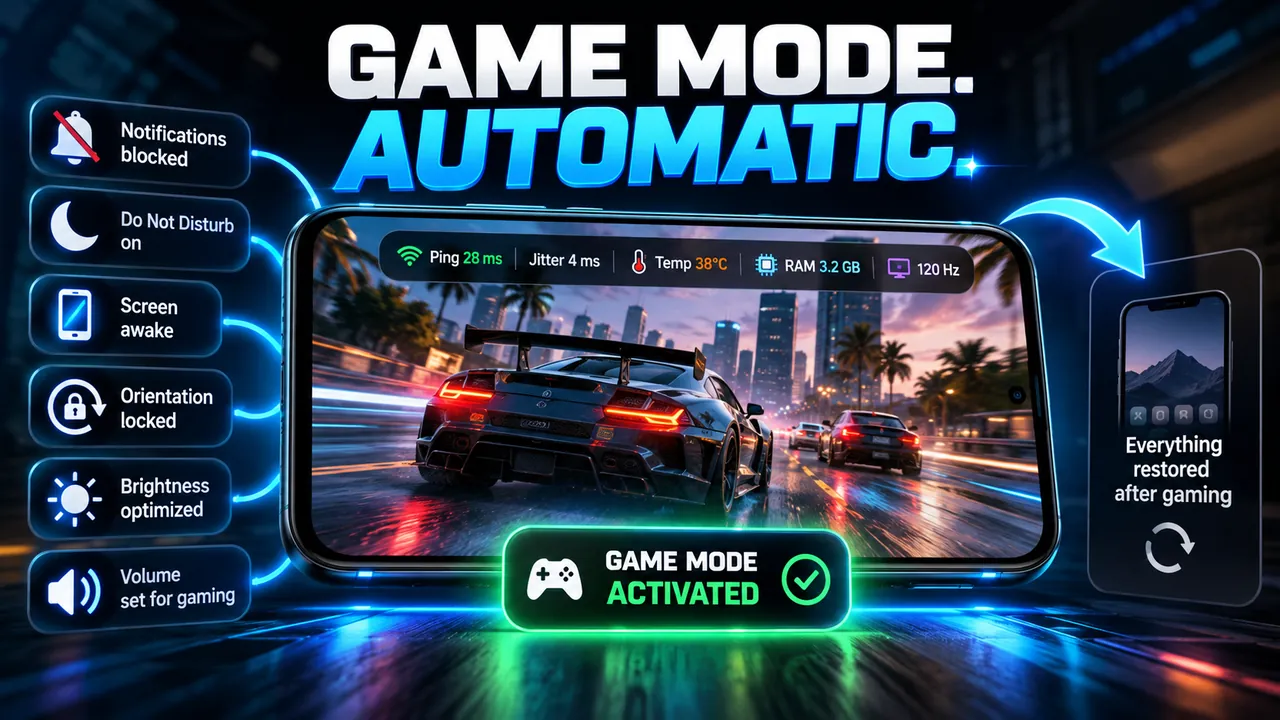
Blocks notifications with Do Not Disturb, keeps the screen awake, locks orientation, and restores everything when the game closes.

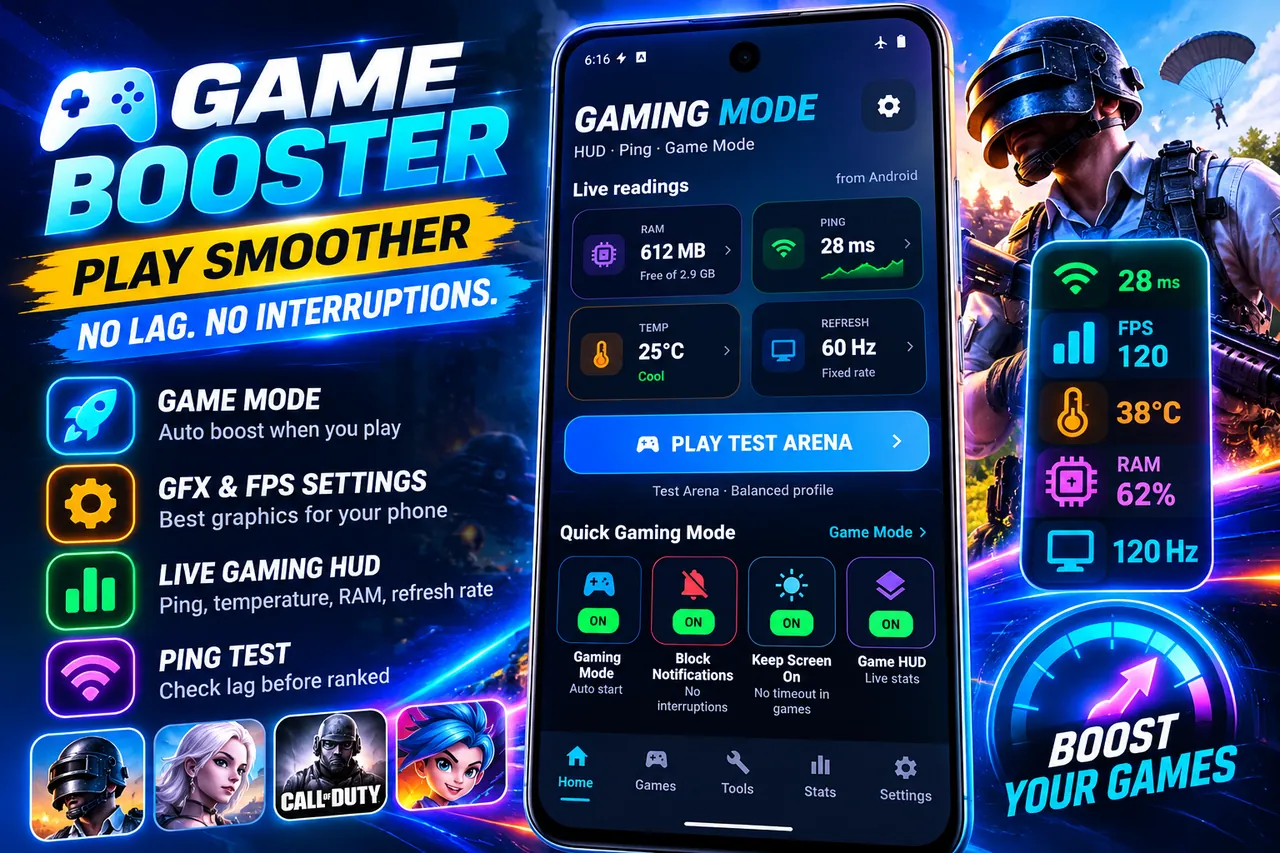
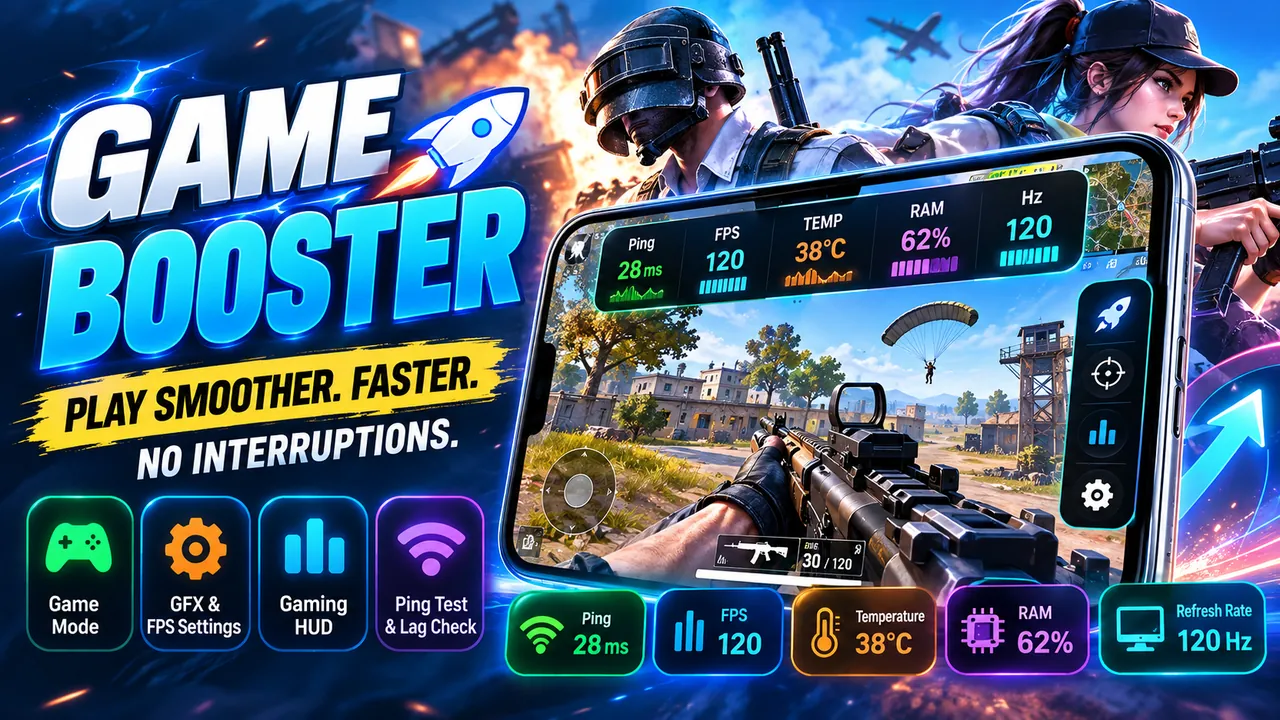
Automatic game mode, GFX settings per game, and a gaming HUD that shows real ping, temperature, and RAM. No fake boosts.
Overview
Game Booster: FPS & GFX Tool is a free Android app developed by Elevate Mobile Group LLC and available on Google Play.
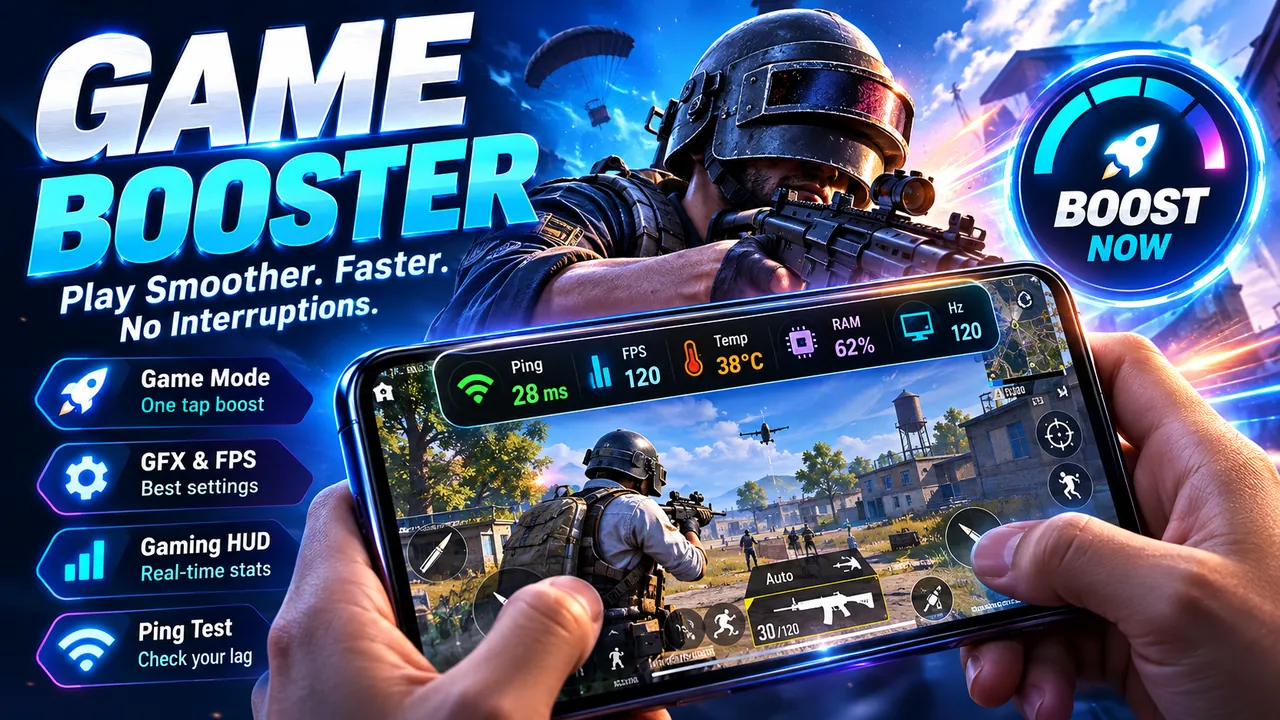
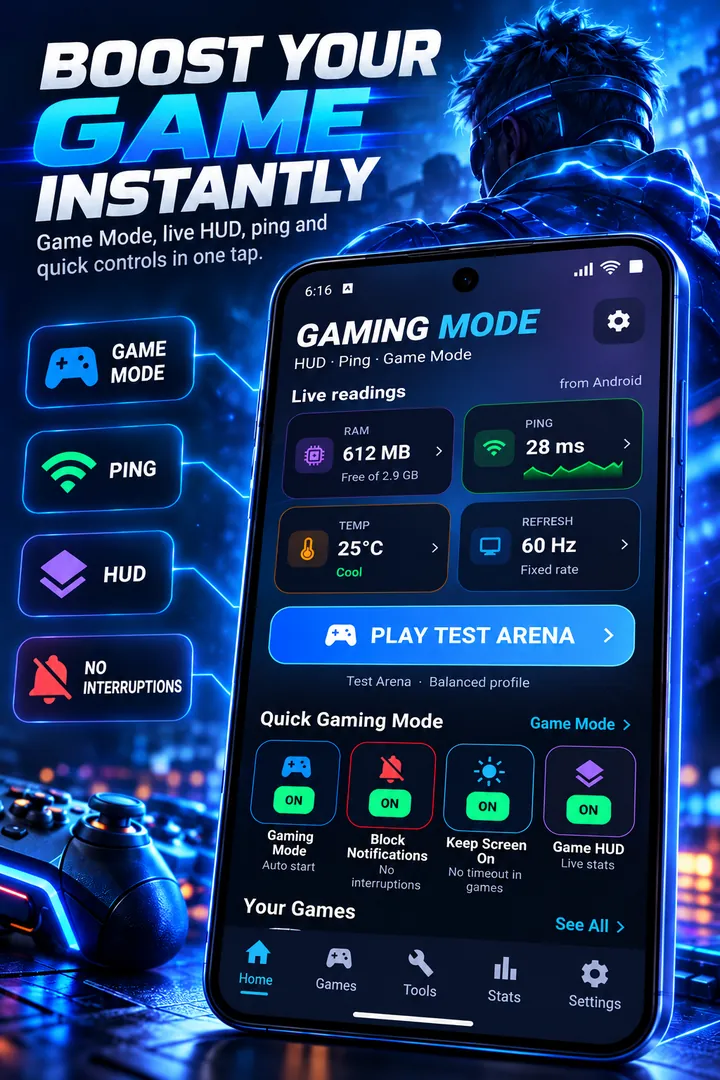
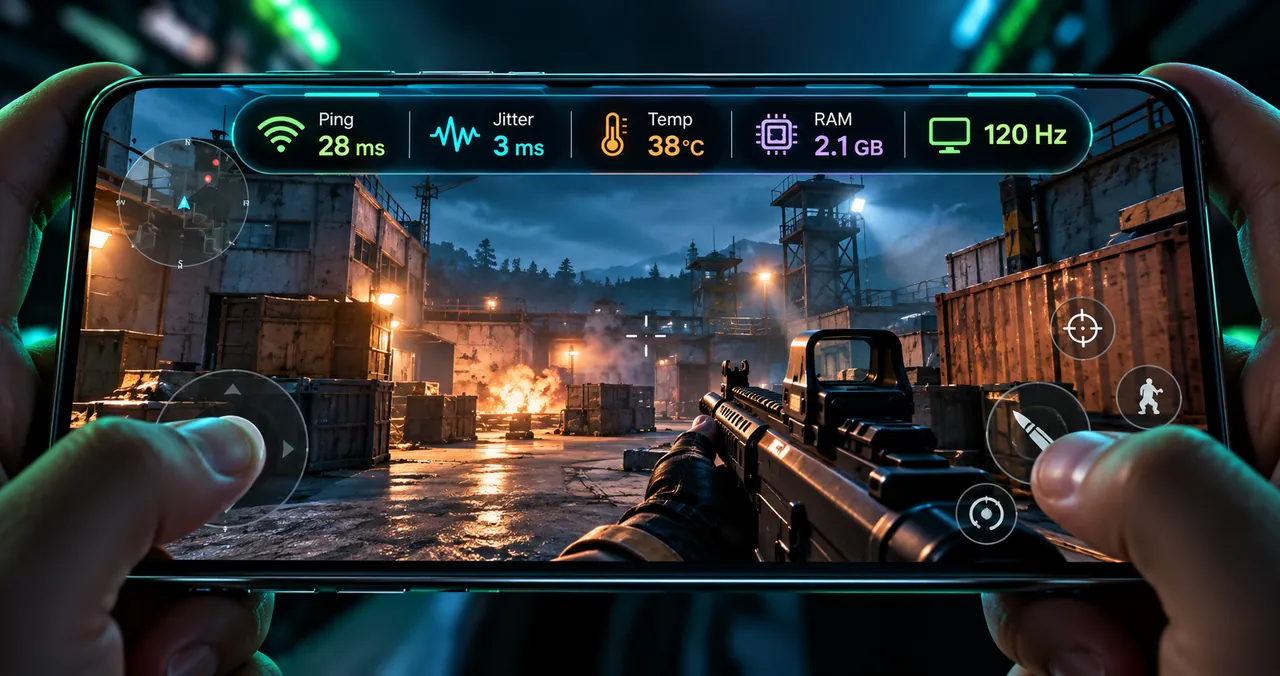
Game Booster: FPS & GFX Tool turns on game mode when you start playing, recommends graphics and frame-rate settings for your phone, and shows live ping, temperature, free RAM, and refresh rate in a floating HUD.
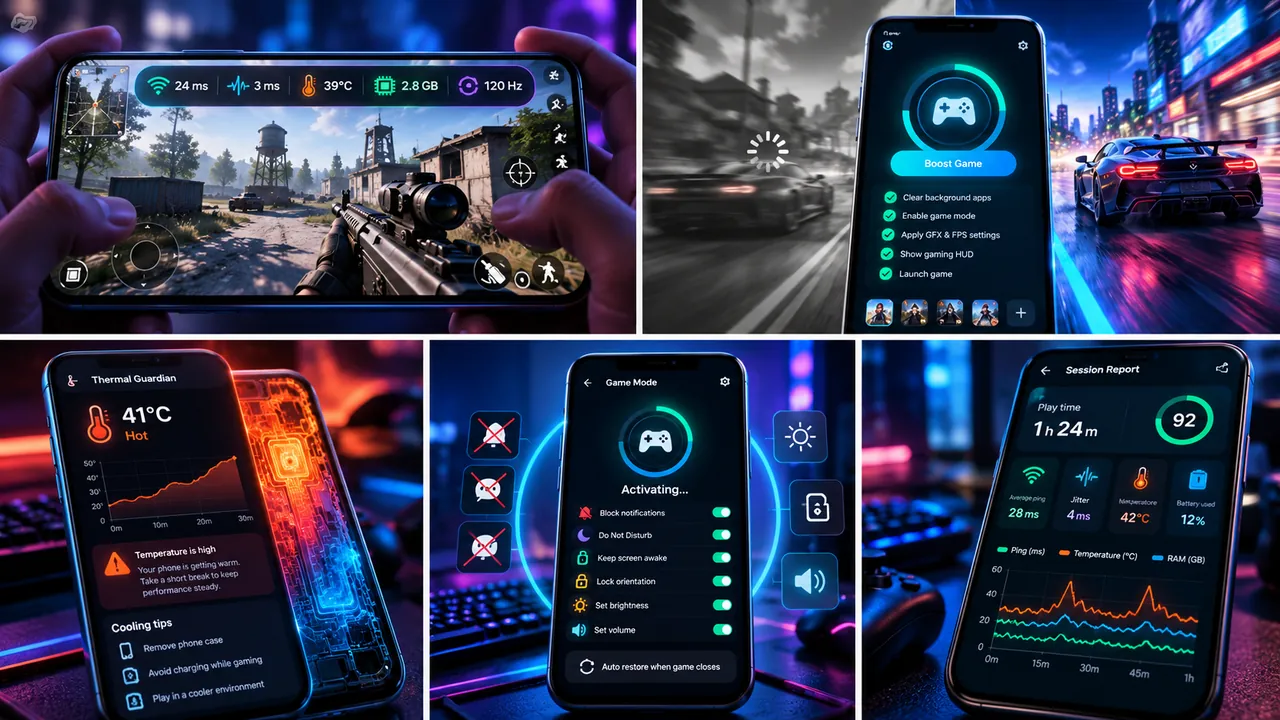
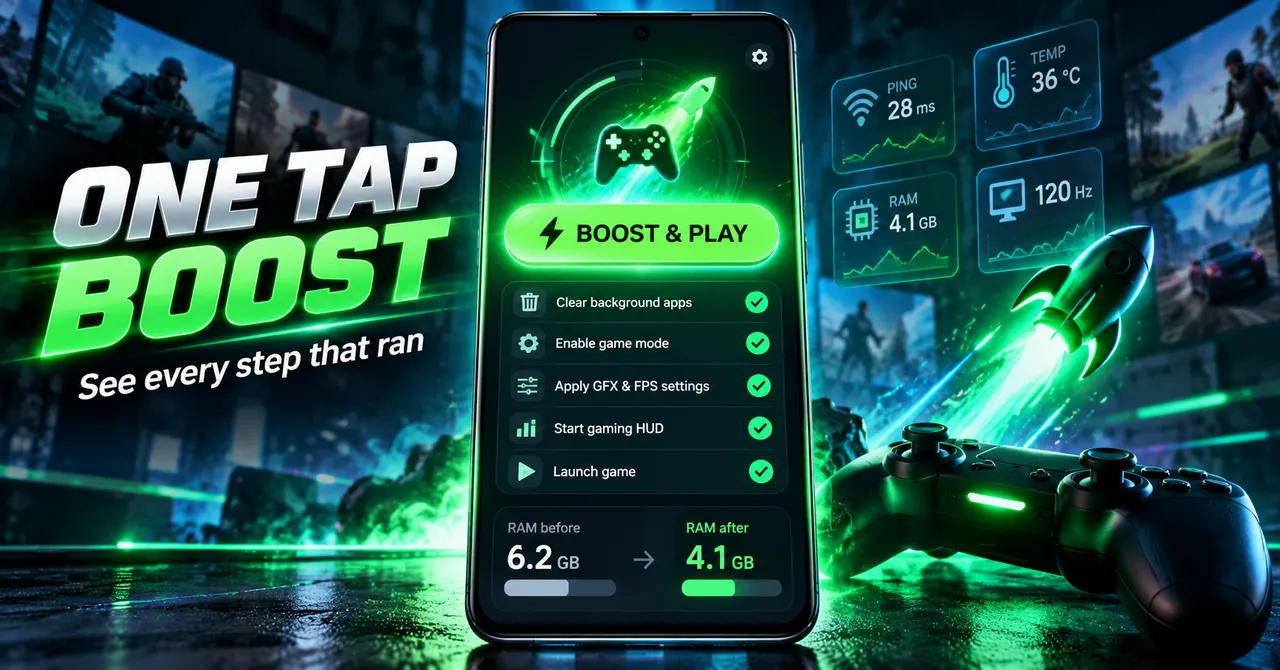
Instead of promising impossible speed-ups, it shows a checklist of every step that actually ran, with RAM measured before and after. After each session you get a report with play time, average ping, lag spikes, and peak temperature.
Features
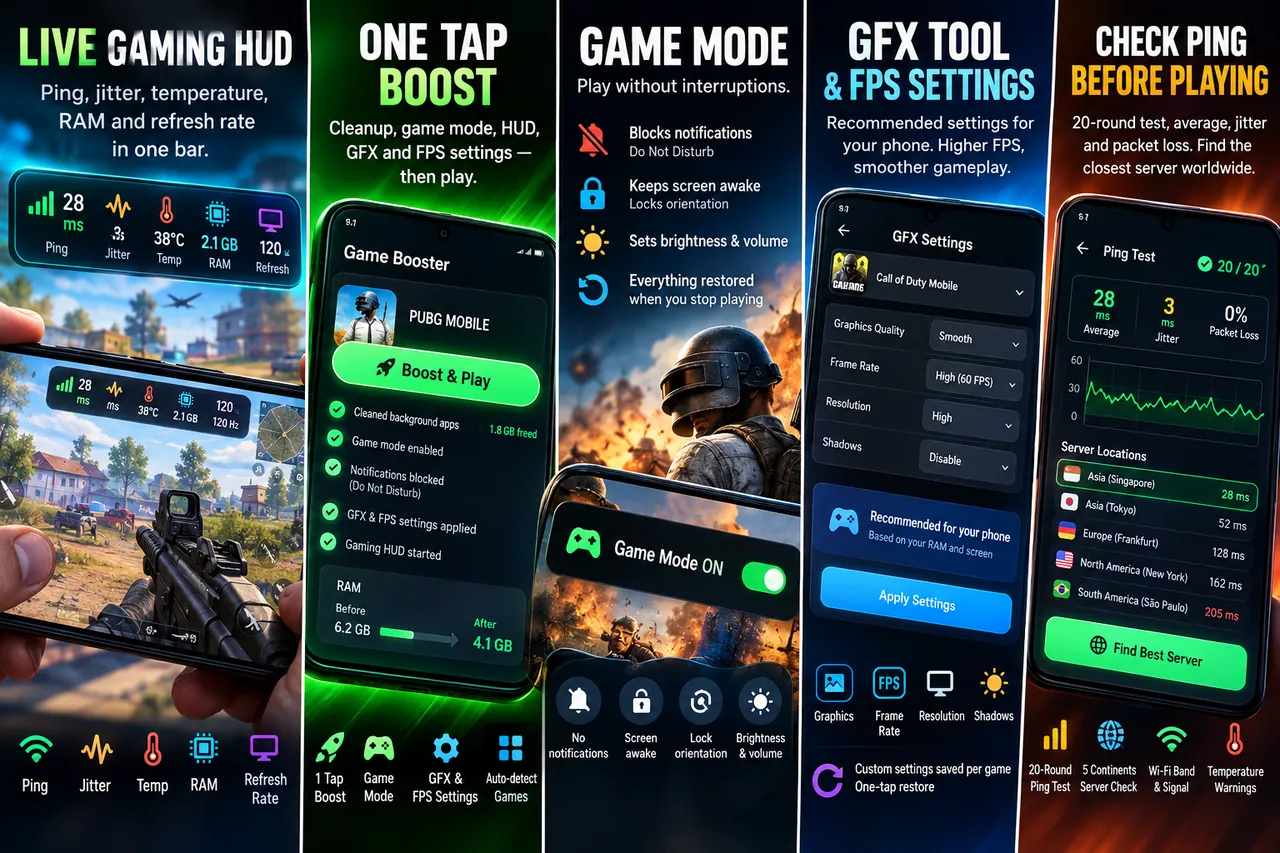
Blocks notifications with Do Not Disturb, keeps the screen awake, locks orientation, and restores everything when the game closes.
Recommended graphics, frame rate, resolution, and shadows for your phone's RAM and screen, saved per game.
A floating overlay with ping, temperature, free RAM, and refresh rate. Choose fields, size, position, and transparency.
A 20-round ping test with average, jitter, and packet loss, plus latency to cloud regions on five continents.
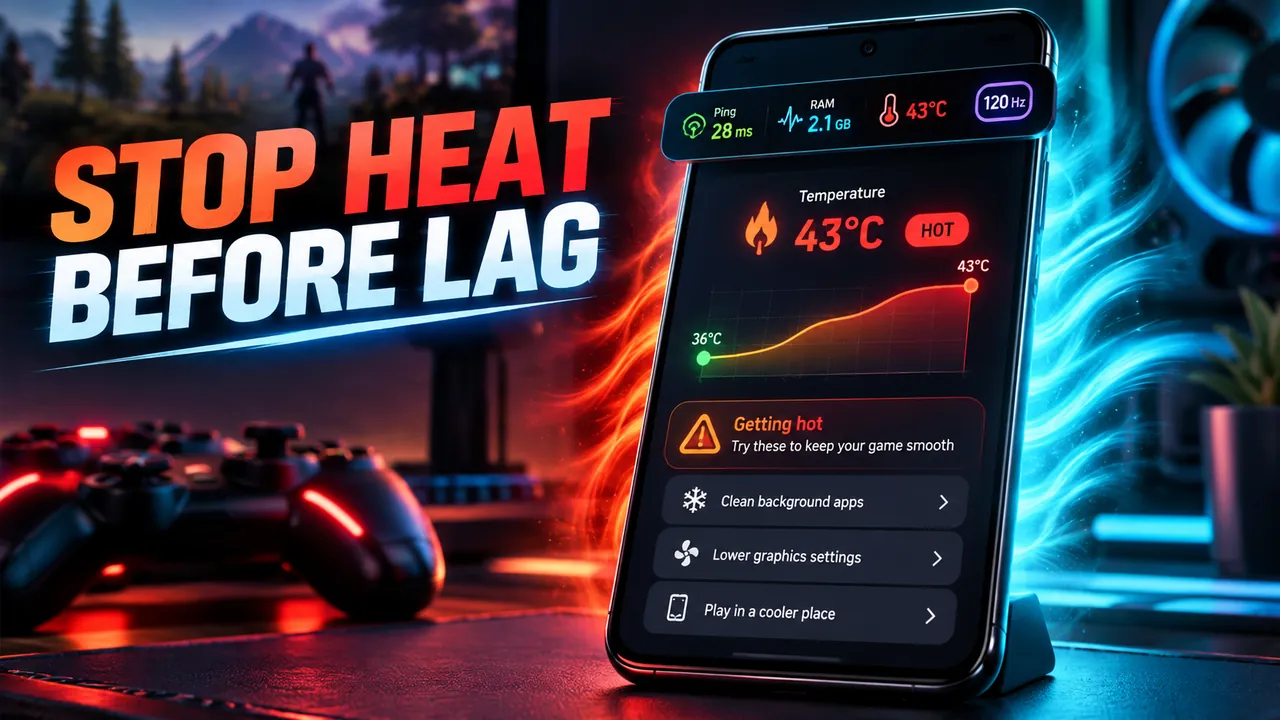
Cool, warm, or hot status from the battery sensor, with warnings and tips when the phone heats up mid-game.
Play time, average ping, lag spikes, max temperature, battery used, and a stability score after every game.
Screenshots
Official screenshots of Game Booster: FPS & GFX Tool for Android.

How it works
Installed games are found automatically. Add any other app by hand.
Cleanup, game mode, and the HUD start in one tap, with a checklist of what really ran.
See live stats while you play and a session report when you finish.
FAQ
Still need help? Email support@elevatemobilegroup.com or visit support.
No app can make a game render faster than your phone allows. Game Booster shows real FPS in Advanced mode, recommends settings, and lets you cap FPS to keep it steady.
Run the 20-round ping test to see average ping, jitter, and packet loss, and compare latency to game server regions.
It is usually heat. Session reports show when temperature rises and when ping spikes so you can see the pattern.
No. Advanced mode can optionally use Shizuku for real FPS and per-game FPS caps on Android 13 and later, and it asks for your consent first.
Allow Do Not Disturb access once. Game mode then silences notifications while a game is open and restores your settings afterwards.
More from Elevate