Beauty selfie camera
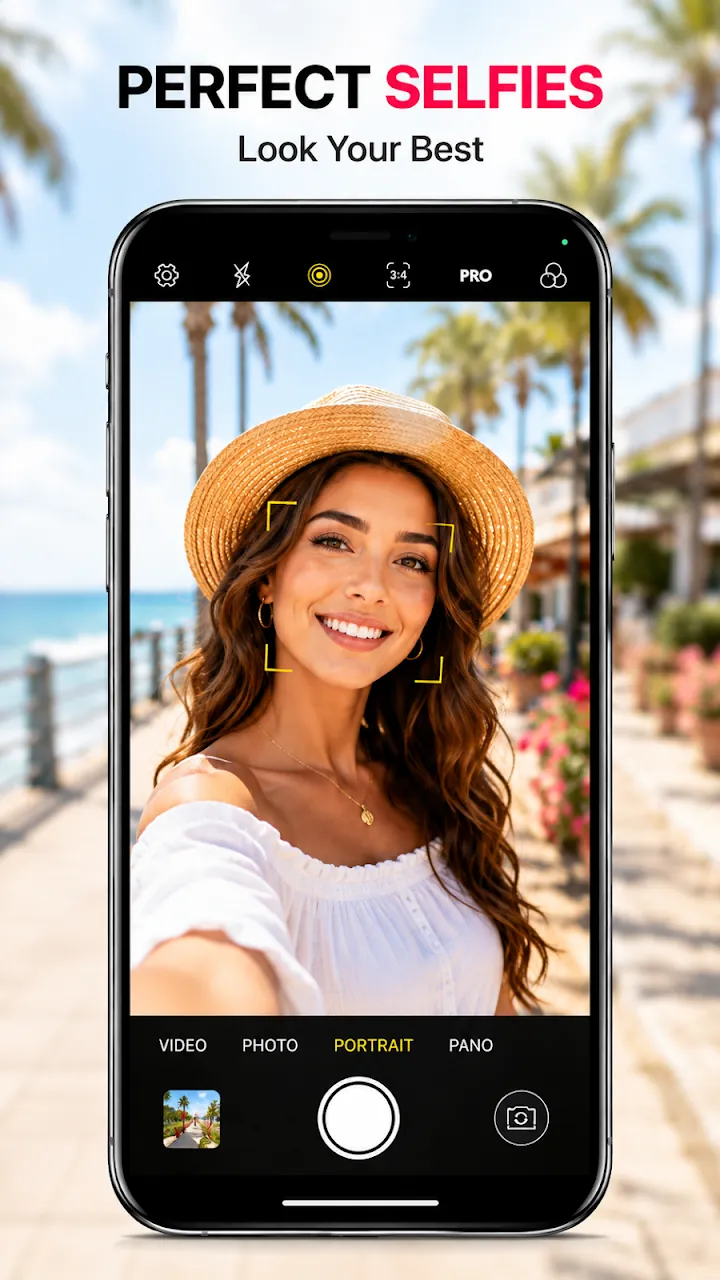
Smooth skin, even tone, and subtle face adjustments previewed live, with mirror selfie and timer.
An iOS style camera for Android: natural beauty selfies, 4K video, Live Photo, 100+ filters, and pro manual controls in one lightweight app.
Overview
HD Camera – 4K & Live Photo is a free Android app developed by Elevate Mobile Group LLC and available on Google Play.
HD Camera – 4K & Live Photo turns your Android phone into a camera that looks and feels like iOS. Take natural beauty selfies, sharp HD photos with HDR and anti-flicker, and 4K or Full HD video on supported devices.
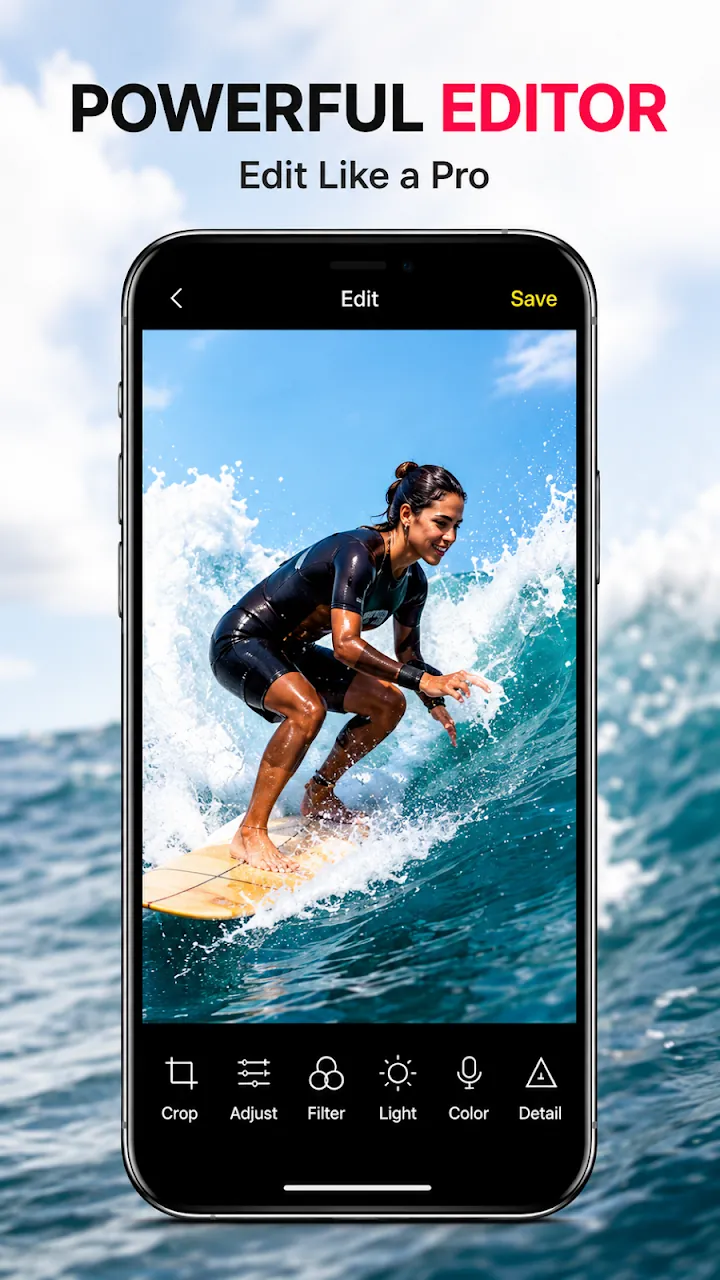
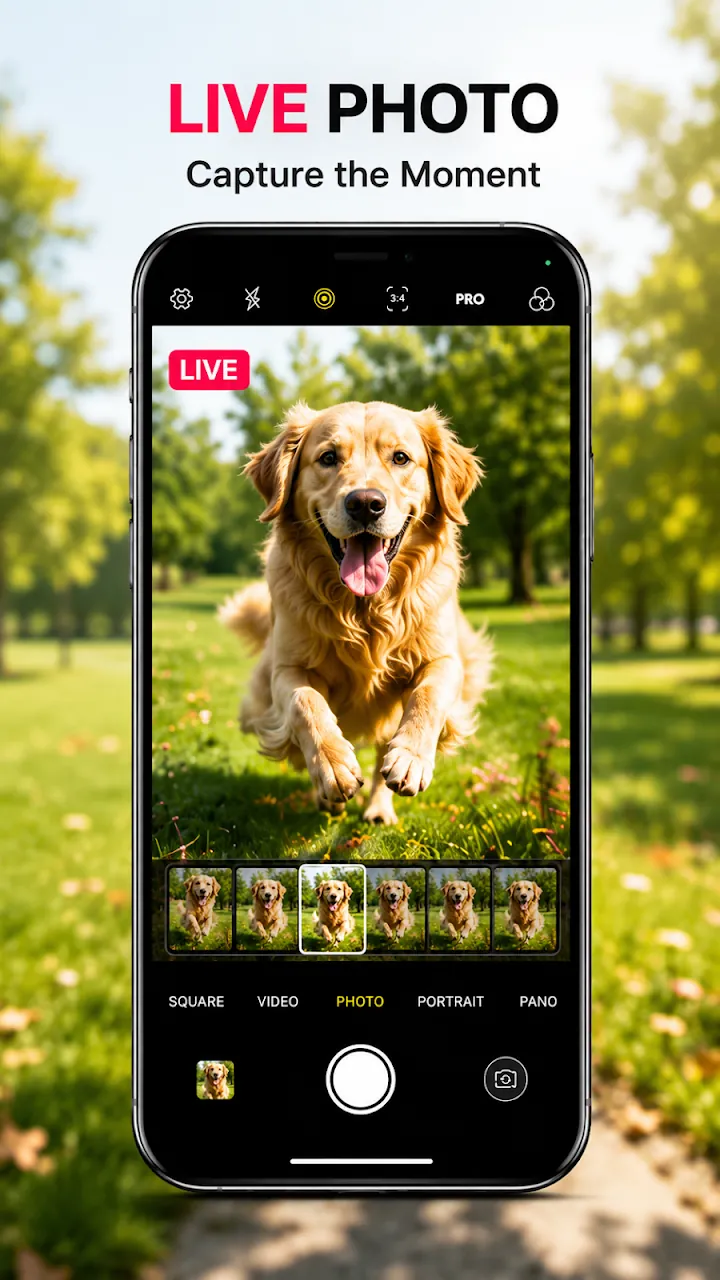
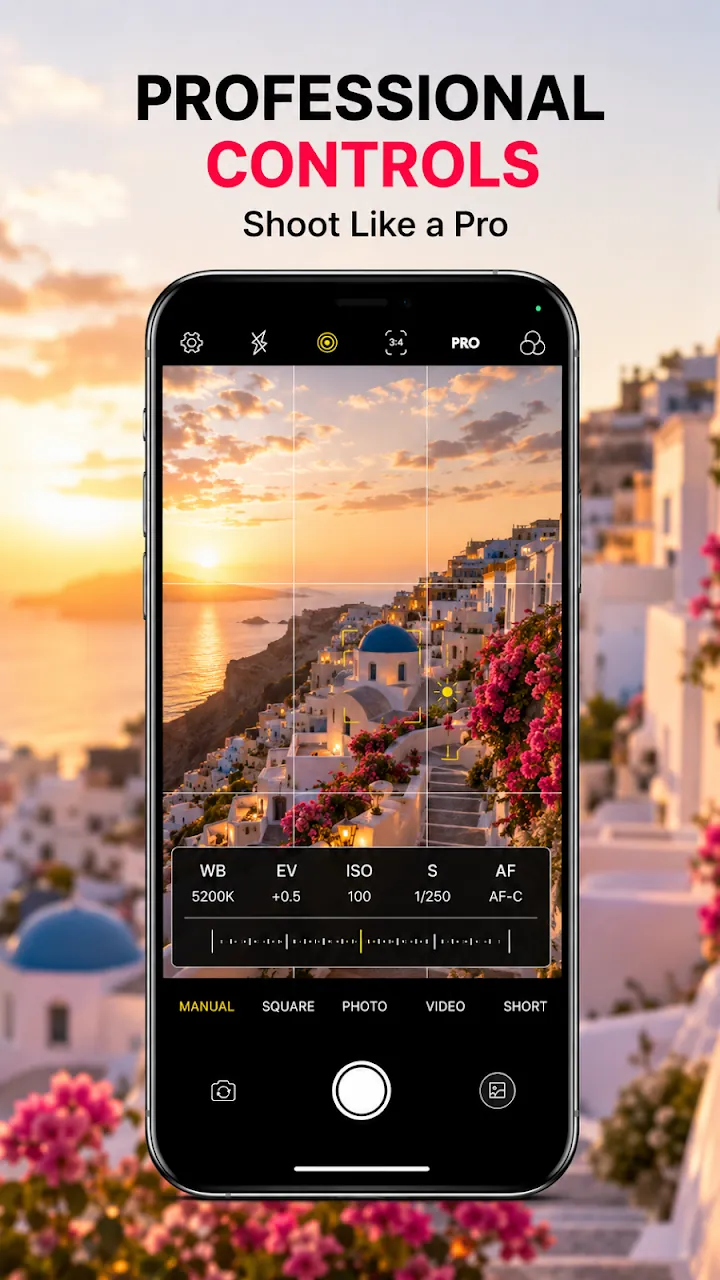
Live Photo captures the seconds before and after every shot. Pro manual mode gives you ISO, shutter, exposure, focus, and white balance, and the built-in editor adds 100+ filters, crop, adjustments, stickers, and text.
Features
Smooth skin, even tone, and subtle face adjustments previewed live, with mirror selfie and timer.
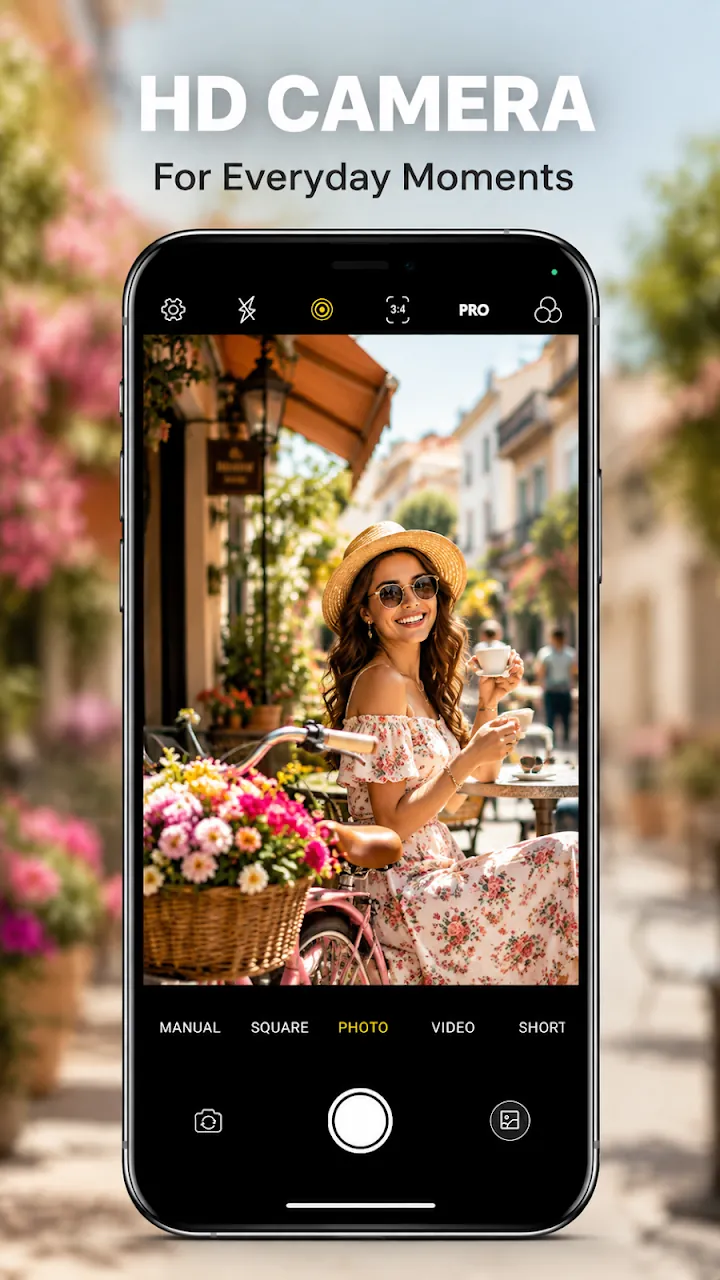
High-resolution capture with HDR, auto focus, anti-flicker, grid, level, and a volume-key shutter.
Capture the moments before and after each shot and replay them by pressing and holding in the gallery.
4K and Full HD recording on supported devices, short video mode, pause and resume, and stabilization.
ISO, shutter, exposure compensation, manual focus, white balance, night scene, tilt-shift, and vignette.
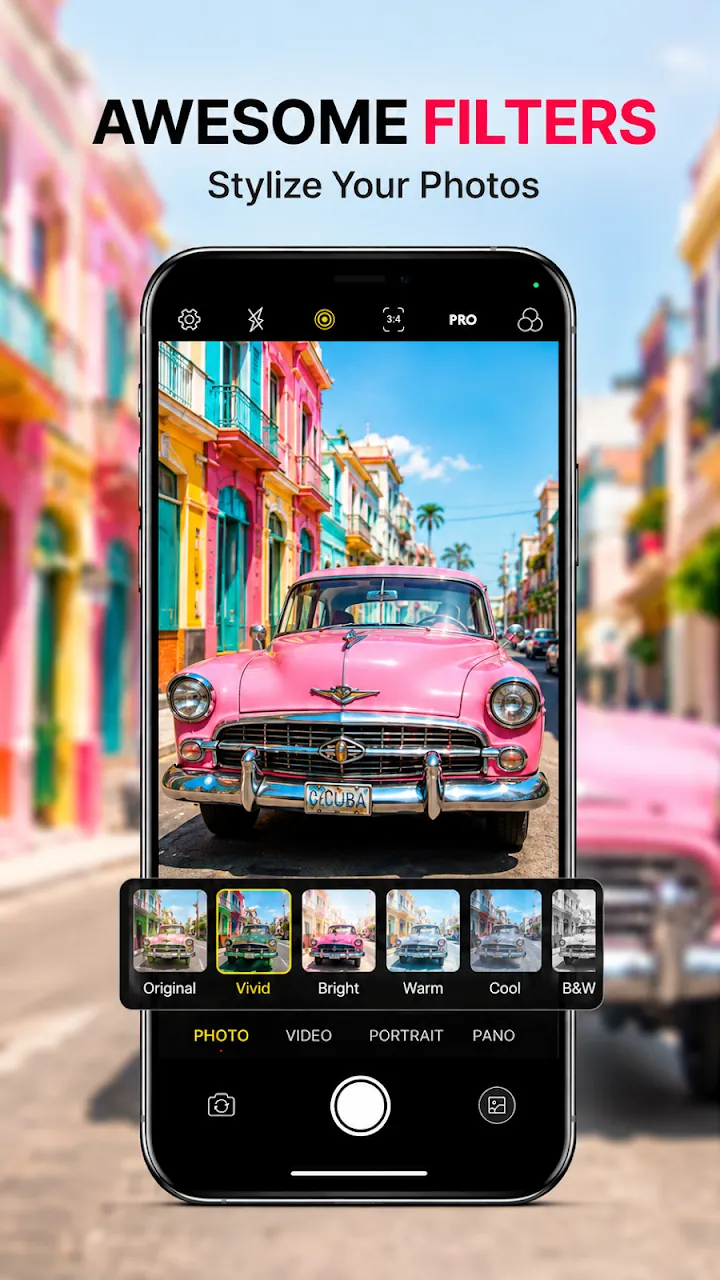
Film, vintage, cinematic, and black and white filters, plus crop, rotate, adjust, stickers, text, and doodle.
Screenshots
Official screenshots of HD Camera – 4K & Live Photo for Android.
How it works
Swipe between Photo, Square, Manual, Video, Short Video, and Food modes.
Use beauty, Live Photo, filters, or pro controls as you capture.
Fine-tune in the editor and share to your favorite apps.
FAQ
Still need help? Email support@elevatemobilegroup.com or visit support.
Yes, on devices whose camera hardware supports 4K. Other devices record in Full HD.
Live Photo saves the seconds before and after you take a picture. Press and hold the photo in the gallery to replay the moment.
No account is needed to take, edit, and save photos.
Photos and videos are saved straight to your phone's gallery.
Pro removes ads and unlocks every filter.
More from Elevate