Photo gallery by date
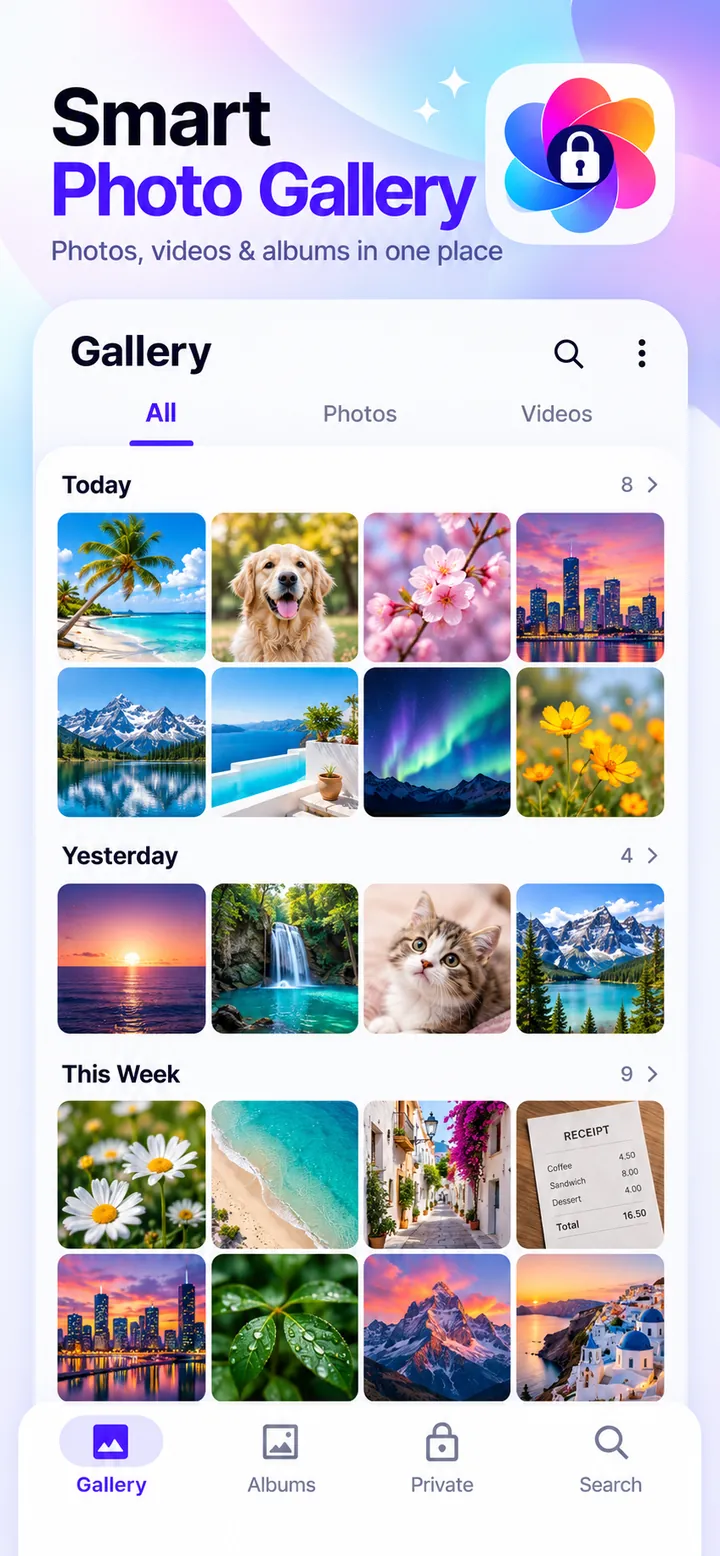
All photos and videos in one fast grid grouped by day and month, with 2 to 6 columns and support for JPG, PNG, HEIC, GIF, and WebP.

A fast photo gallery with albums and a locked photo vault for private pictures. Find any photo in seconds and hide the ones that are nobody else's business.
Overview
Gallery: Photos, Album & Vault is a free Android app developed by Elevate Mobile Group LLC and available on Google Play.
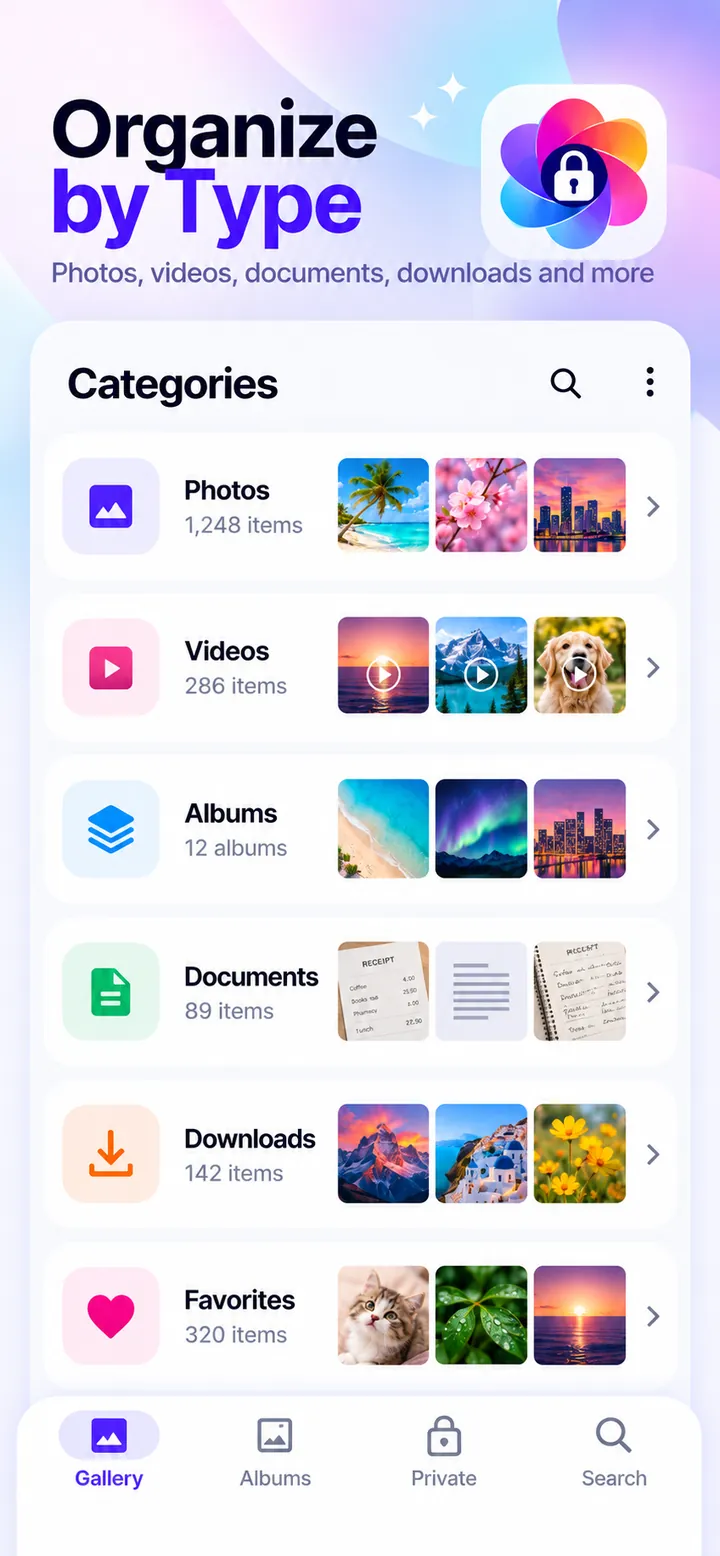
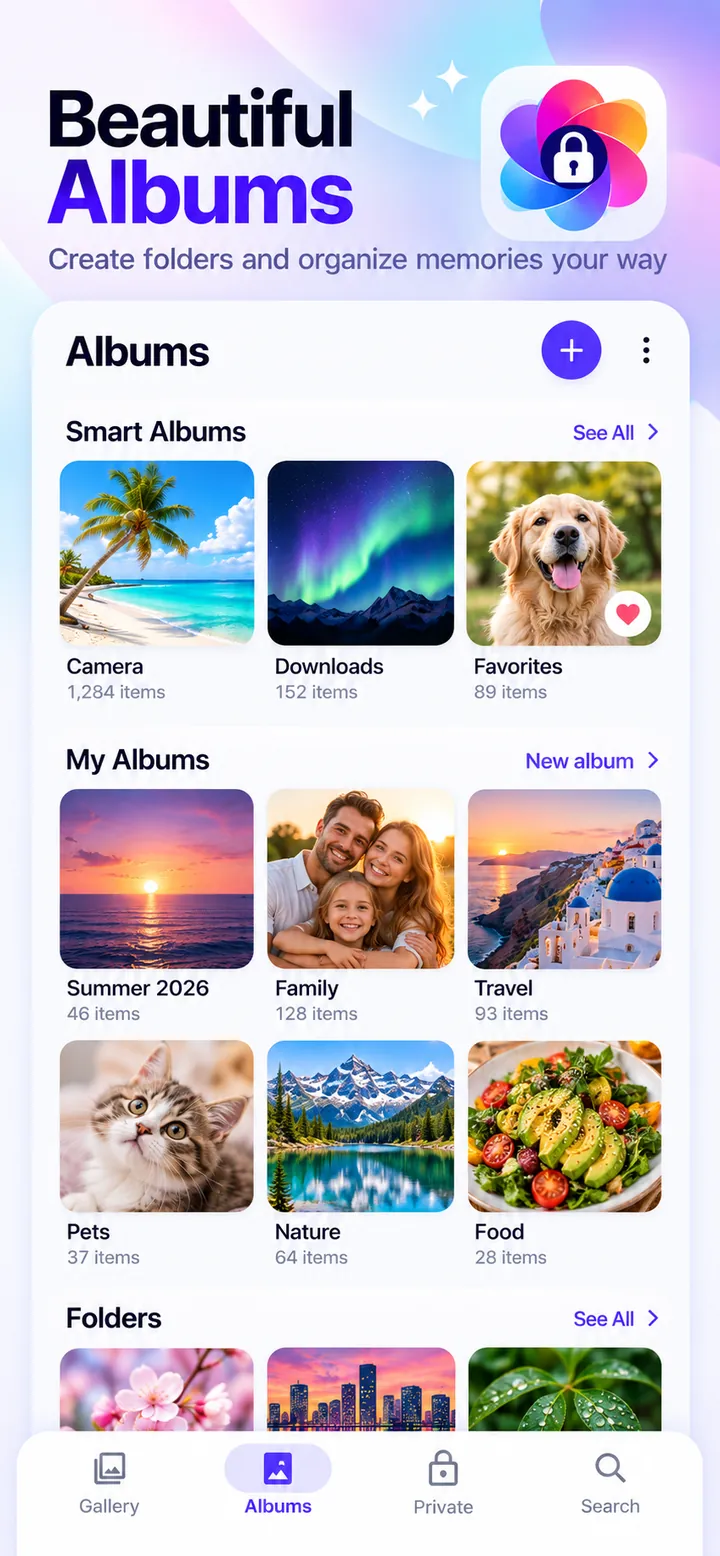
Gallery: Photos, Album & Vault shows every photo and video on your Android phone in one fast grid, grouped by day and month. Every folder becomes an album, smart albums sort selfies, people, documents, places, large files, and screen recordings on your phone, and Recently Deleted keeps removed photos for 30 days.
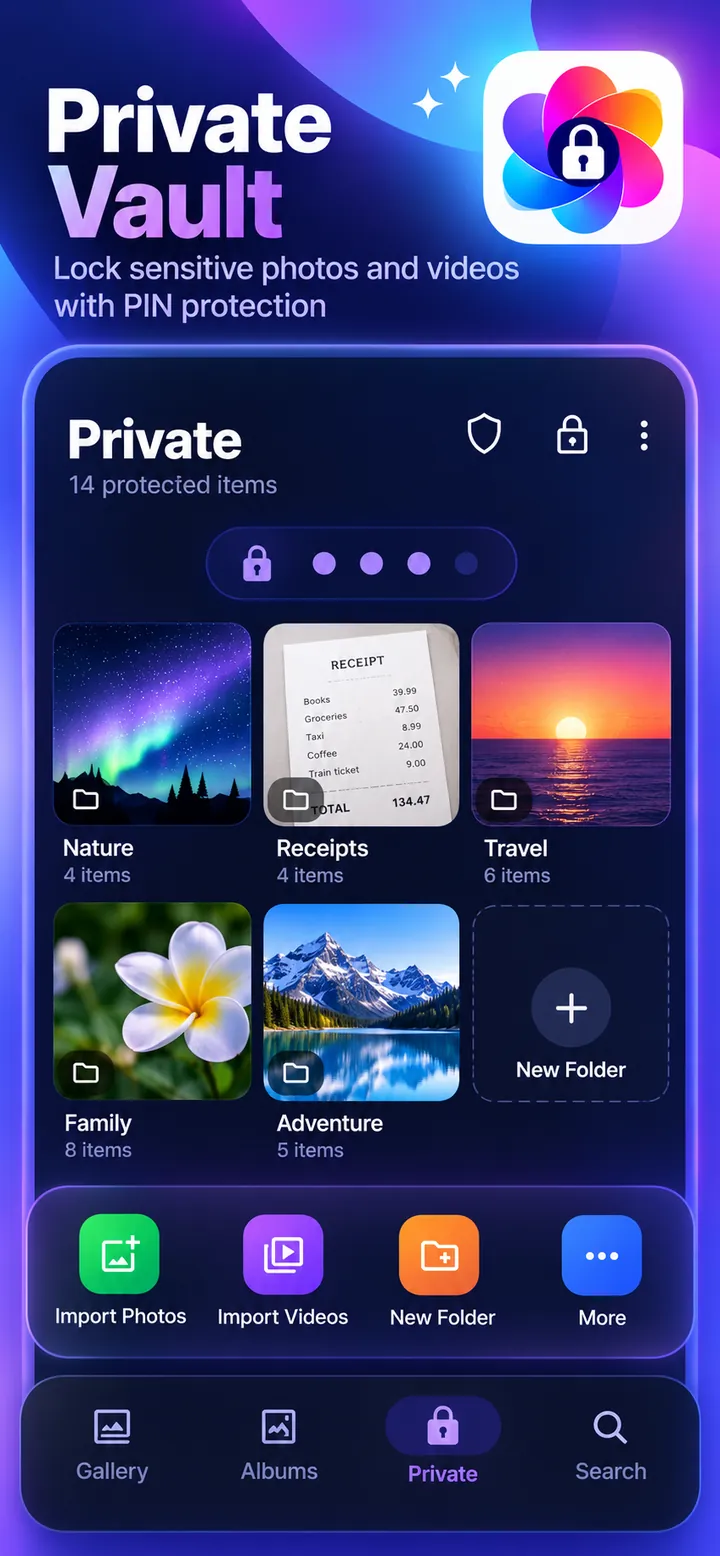
Private photos and videos move into a vault that is encrypted with AES-256 on your device and opens with a PIN or your fingerprint. A decoy PIN, an optional calculator icon, and encrypted backups to a folder or file you choose keep hidden pictures safe, even when you switch phones.
Features
All photos and videos in one fast grid grouped by day and month, with 2 to 6 columns and support for JPG, PNG, HEIC, GIF, and WebP.
Every folder is an album. Create, pin, rename, hide, and sort albums, with smart albums for selfies, people, documents, and places.
Hide photos and videos in a vault encrypted with AES-256 on your phone, unlocked with a 4- or 6-digit PIN or your fingerprint.
A second PIN opens a separate decoy vault, and an optional calculator icon hides the app in plain sight.
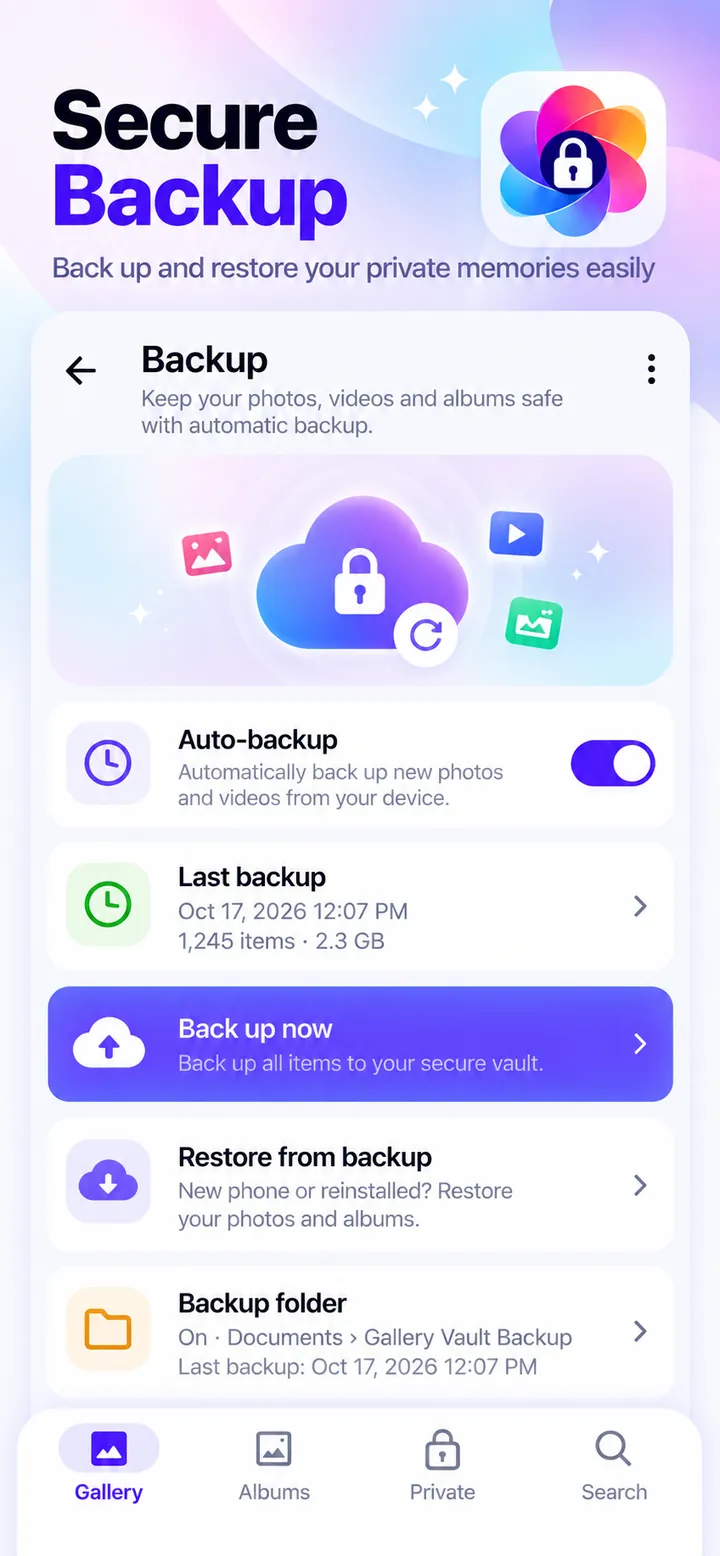
Keep an encrypted copy of your vault in a folder you choose, or save one password-protected backup file for a new phone.
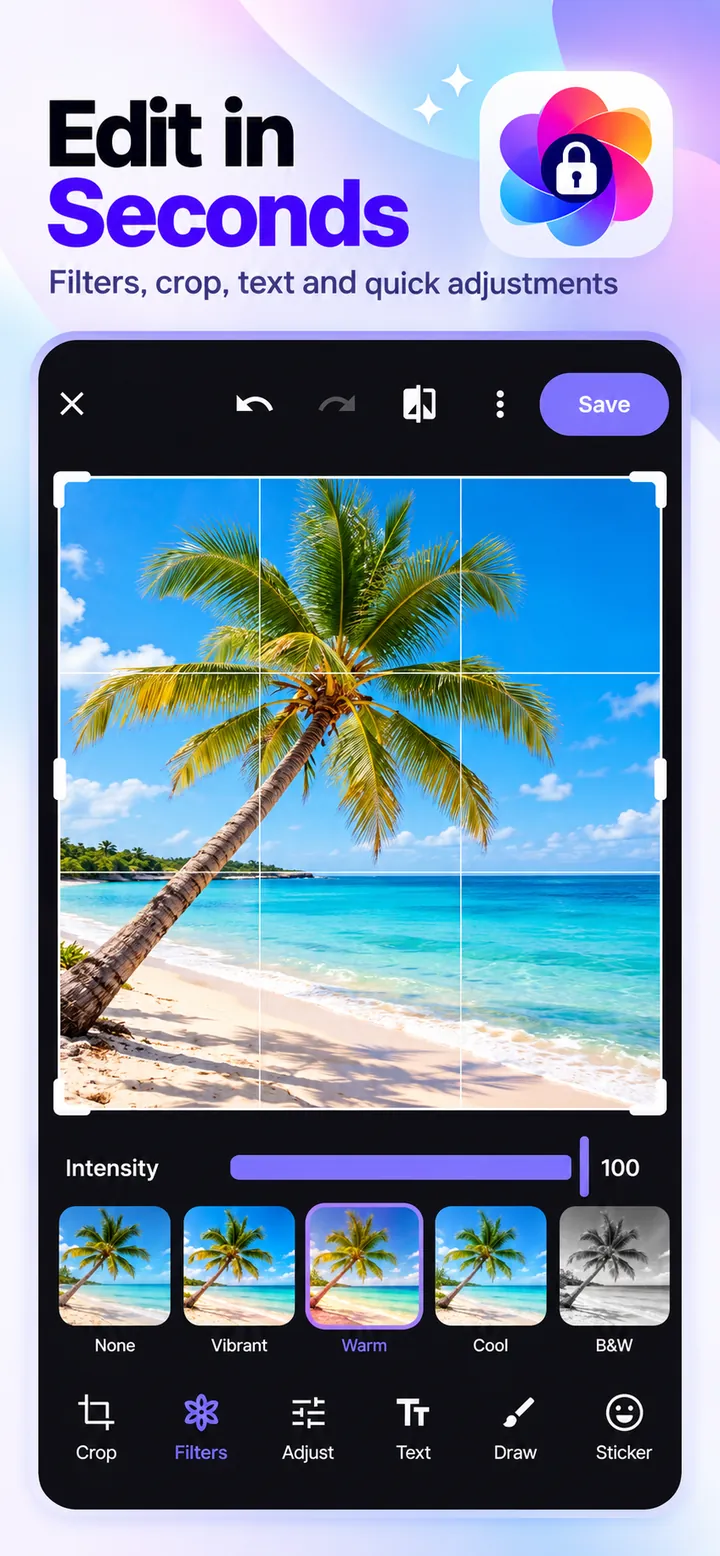
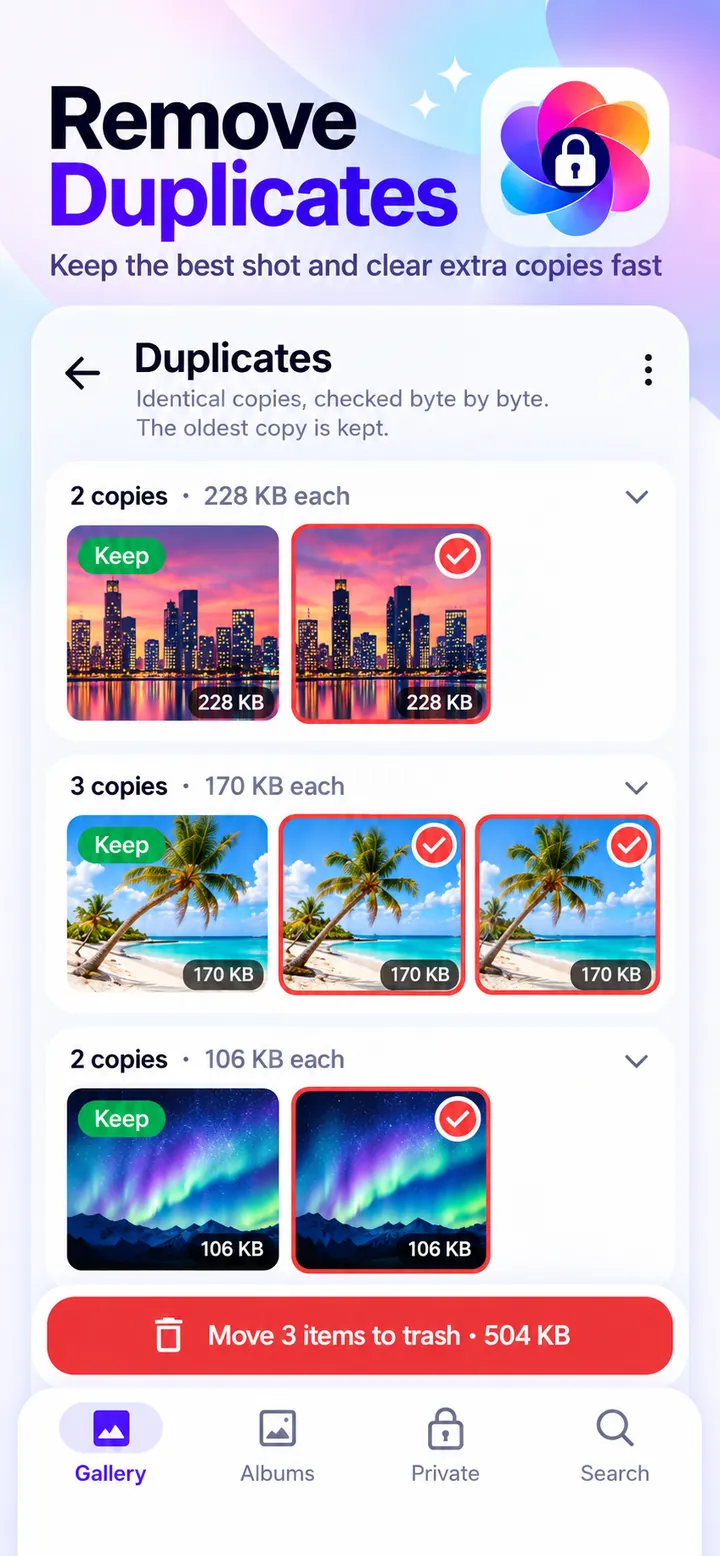
Crop, filter, adjust, draw, and add text, then find exact duplicates, similar bursts, screenshots, and large videos.
Screenshots
Official screenshots of Gallery: Photos, Album & Vault for Android.
How it works
Gallery shows and organizes the photos and videos already on your phone.
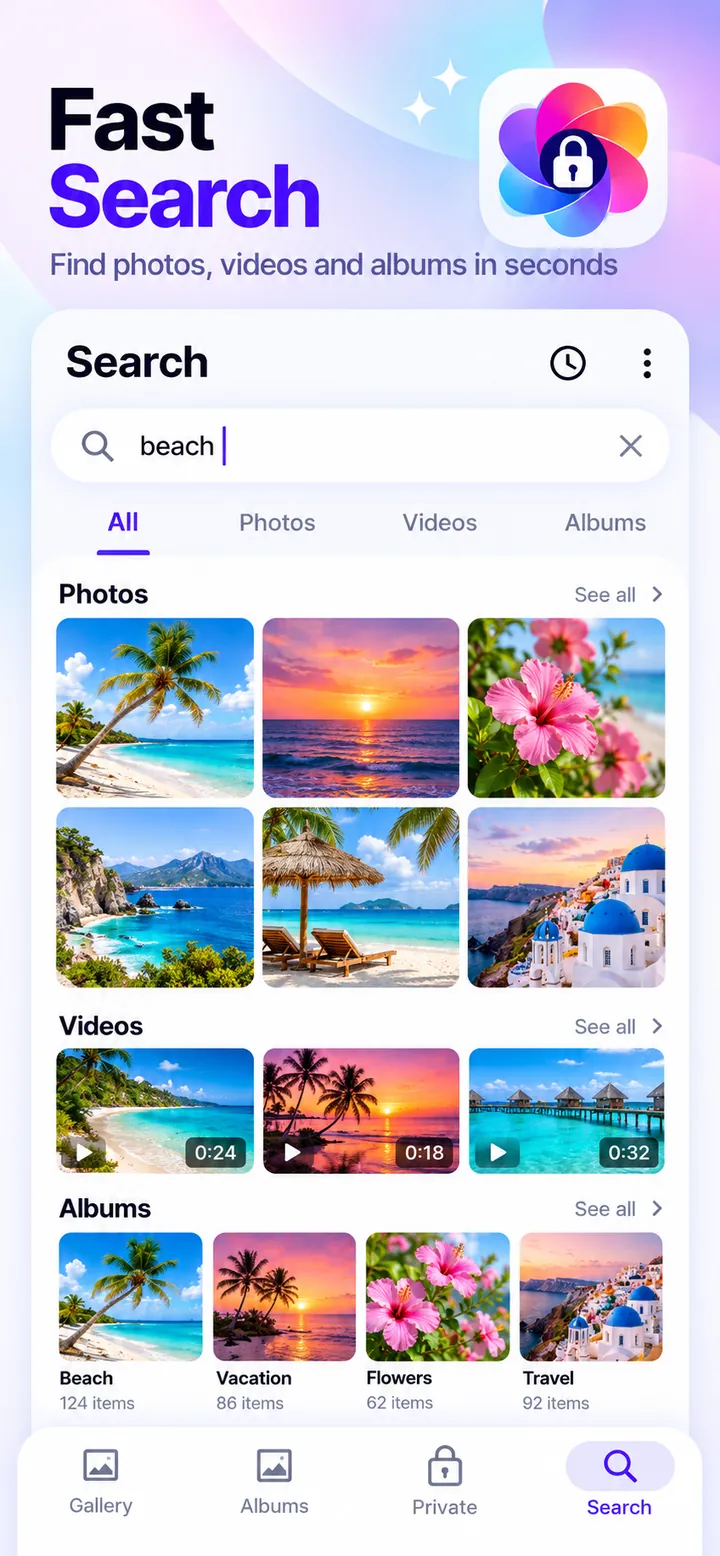
Scroll by date, open albums and smart albums, or search for any picture.
Select photos, tap Hide, and they move into the encrypted vault.
FAQ
Still need help? Email support@elevatemobilegroup.com or visit support.
Select photos in the gallery and tap Hide. They move into the encrypted vault and disappear from your photo library and other apps.
Yes. Once a fingerprint is added in your phone settings, you can turn on fingerprint unlock for the vault.
Turn on the auto-backup folder or save a backup file first. After reinstalling, restore it with your backup password.
Yes, within 30 days. Open Recently Deleted and restore them. The vault has its own trash that also keeps items for 30 days.
Use the one-time recovery code you created when you set up the vault to reset your PIN.
No. Your pictures are processed on your phone and never uploaded. Gallery works offline with no account.
More from Elevate