115 charging animations
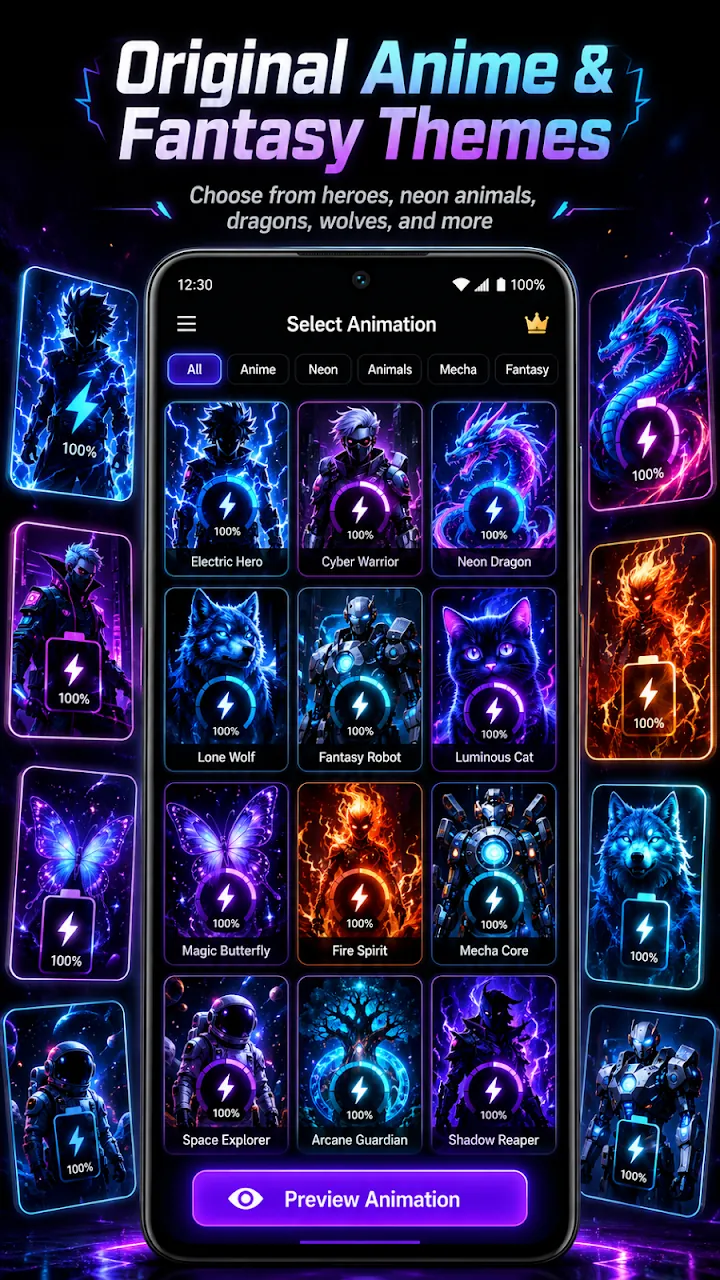
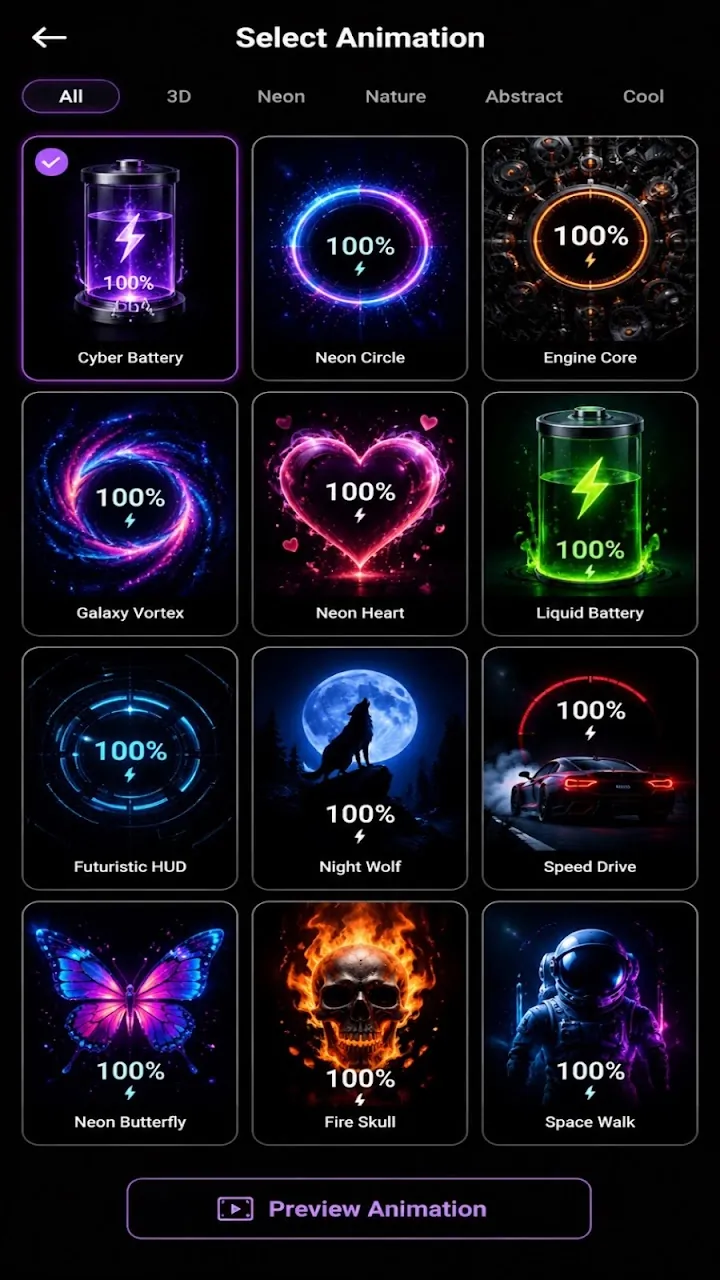
Battery, neon, cars, moon, lightning, anime, and love effects. Preview any effect and apply it with one tap.
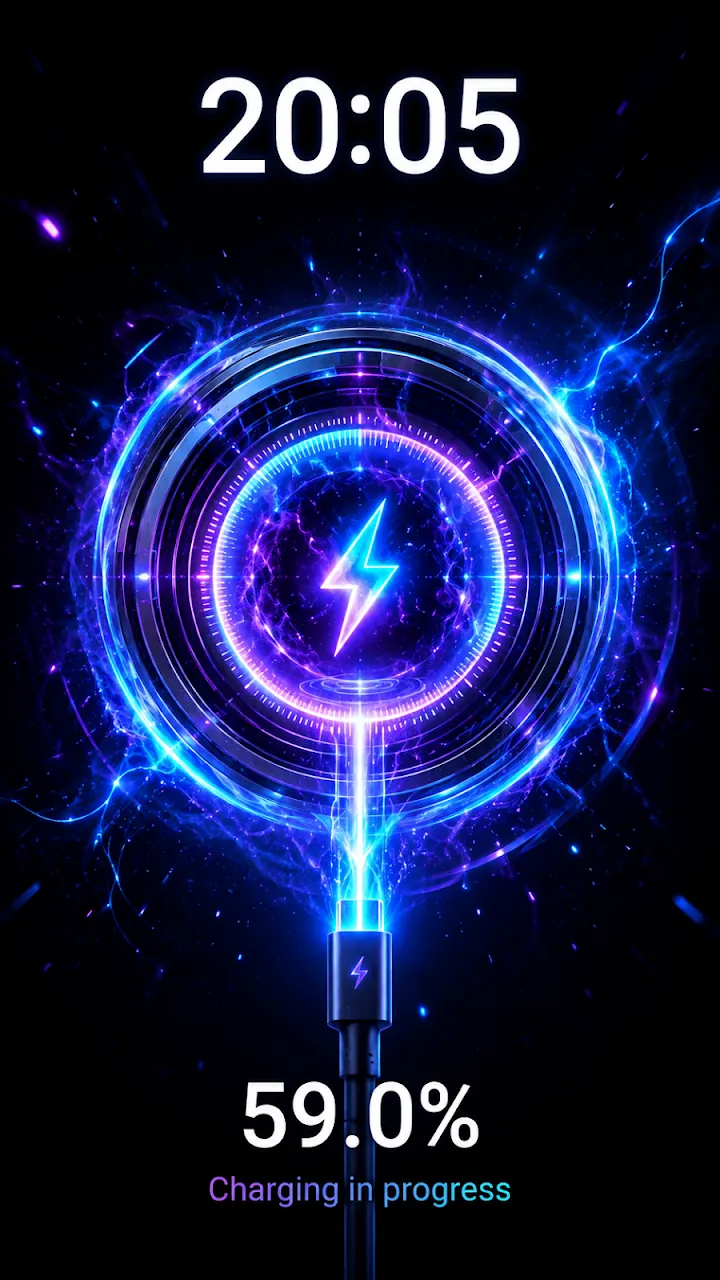
Plug in and watch a full-screen 3D charging animation with your battery percentage. 115 effects, battery health, and a full battery alarm.
Overview
Charging Animation: 3D Battery is a free Android app developed by Elevate Mobile Group LLC and available on Google Play.
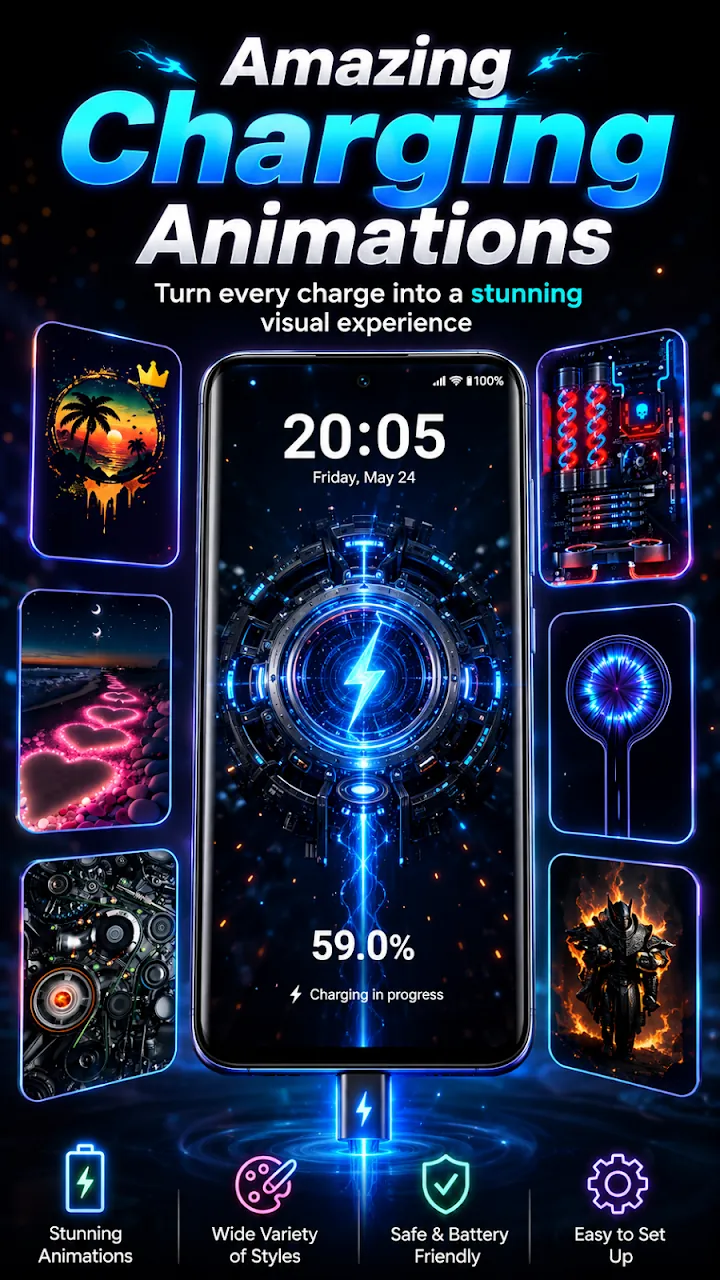
Charging Animation: 3D Battery shows a full-screen charging animation every time you connect your charger, even on the lock screen. Pick from 115 charging animations including neon, cars, moon, lightning, anime, and love themes, or create your own from your photos.
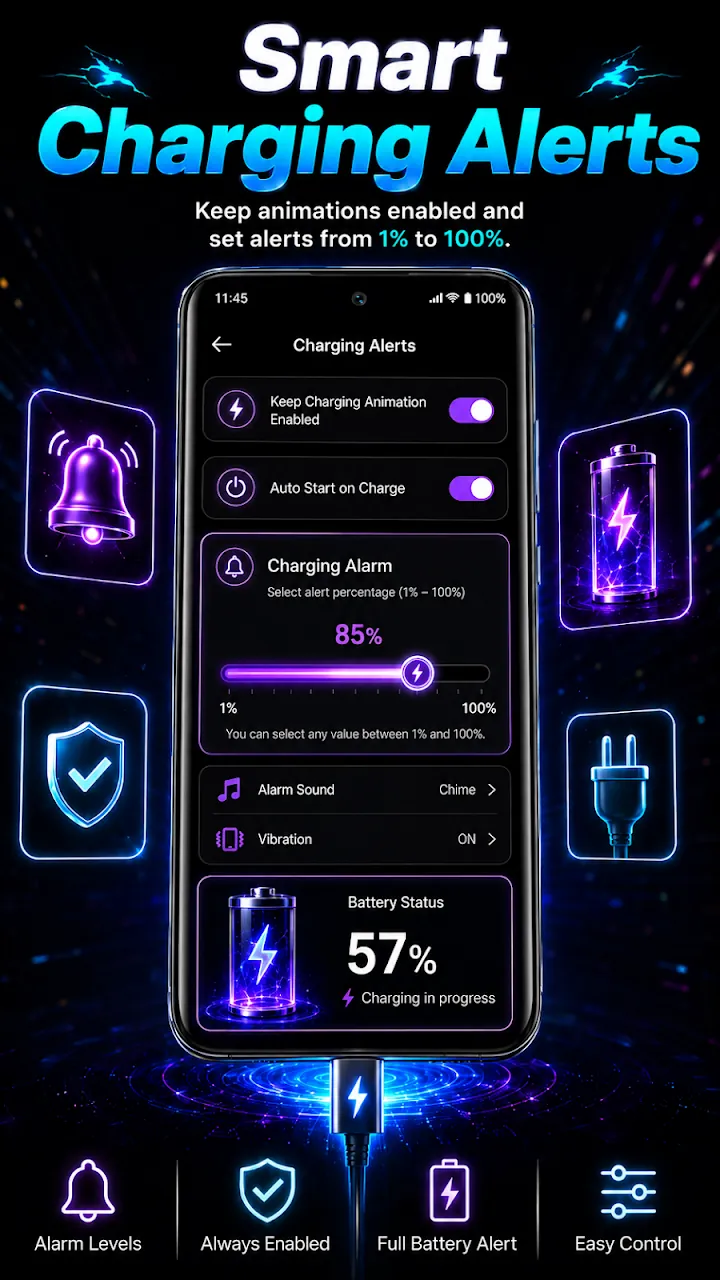
Style the battery percentage, adjust animation speed and glow, and check battery health, temperature, voltage, capacity, and charging history in one app. A full battery alarm tells you when the charge reaches the level you choose.
Features
Battery, neon, cars, moon, lightning, anime, and love effects. Preview any effect and apply it with one tap.
Create a custom charging animation from your own photos.
Change the percentage position, size, and color, adjust speed and glow, and show the clock, date, and charging sound.
Battery level, health, temperature, voltage, capacity, technology, and charging current where supported.
Get an alarm at the charge level you choose, plus temperature history with an overheating warning.
Six battery widgets and charging wallpapers to match your style.
Screenshots
Official screenshots of Charging Animation: 3D Battery for Android.
How it works
Browse 115 effects or create one from your photos.
Allow Display over other apps and notifications so the animation can appear.
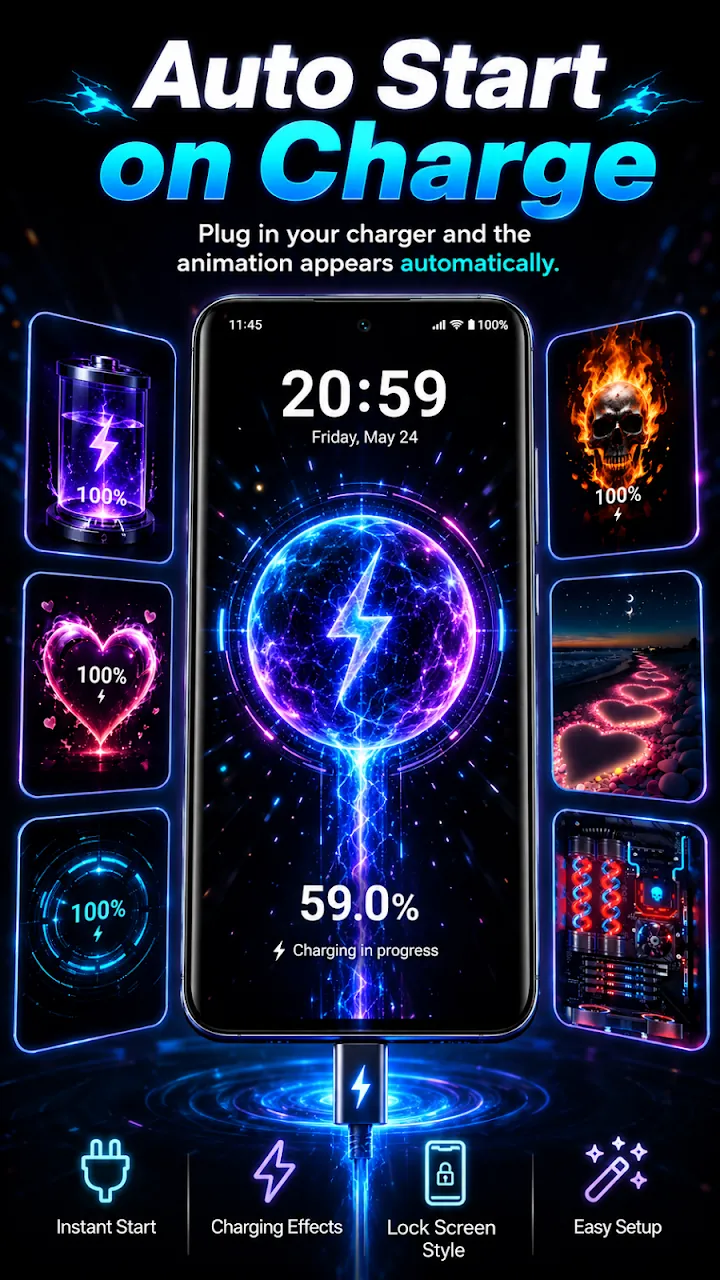
Connect your charger and the animation starts automatically, even on the lock screen.
FAQ
Still need help? Email support@elevatemobilegroup.com or visit support.
Choose an animation, tap Apply, and connect your charger.
Yes. It appears when you plug in, even when your phone is locked.
Open Battery Information to see health, temperature, and voltage.
The animation only runs while the phone is connected to a charger, and you can turn it off with one switch.
Yes. Premium removes all ads.
More from Elevate
Free download
Free with ads. Premium removes all ads.
GET IT ONGoogle Play