Signature scanner
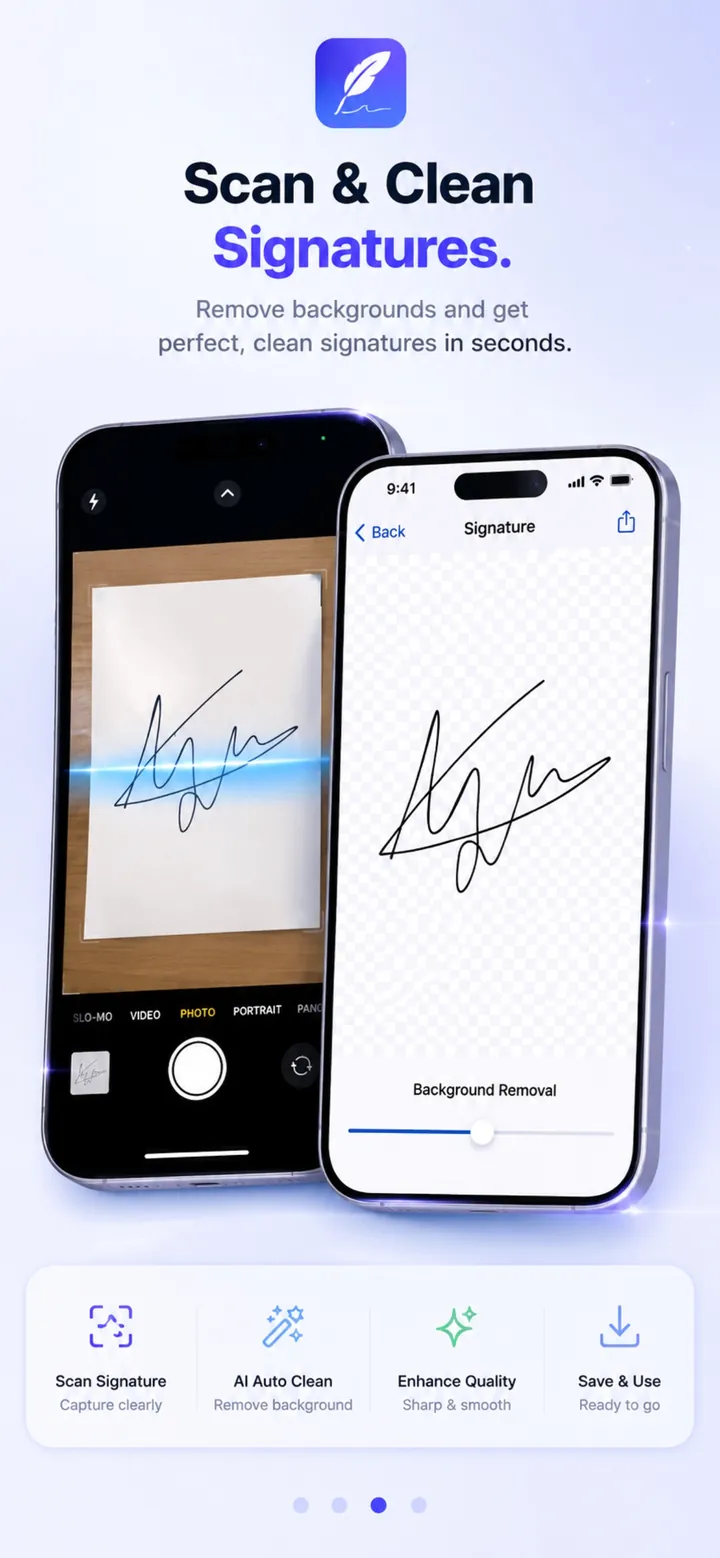
Scan a handwritten signature and remove the background for a clean, reusable transparent signature.

Scan documents, fill forms, turn your handwritten signature into a clean digital one, and sign PDFs on iPhone and iPad.
Overview
ClearSign: PDF Scanner & Sign is a free iPhone & iPad app developed by Elevate Mobile Group LLC and available on App Store.
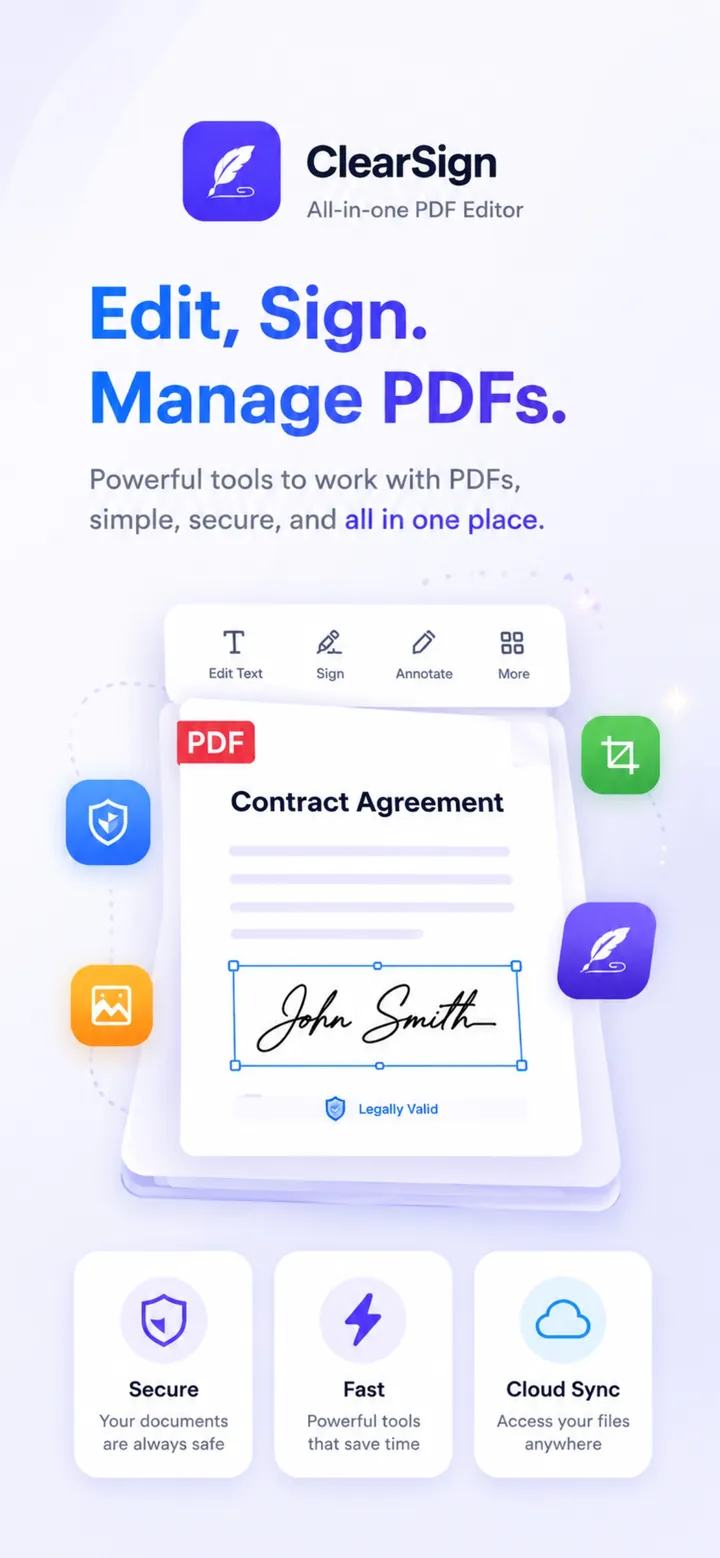
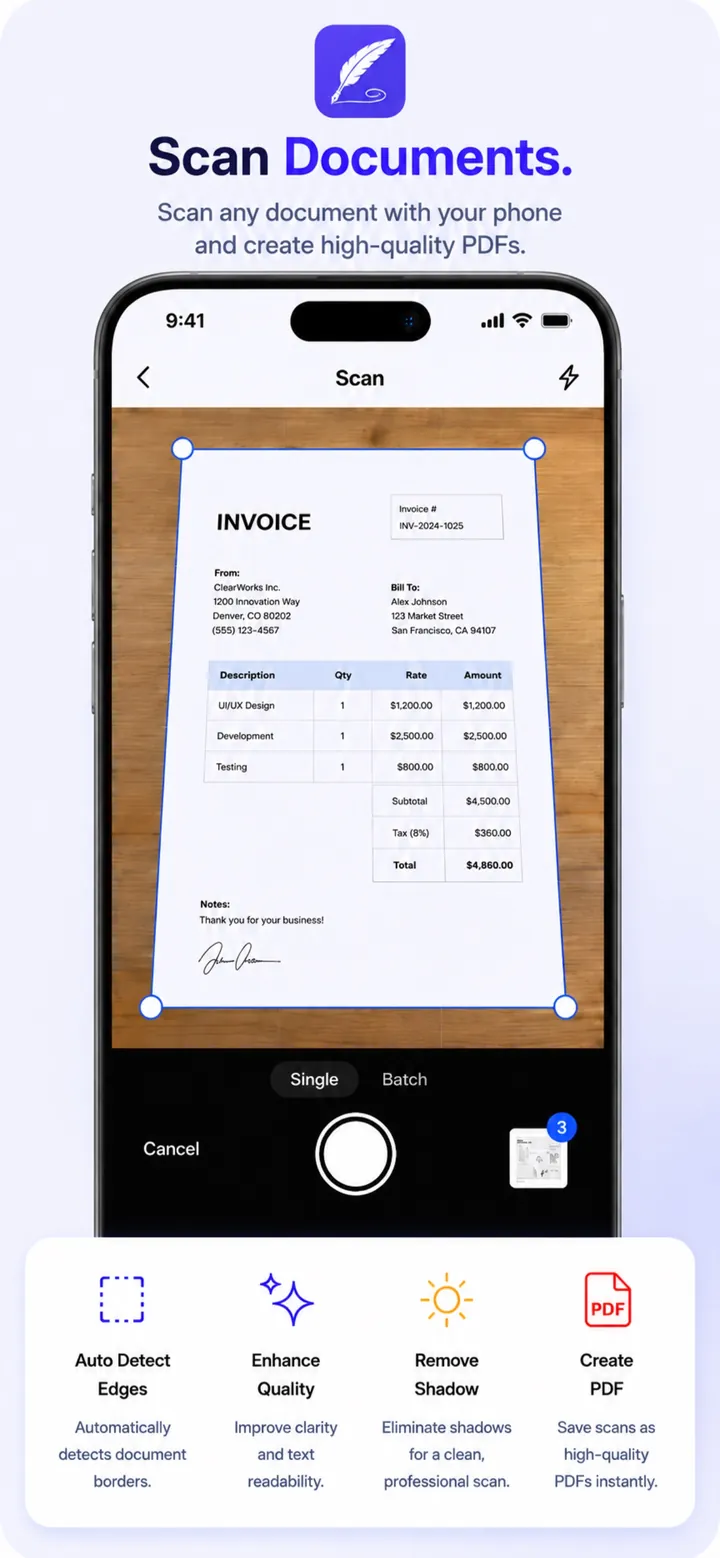
ClearSign turns your iPhone and iPad into a PDF scanner, signature scanner, document signer, and PDF editor. Scan receipts, invoices, notes, and forms into multi-page PDFs with automatic edge detection, cropping, and enhancement.
Write your signature on paper, scan it, and remove the background to create a clean transparent signature you can reuse. Fill and sign PDFs, add initials, text, dates, and stamps, highlight and annotate, and share finished documents.
Features
Scan a handwritten signature and remove the background for a clean, reusable transparent signature.
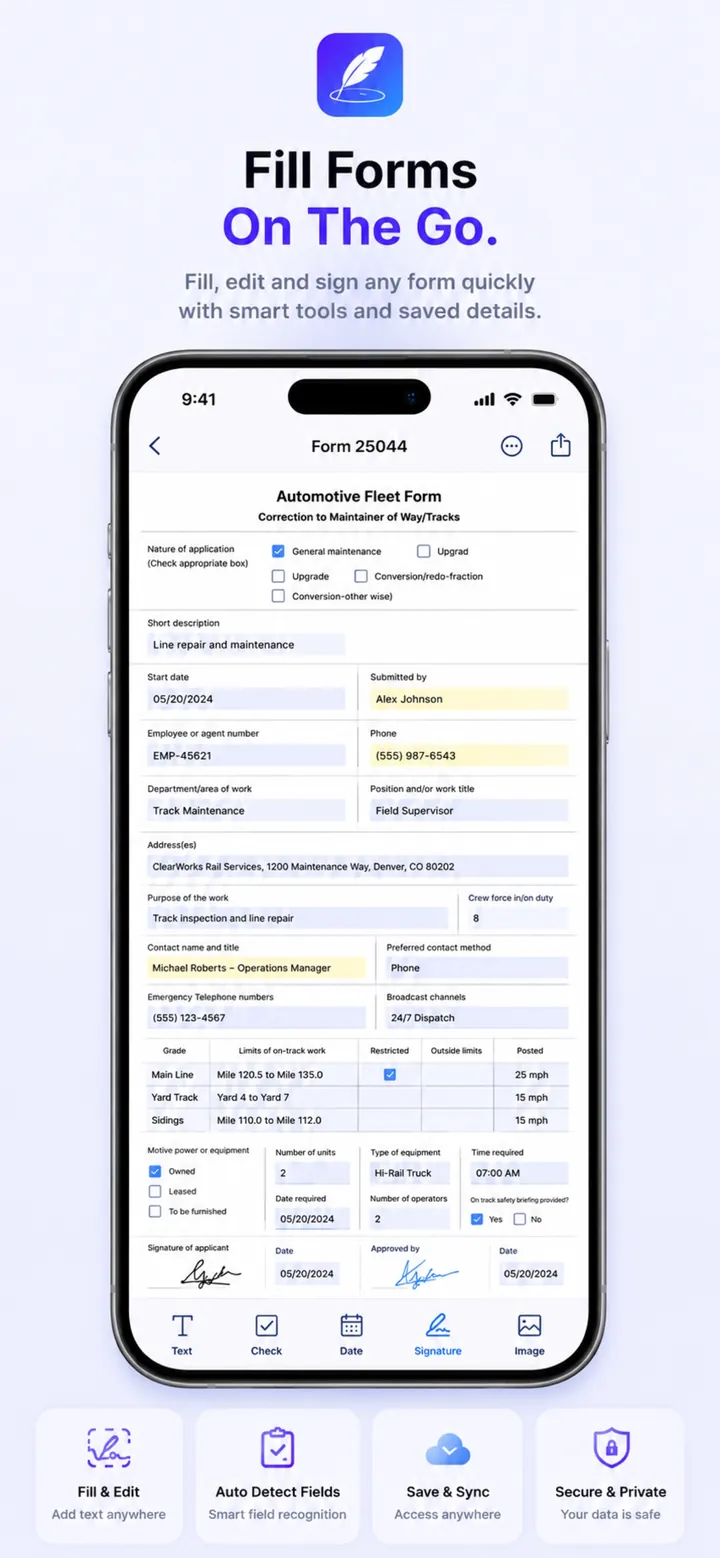
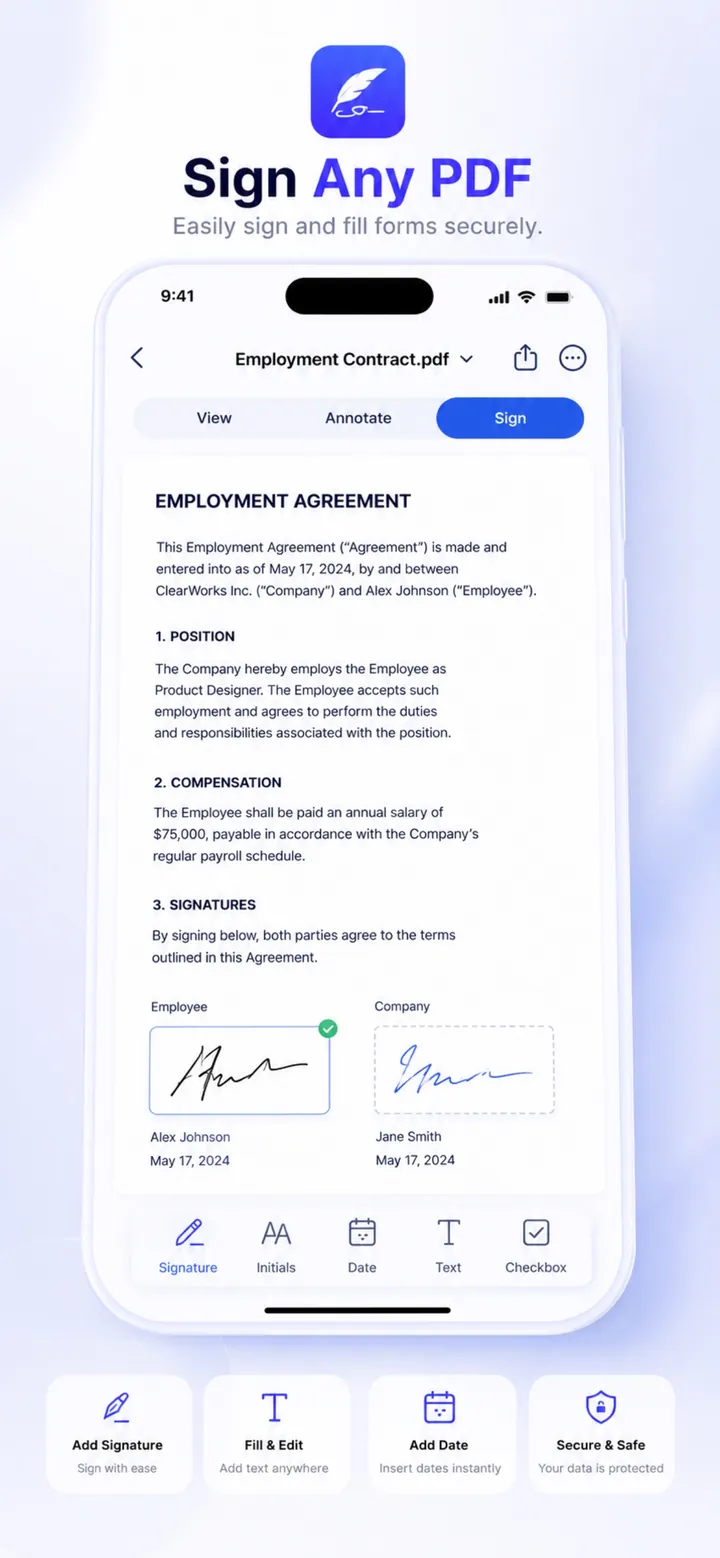
Add signatures, initials, text, dates, and stamps to contracts and forms.
Scan multi-page documents with automatic edge detection, cropping, and enhancement.
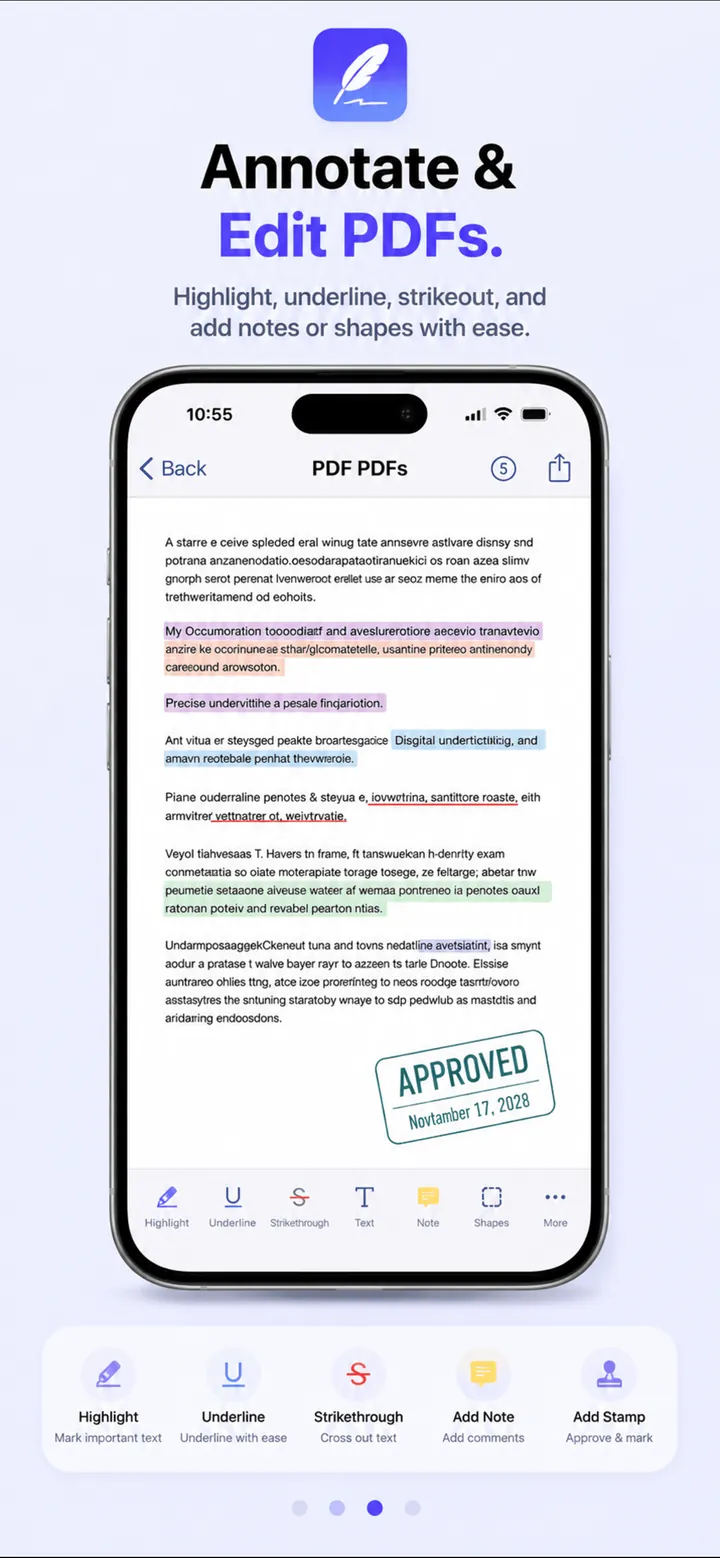
View, edit, highlight, and annotate PDF pages, with Apple Pencil support on iPad.
Open files from Mail, Safari, and Files, and organize your documents.
Export and share completed documents in a tap.
Screenshots
Official screenshots of ClearSign: PDF Scanner & Sign for iPhone & iPad.
How it works
Scan paper pages or import a PDF from Mail, Safari, or Files.
Add text, dates, initials, stamps, and your saved signature.
Save the finished PDF and share it.
FAQ
Still need help? Email support@elevatemobilegroup.com or visit support.
Open the PDF in ClearSign, tap the signature tool, add your saved signature, and place it on the page.
Yes. Sign on paper, scan it with ClearSign, and the background is removed to create a clean transparent signature.
Yes. ClearSign runs on iPhone and iPad with iOS or iPadOS 16.4 or later, including Apple Pencil support.
It depends on your document, country, and use case. ClearSign provides signing tools but not legal advice.
Documents and signatures are stored on your device and are shared only when you choose to share them.
Free download
Free to download with optional in-app purchases.
DOWNLOAD ON THEApp Store