Junk cleaner
Find residual files, temporary files, logs, old APK files, ad cache, thumbnails, and browser cache, then clean only what you select.

Clean junk, clear app cache, and remove duplicate or blurry photos on Android. Every file is shown to you before anything is deleted.
Overview
Phone Cleaner – AI Cleanup App is a free Android app developed by Elevate Mobile Group LLC and available on Google Play.
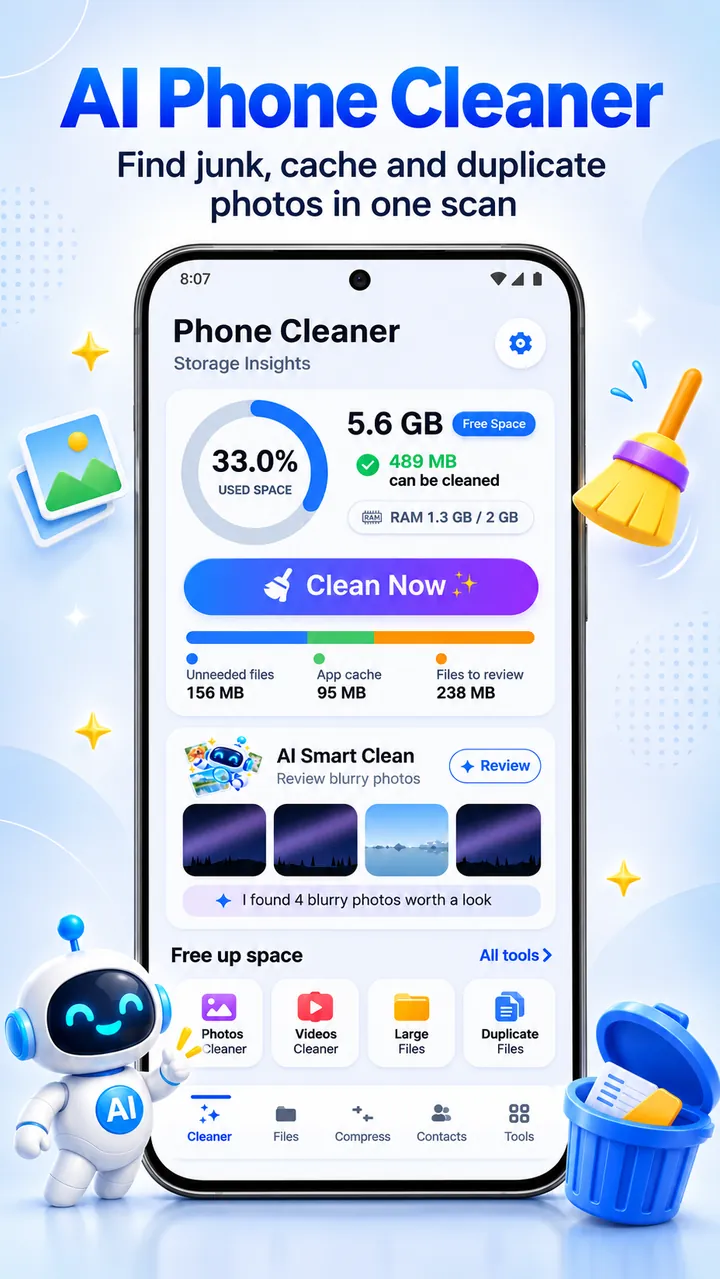
Phone Cleaner – AI Cleanup App is a storage cleaner, cache cleaner, and file manager for Android. It scans for residual files, temporary files, logs, old APKs, ad cache, and thumbnails, then shows each item's name, size, and folder so you decide what goes.
On-device AI finds blurry photos and groups similar shots, a duplicate finder compares files by content, and a compressor saves smaller copies of photos and videos. Your own photos, videos, and documents go to a Recycle Bin for 7 days before they are removed for good.
Features
Find residual files, temporary files, logs, old APK files, ad cache, thumbnails, and browser cache, then clean only what you select.
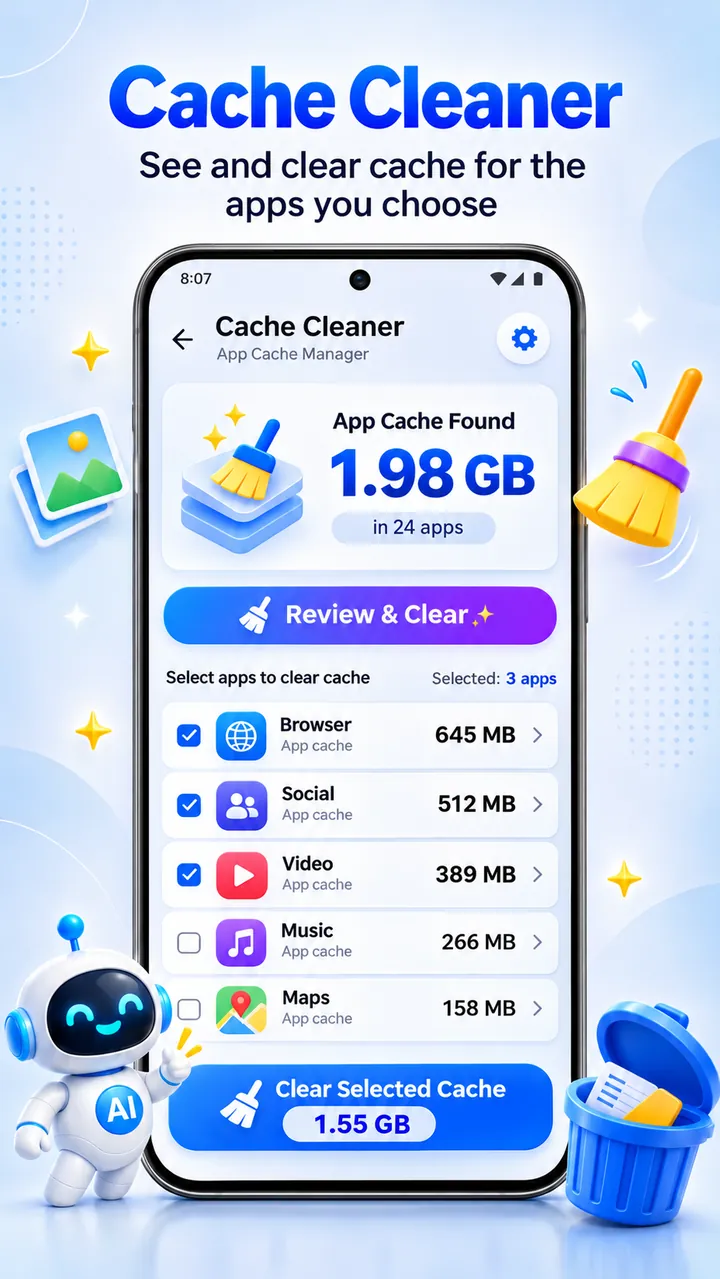
See how much cache each installed app holds and clear it with optional Auto Assist or through Android Settings.
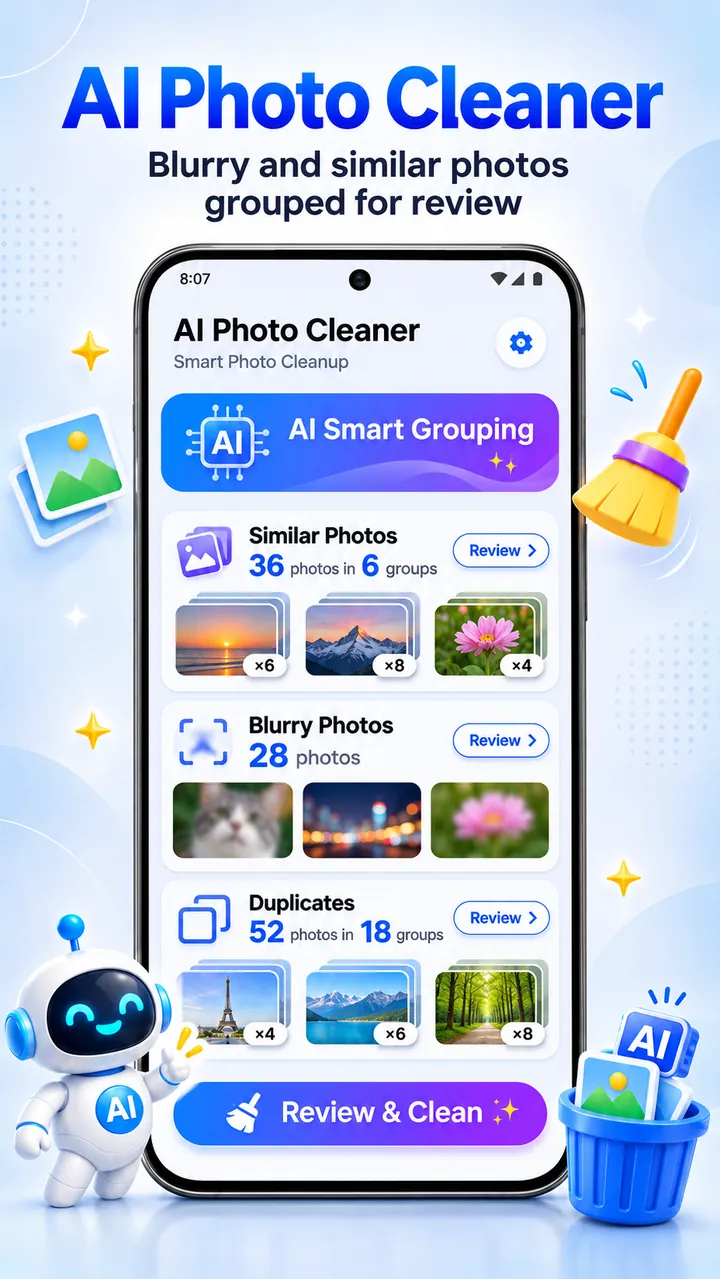
On-device AI spots blurry photos, similar shots, screenshots, and large videos. Swipe to keep or delete.
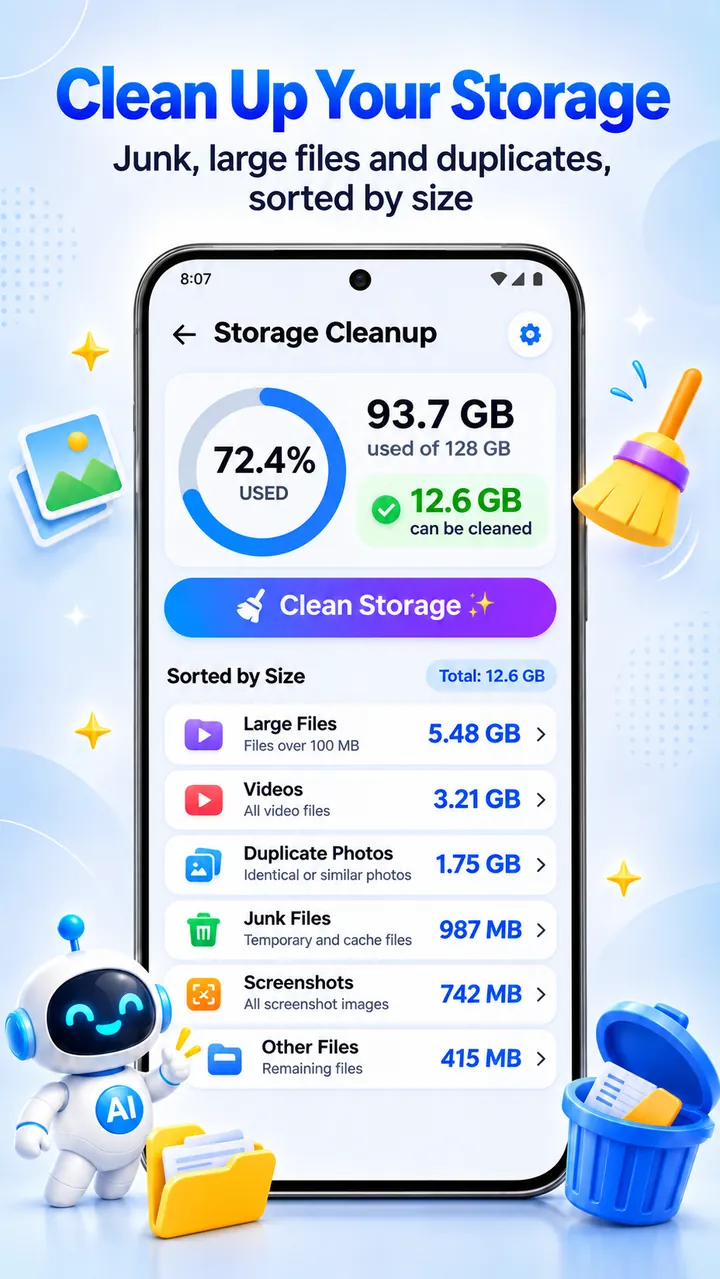
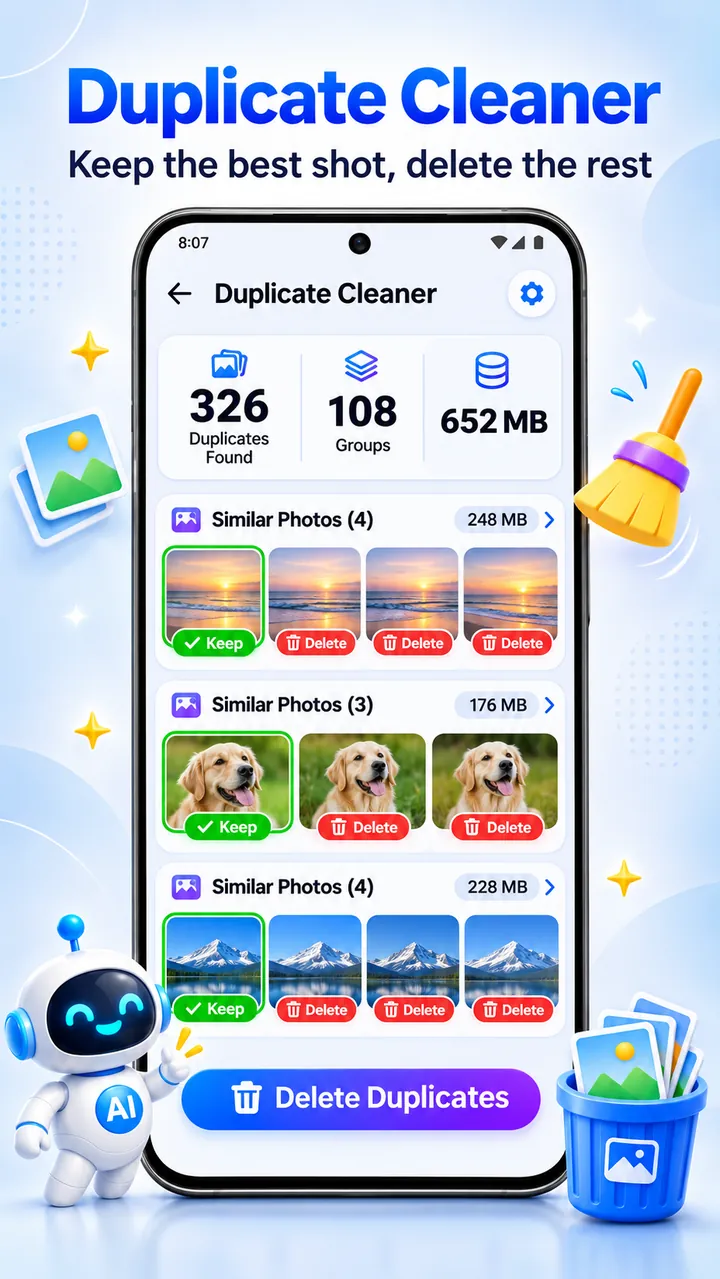
Find duplicate images, videos, audio, and documents by their content, and list files over 50 MB, biggest first.
Save smaller copies of photos at the quality you pick and compress videos to 1080p, 720p, or 480p.
Browse, search, move, and share files, and hide private files in an encrypted vault protected by PIN, pattern, or fingerprint.
Screenshots
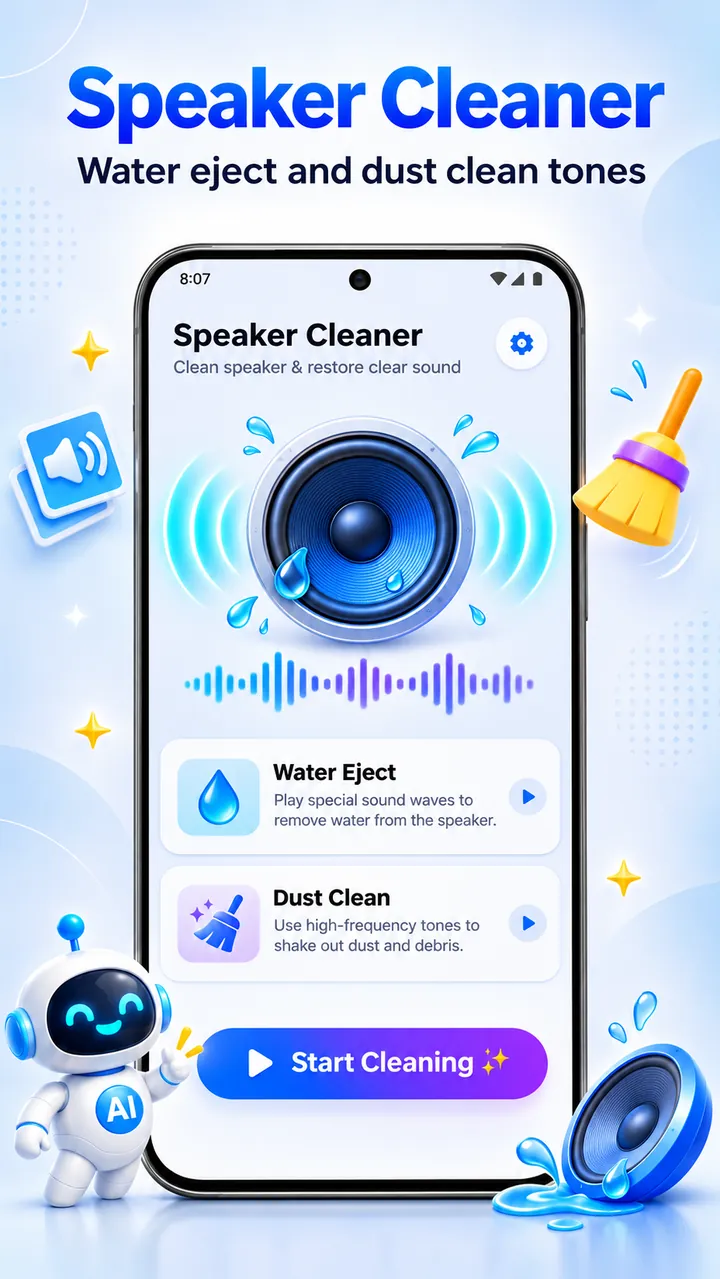
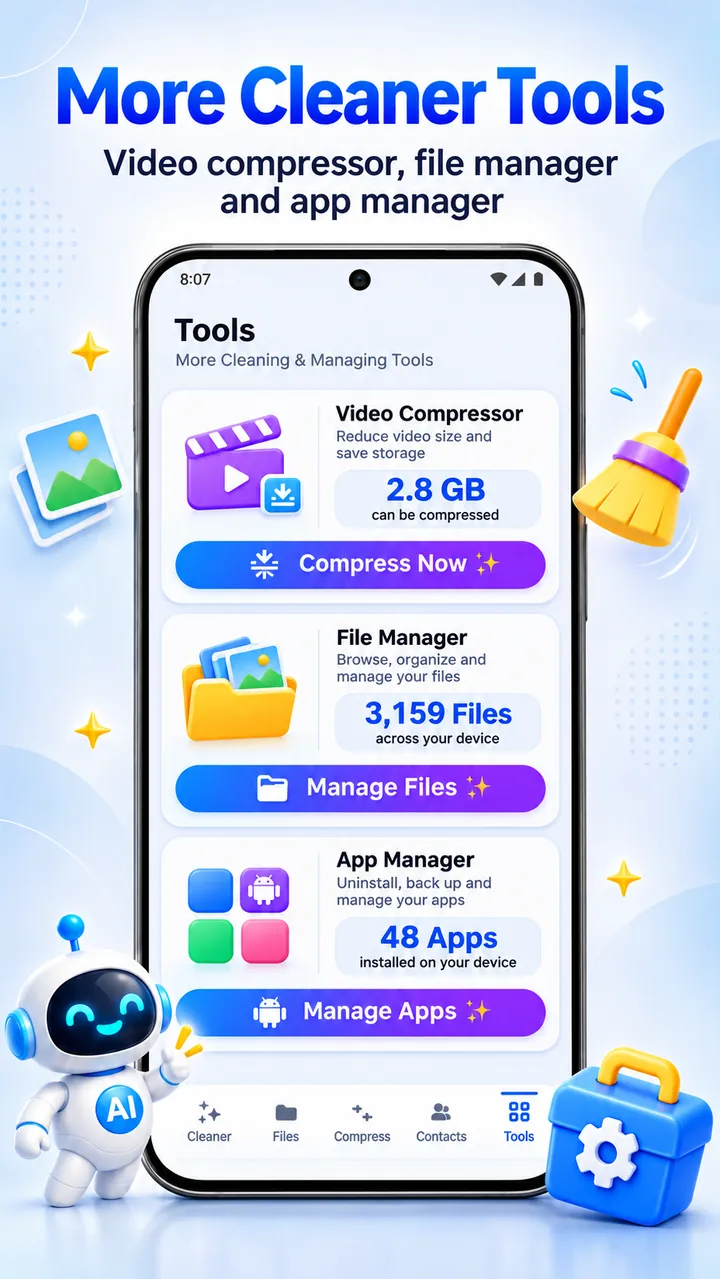
Official screenshots of Phone Cleaner – AI Cleanup App for Android.
How it works
Open the app and tap Scan to check junk, cache, duplicates, and large files.
Every item shows its name, size, and folder. Nothing is preselected for deletion without your review.
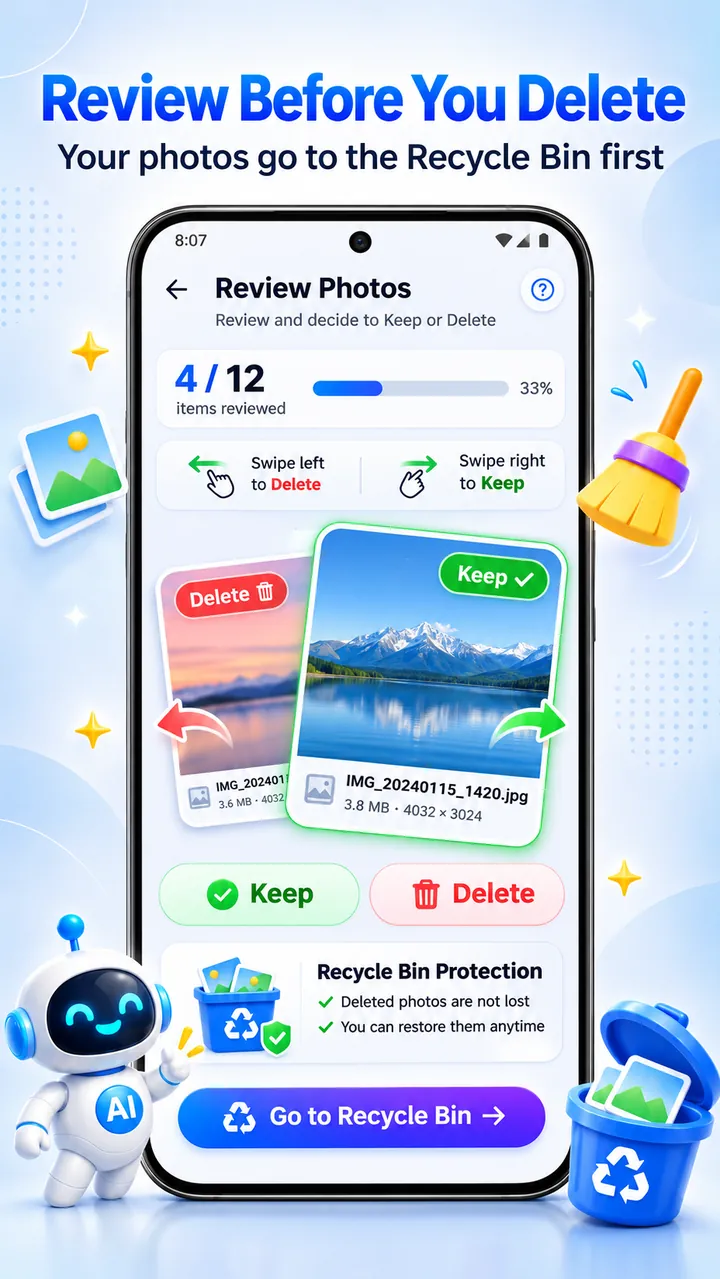
Select what to remove and confirm. Personal media goes to the Recycle Bin for 7 days.
FAQ
Still need help? Email support@elevatemobilegroup.com or visit support.
Run a scan, review the junk files, large files, and duplicate photos that Phone Cleaner finds, then clean only the items you select.
Open the cache cleaner, choose the apps you want, and clear their cache with Auto Assist or manually through each app's Android Settings page.
No. Nothing is deleted until you select it and confirm. Your own photos, videos, and documents go to the Recycle Bin first and can be restored for 7 days.
It runs on your phone to find blurry photos and label what is in them. Photos full of text, like receipts, are kept out of the blurry list. Photos are not uploaded for this analysis.
Accessibility is optional and only used by Auto Assist to tap Clear cache in Android Settings for the apps you choose. You can use Manual mode instead.
Guides
Phone CleanerHow to Free Up Storage on Android: 9 Safe WaysAndroid storage full? Learn what is using your space and 9 safe ways to free up storage: clear cache, remove duplicates, move photos, and uninstall unused apps.Read guide Phone CleanerHow to Clear App Cache on Android (and When You Should)Step-by-step guide to clearing app cache on Android, the difference between Clear cache and Clear storage, and when clearing cache actually helps.Read guide Phone CleanerHow to Find and Delete Duplicate Photos on AndroidWhy duplicate photos pile up on Android, how to find exact duplicates and similar shots, and how to delete them safely without losing the photo you want to keep.Read guide More from Elevate
Free download
Free with ads. Optional premium upgrade.
GET IT ONGoogle Play