Browse every folder
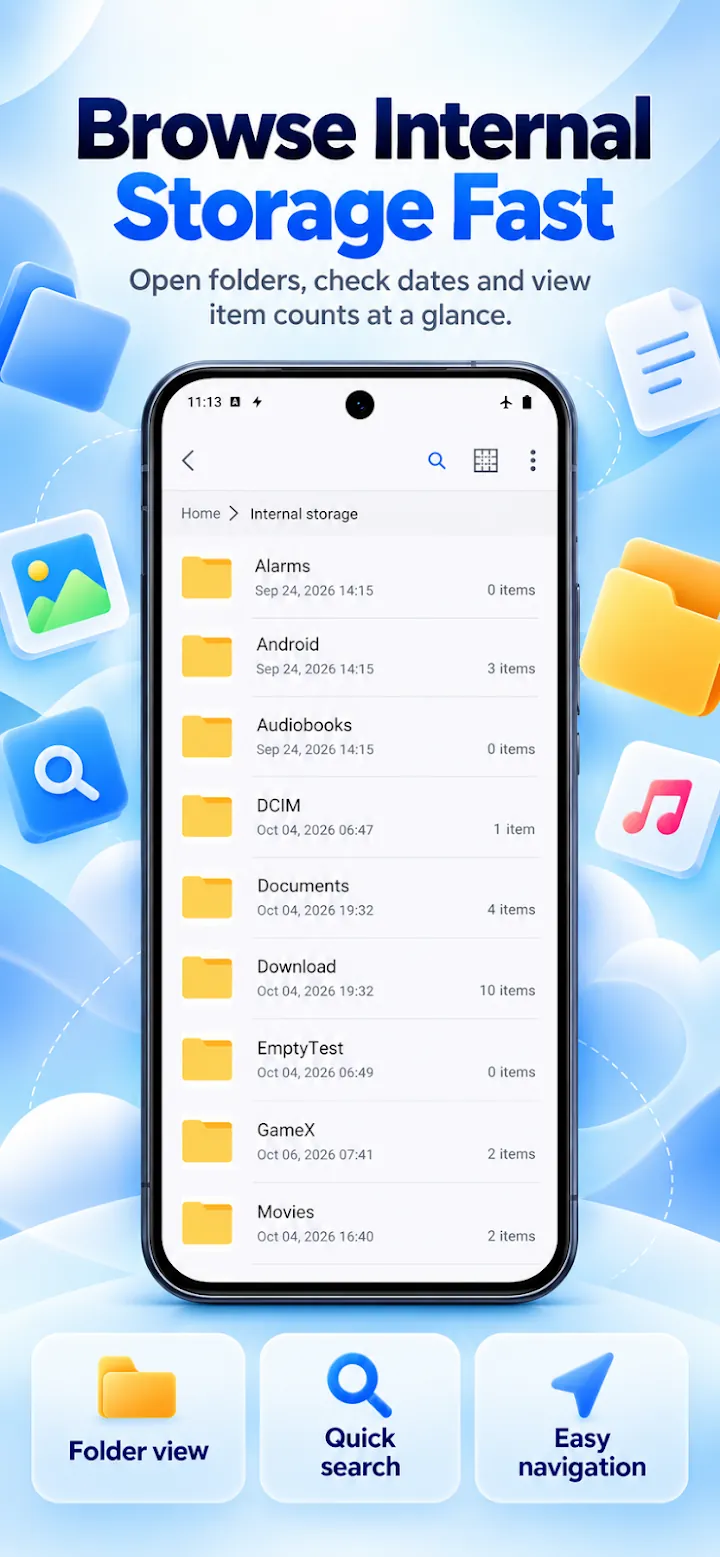
Internal storage, SD card, and USB drives with categories, search, sorting, list and grid views, and hidden files.
Browse, organize, and clean every file on your Android phone. Copy and move safely, open archives, lock private files, and reach network drives from one clean screen.
Overview
File Manager - File Explorer is a free Android app developed by Elevate Mobile Group LLC and available on Google Play.
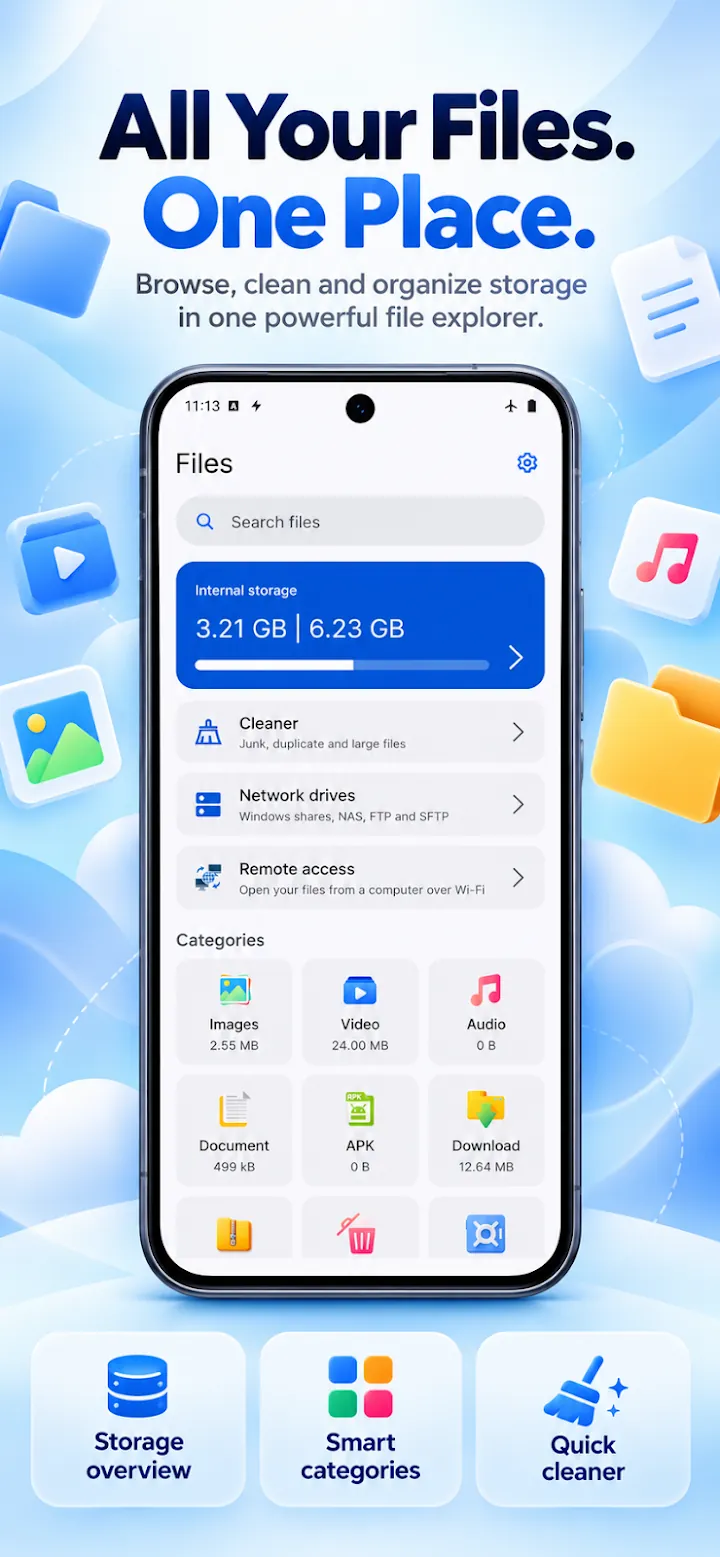
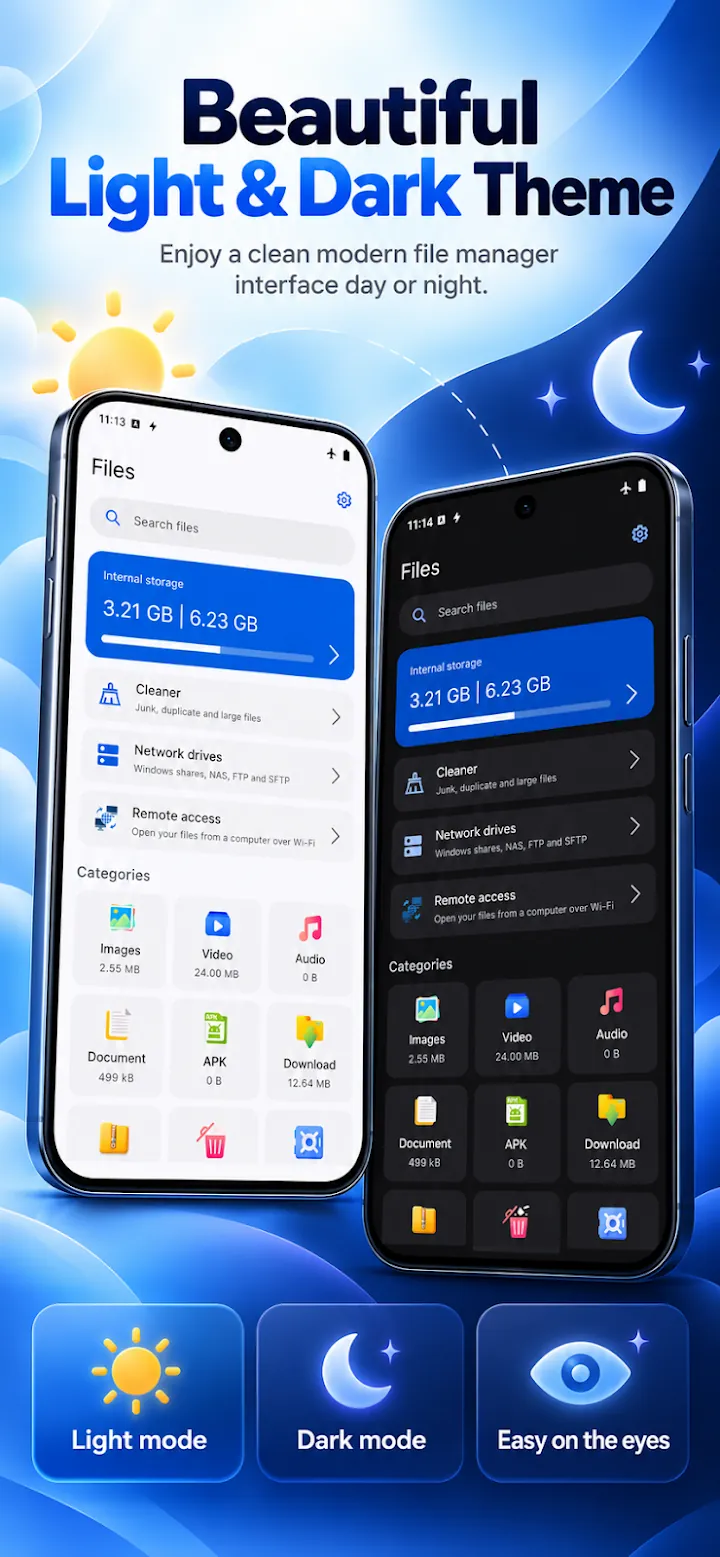
File Manager - File Explorer shows everything on your phone, SD card, and USB drives with a clear folder path and categories for images, videos, audio, documents, APKs, downloads, and archives. Search by name, sort by date, size, or type, and keep recent files and favorites one tap away.
Copy and move with progress, pause, and resume, and decide what happens when a name already exists. Deleted items go to the Recycle Bin first. Built-in tools open ZIP, 7z, TAR, GZ, and RAR4 archives, analyze and clean storage, lock private files in an encrypted SafeBox, and open Windows shares, NAS, FTP, and SFTP servers.
Features
Internal storage, SD card, and USB drives with categories, search, sorting, list and grid views, and hidden files.
Progress with pause and resume, replace, skip, or keep both, batch rename with a live preview, and a Recycle Bin for undo.
Compress folders to ZIP and extract ZIP, 7z, TAR, GZ, and RAR4, including password-protected ZIP files.
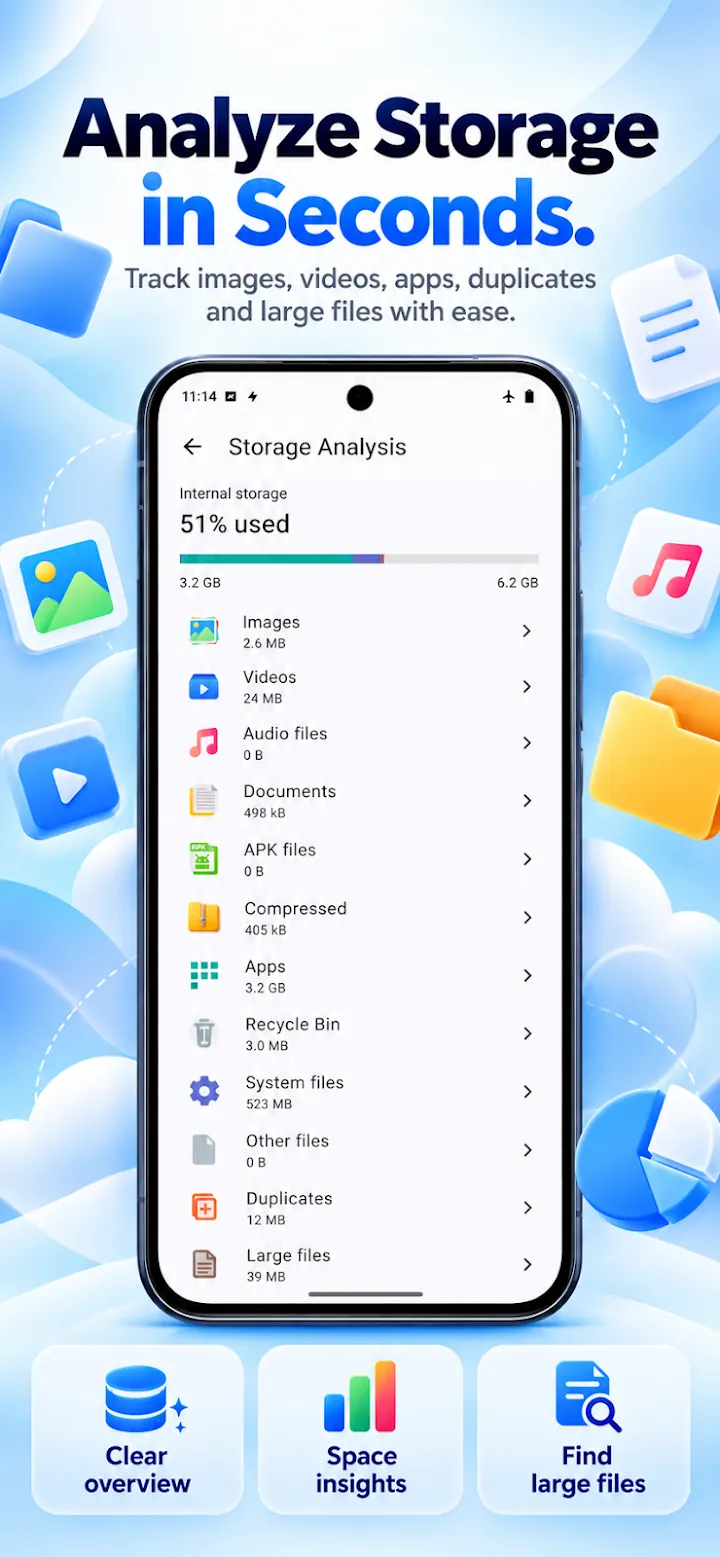
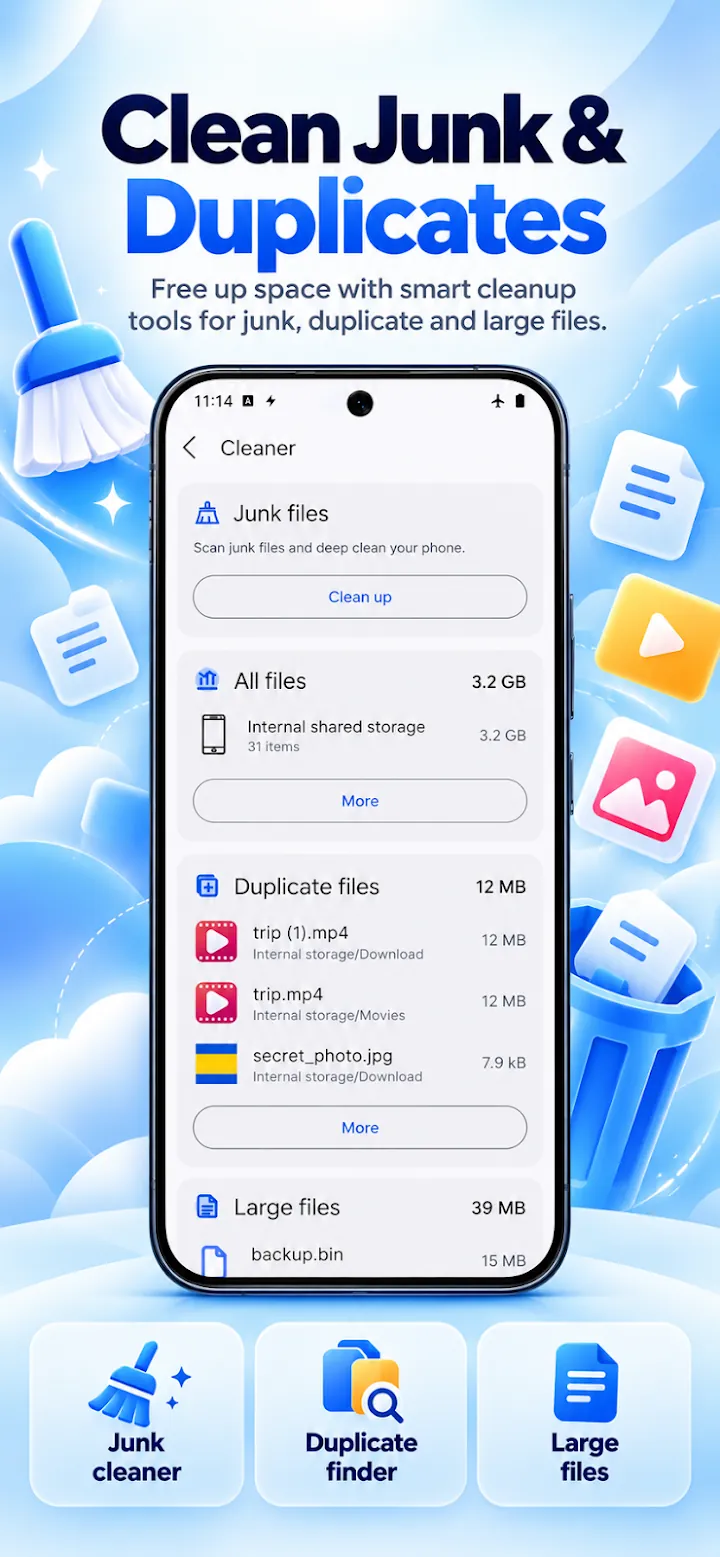
See space by category and remove leftover files, cache, empty folders, old installers, duplicates, and large files you review first.
Encrypt private photos, videos, and documents on your device and unlock them with a PIN or fingerprint.
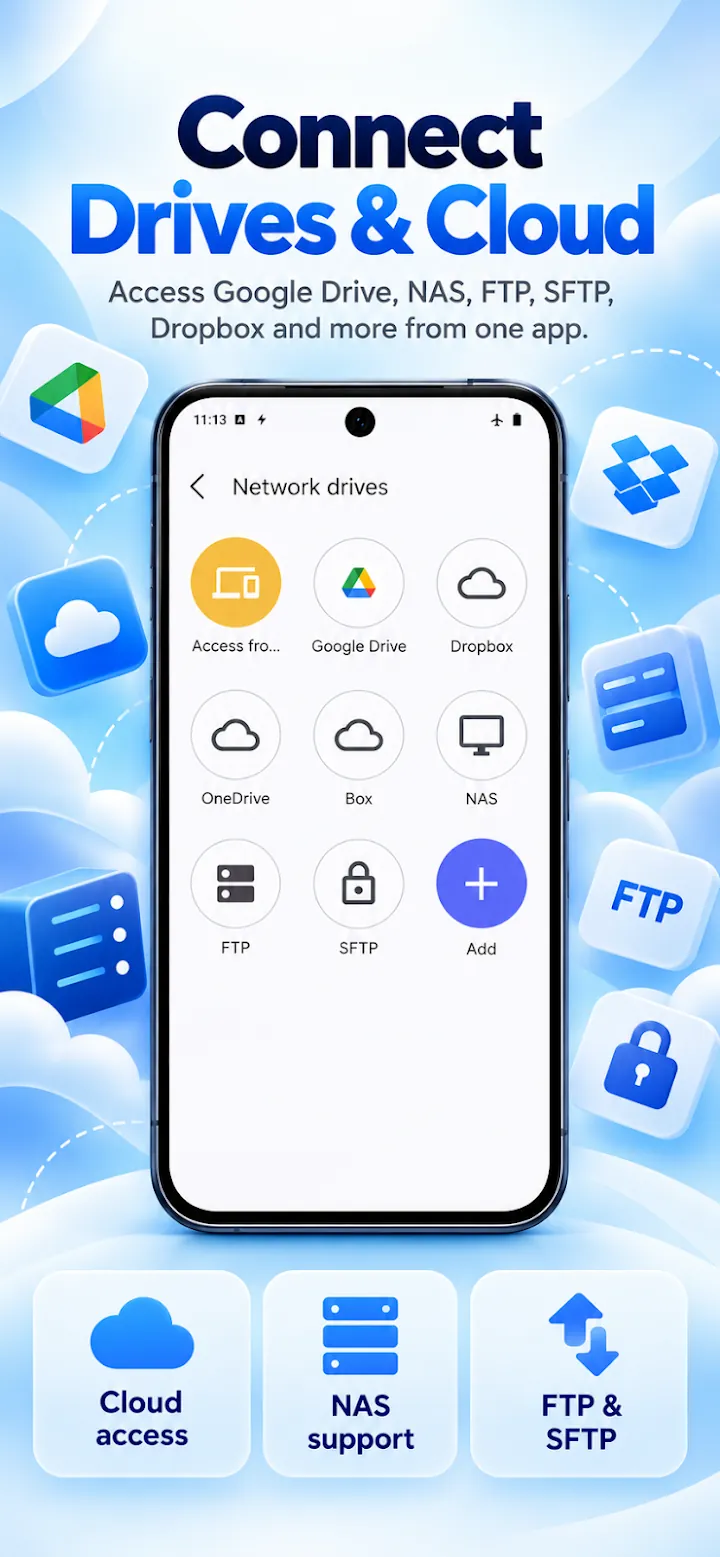
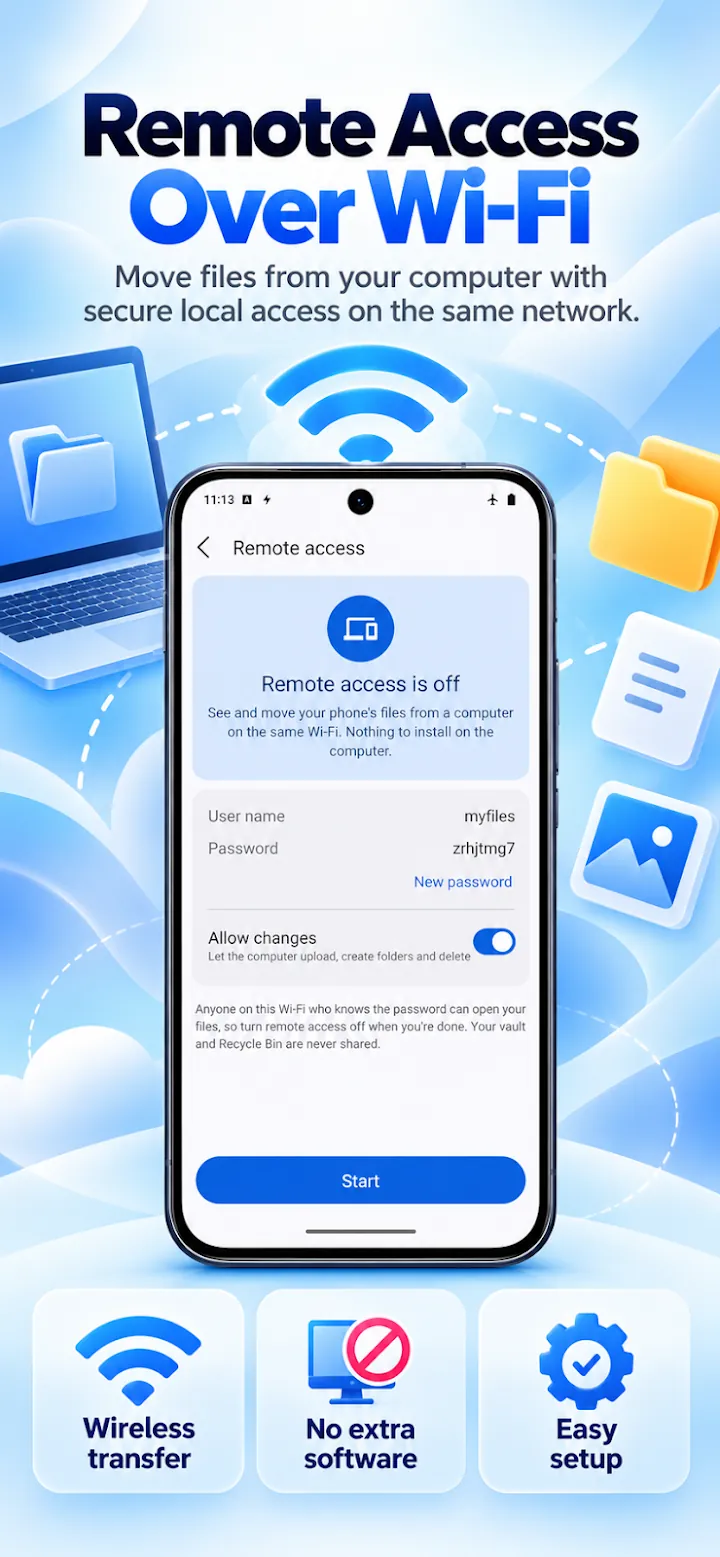
Open SMB shares, NAS, FTP, and SFTP like local folders, or manage phone storage from a computer browser over Wi-Fi.
Screenshots
Official screenshots of File Manager - File Explorer for Android.
How it works
Grant access so the app can show and organize every folder you choose.
Open a category or folder, or search by name to find any file.
Copy, move, zip, share, or clean files, with the Recycle Bin as a safety net.
FAQ
Still need help? Email support@elevatemobilegroup.com or visit support.
Android requires All files access for a full file manager. It is used only to show, organize, and clean the files you choose.
Yes. Deleted items go to the Recycle Bin first, so you can restore them.
You can create ZIP files and open ZIP, 7z, TAR, GZ, and RAR4 archives, including password-protected ZIP files.
Turn on remote access, then open the address shown in the app in a computer browser on the same Wi-Fi network. No cable or extra software is needed.
No. Files stay on your phone unless you share them or copy them to a network drive or cloud storage you added yourself.
More from Elevate