Recover deleted photos
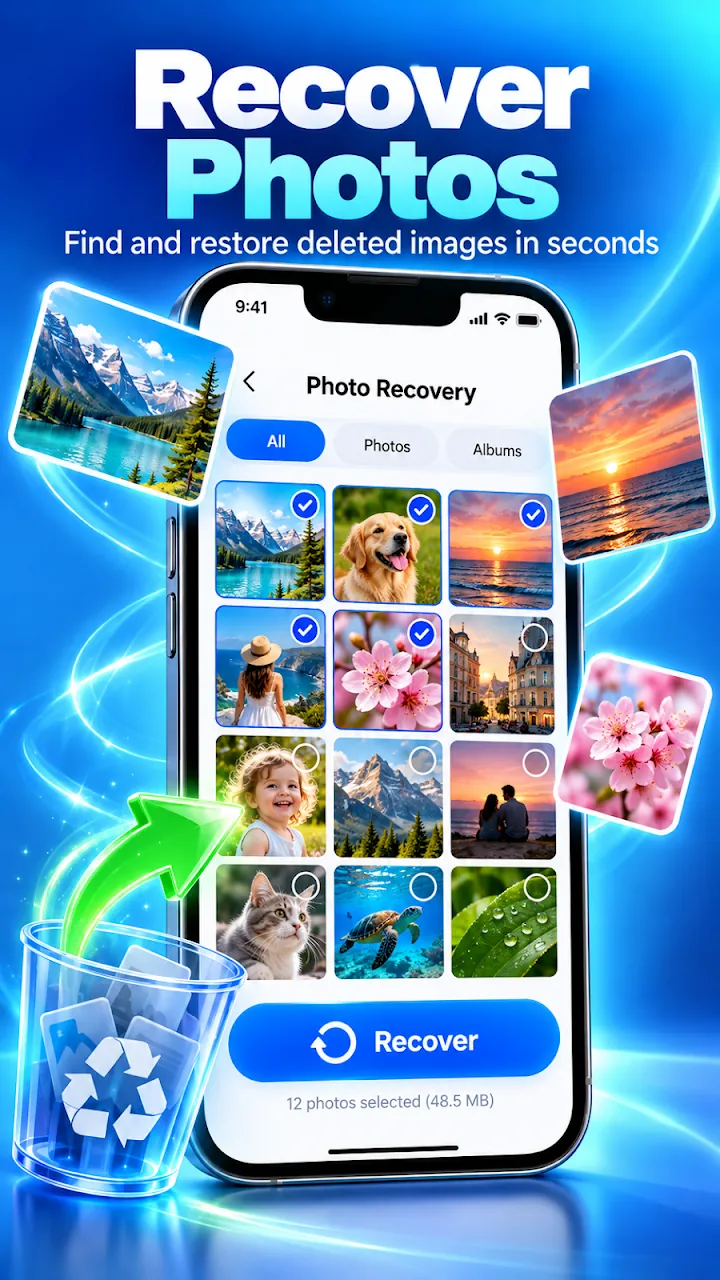
Find recently deleted pictures, screenshots, and camera images in JPG, PNG, GIF, WEBP, and more.
Recover recently deleted photos, videos, audio, and documents from your phone or SD card. No root and no computer needed.
Overview
Photo Recovery: Restore Files is a free Android app developed by Elevate Mobile Group LLC and available on Google Play.
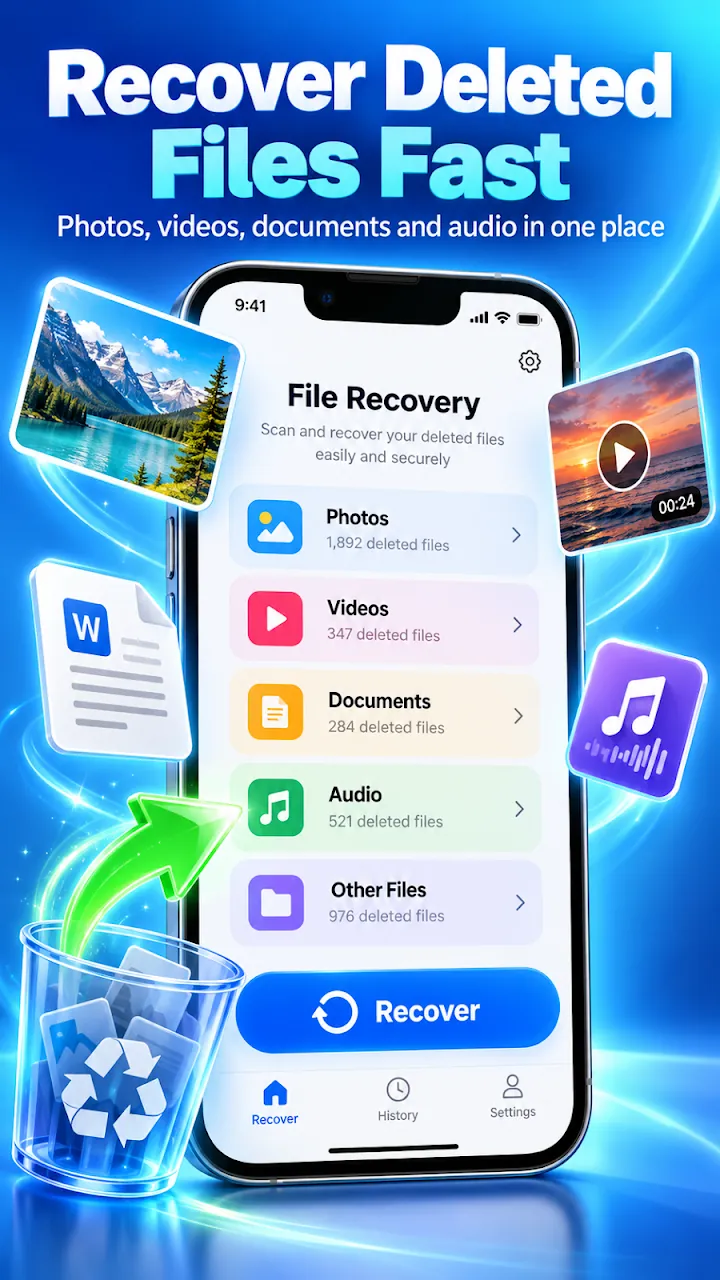
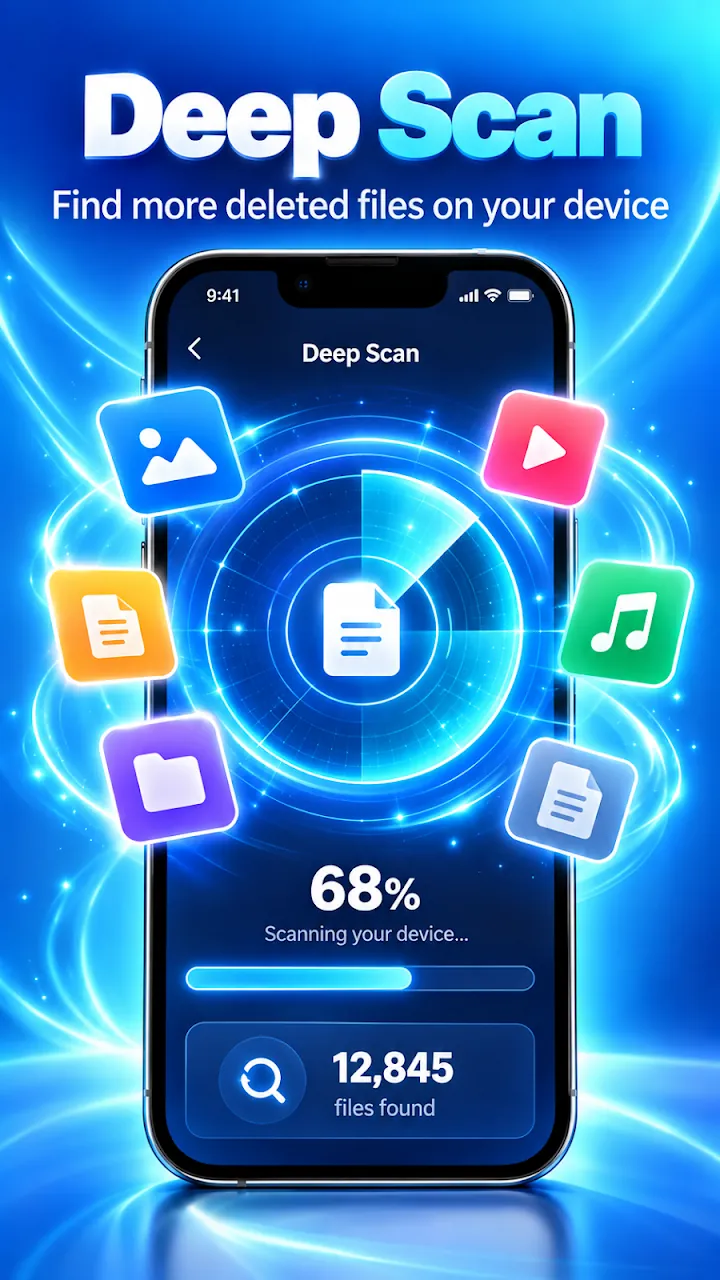
Photo Recovery: Restore Files deep-scans internal storage and SD cards for recently deleted photos, videos, audio, and documents. Preview what was found, pick the items you want, and restore them straight back to your gallery.
It is built for everyday accidents: a picture deleted by mistake, a gallery lost after an update, an SD card error, or a cleaner app that removed the wrong folder. A built-in enhancer can sharpen small or blurry recovered photos.
Features
Find recently deleted pictures, screenshots, and camera images in JPG, PNG, GIF, WEBP, and more.
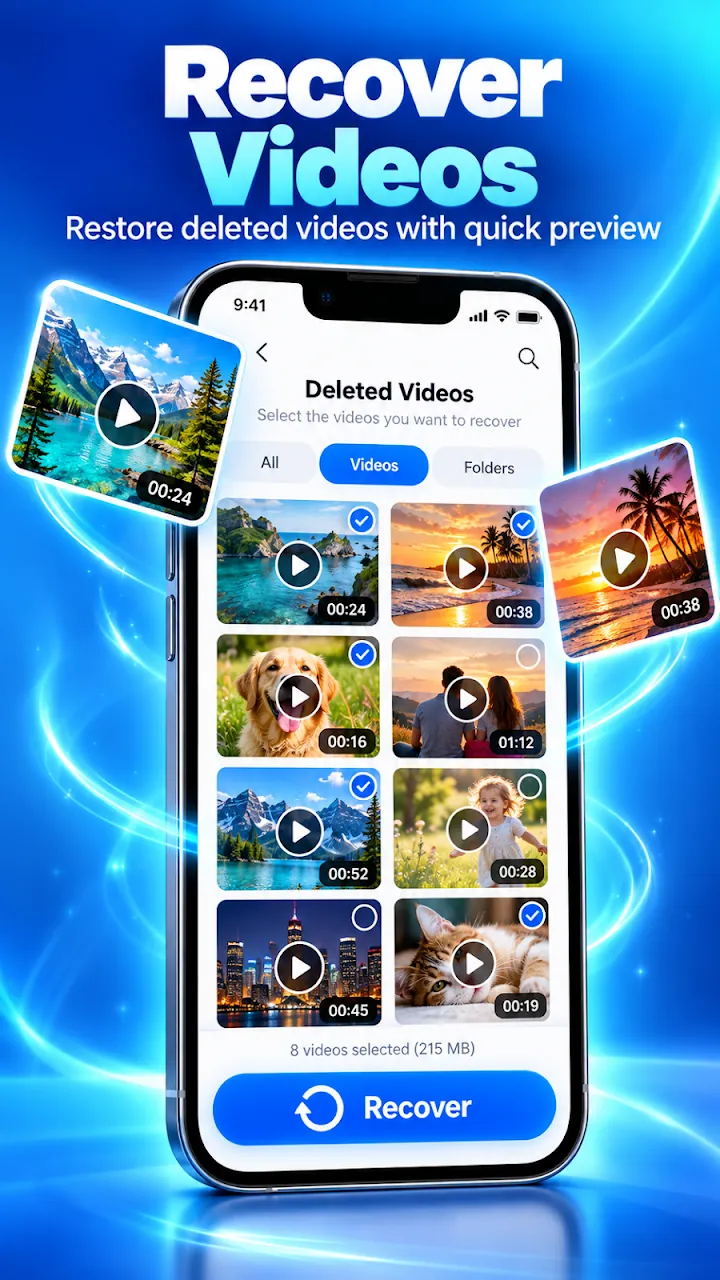
Restore deleted clips from your camera, downloads, and chat folders with a quick preview.
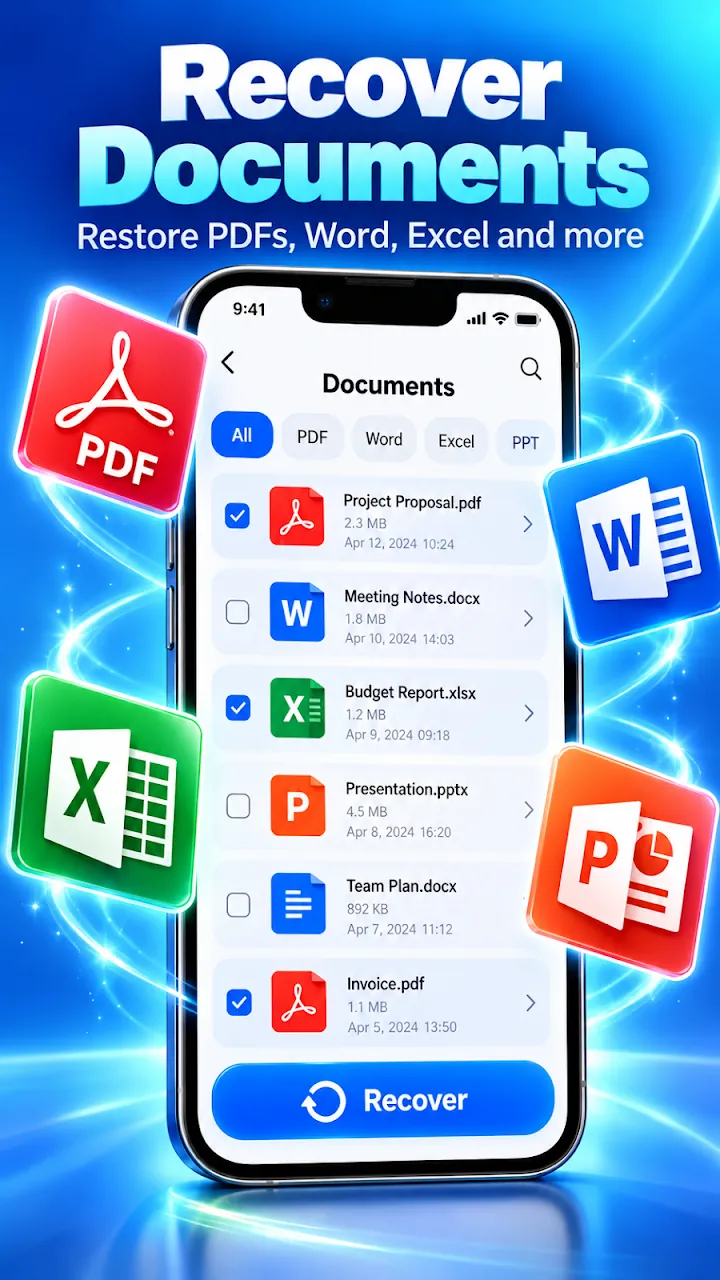
Get back voice notes, music, PDFs, and Word, Excel, and PowerPoint files, with filters by date, size, and folder.
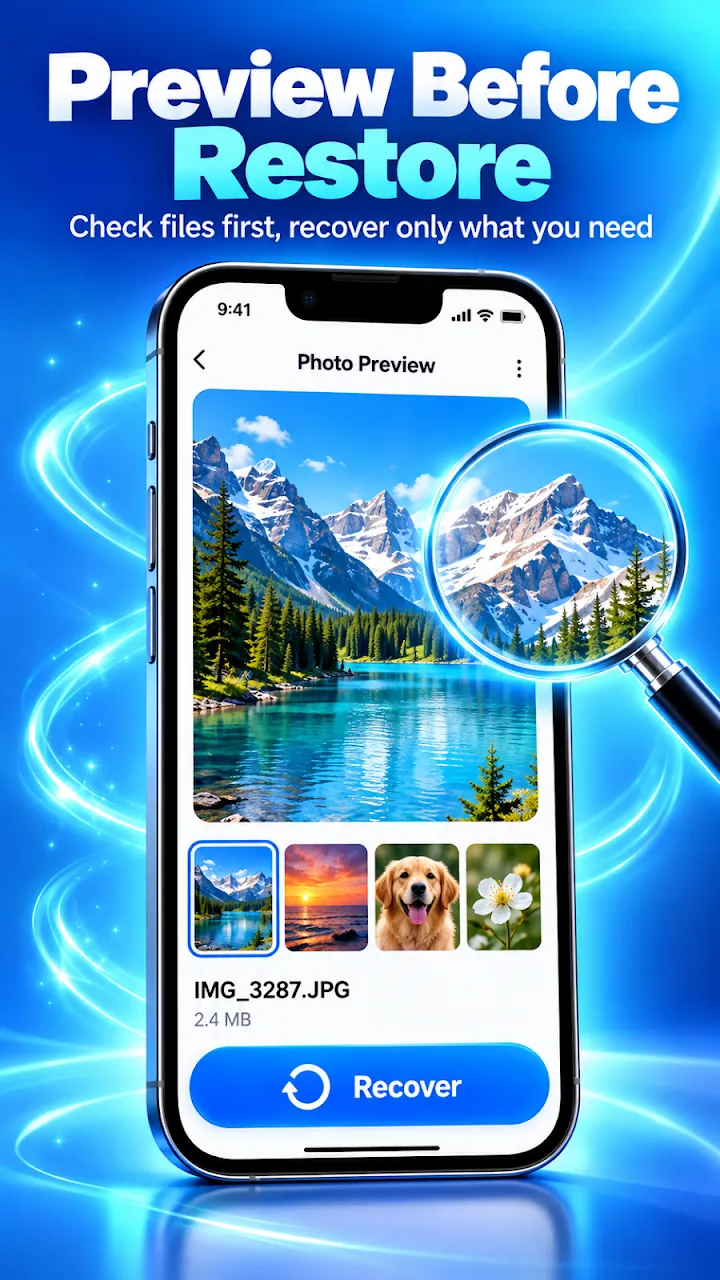
Check every file first and recover only what you need, one at a time or in batches.
Sharpen detail and bring old, low-resolution recovered photos back to clear HD.
Wipe private photos and files so they cannot be recovered. This action cannot be undone.
Screenshots
Official screenshots of Photo Recovery: Restore Files for Android.
How it works
Choose Photos, Videos, Audio, or Files and start the deep scan.
Browse the deleted items that are still on your storage.
Select files and tap Restore to save them back to your gallery.
FAQ
Still need help? Email support@elevatemobilegroup.com or visit support.
Yes. Photo Recovery scans storage that Android lets apps read, so no root and no computer are needed.
When new data is saved, it can overwrite deleted files. Results depend on your device, storage type, and how long ago the files were deleted.
Scan as soon as possible after deleting, and avoid taking new photos or installing apps first.
Recovered files are saved back to your device storage and appear in your gallery or chosen folder.
No. Scanning, previews, and restores run on your device.
More from Elevate