AI best shot for duplicates
Finds duplicates, bursts, and similar photos, and picks the one to keep by sharpness, lighting, faces, and closed eyes.

Free up iPhone storage the honest way. Find duplicate photos, big videos, old screenshots, and inbox clutter, review what goes, and delete for free.
Overview
Ultimate Cleaner: AI Clean Up is a free iPhone app developed by Elevate Mobile Group LLC, coming soon to the App Store.
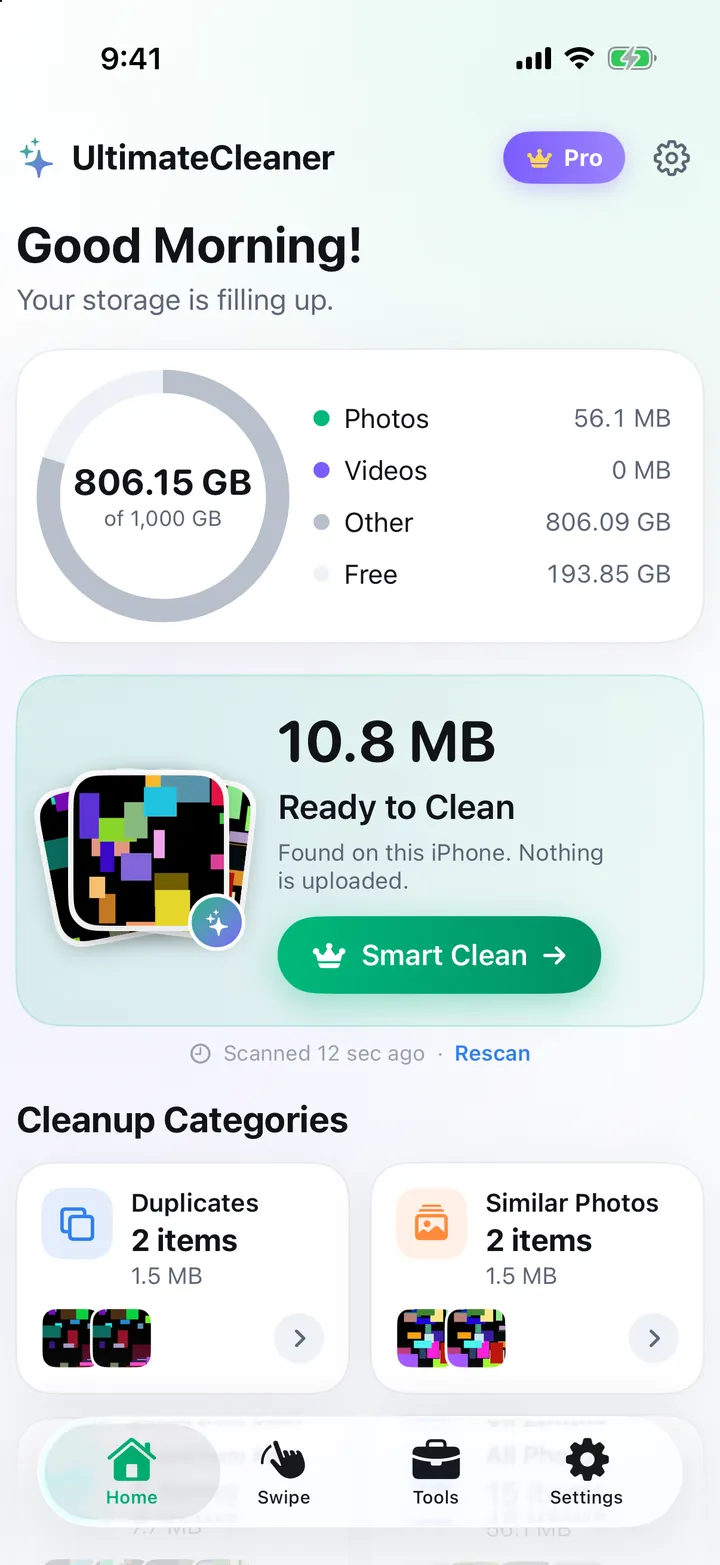
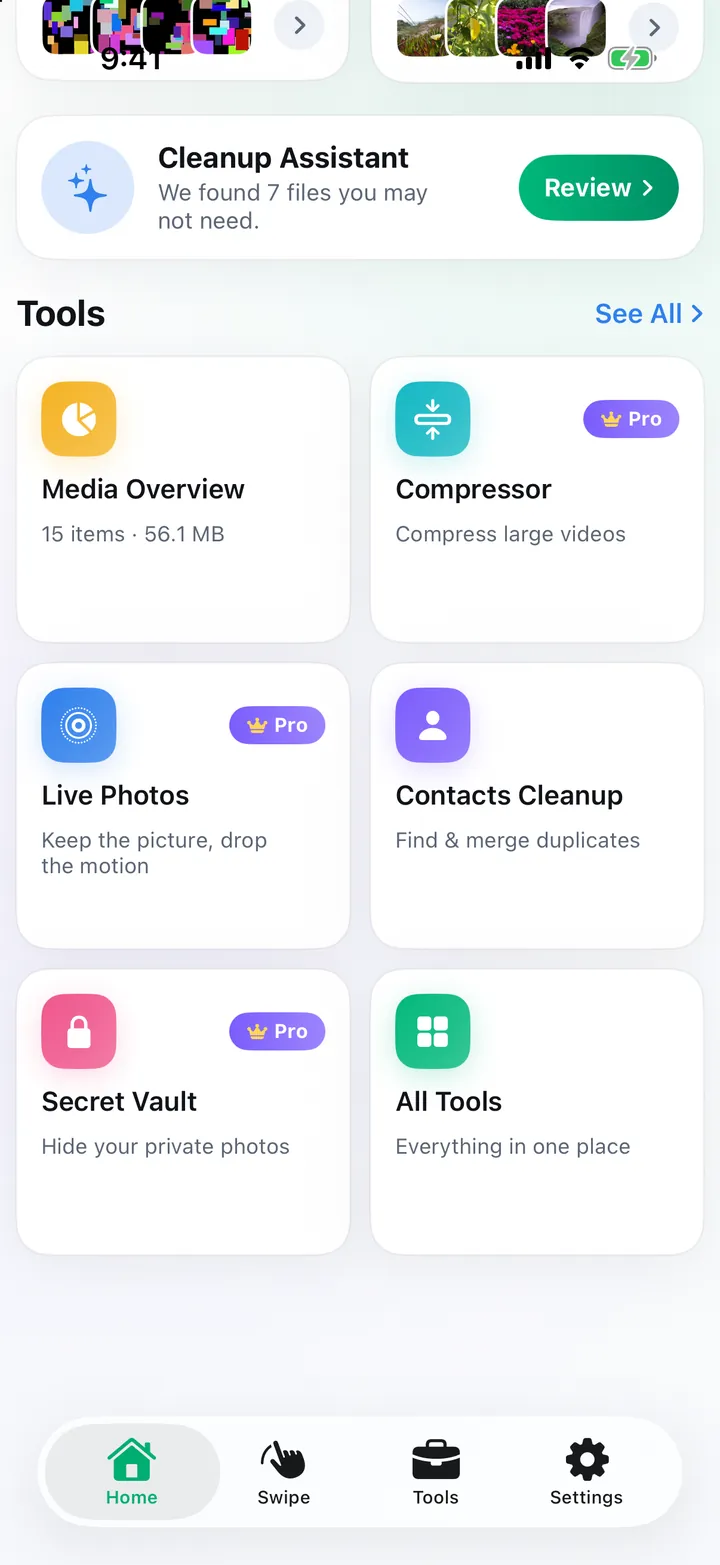
Ultimate Cleaner: AI Clean Up finds exact duplicates, bursts, similar shots, screenshots, blurry photos, and large videos on your iPhone. On-device AI picks the best photo to keep by checking sharpness, lighting, faces, and closed eyes, and every bulk clean shows what it removes and what it keeps before anything happens.
It also cleans duplicate contacts, spam calendar invitations, and inbox clutter from Gmail, iCloud Mail, Outlook, Yahoo, and other mailboxes, and keeps private photos in a Secret Vault protected by Face ID. Your photos, contacts, and calendars never leave your iPhone, and deleting is always free.
Features
Finds duplicates, bursts, and similar photos, and picks the one to keep by sharpness, lighting, faces, and closed eyes.
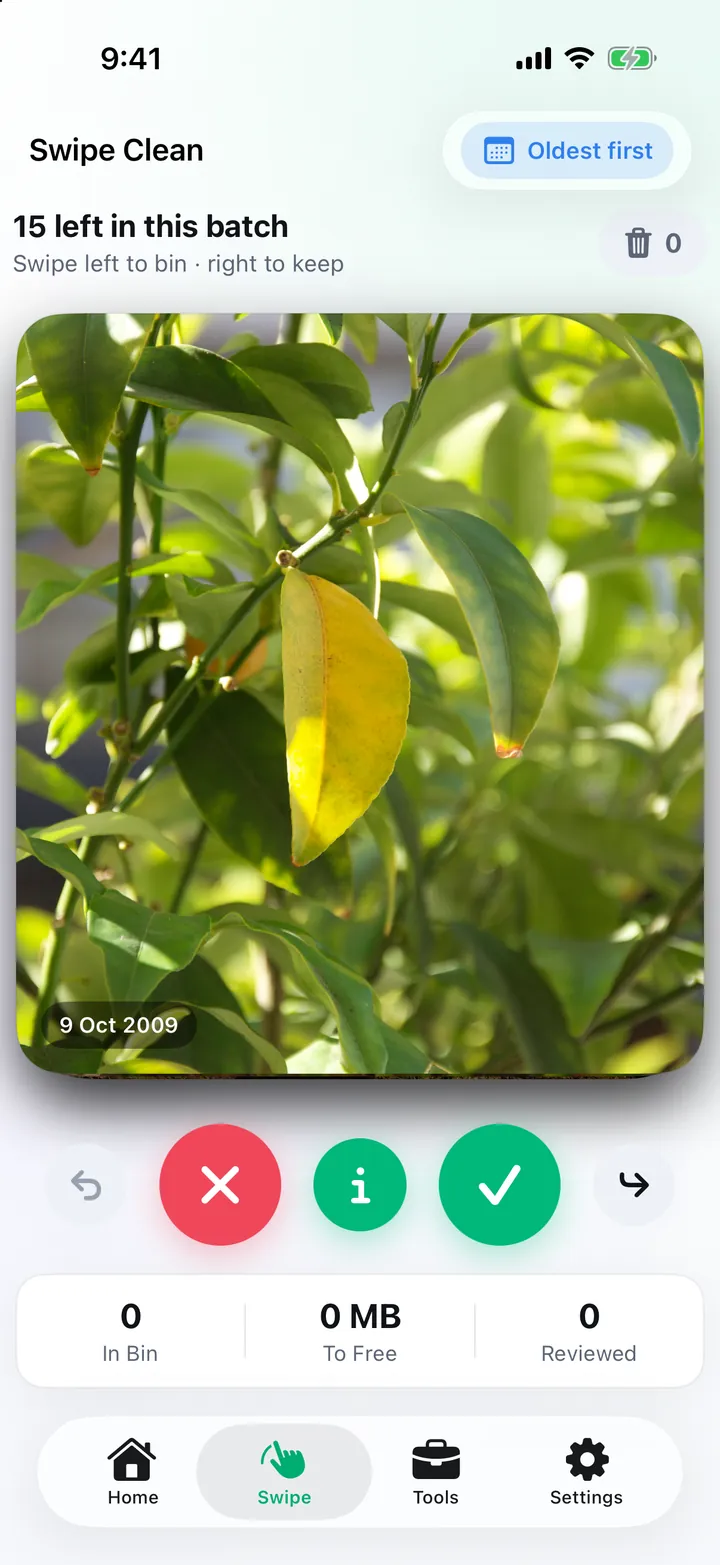
Swipe left to delete and right to keep, with undo, oldest-first review, On This Day, and any month.
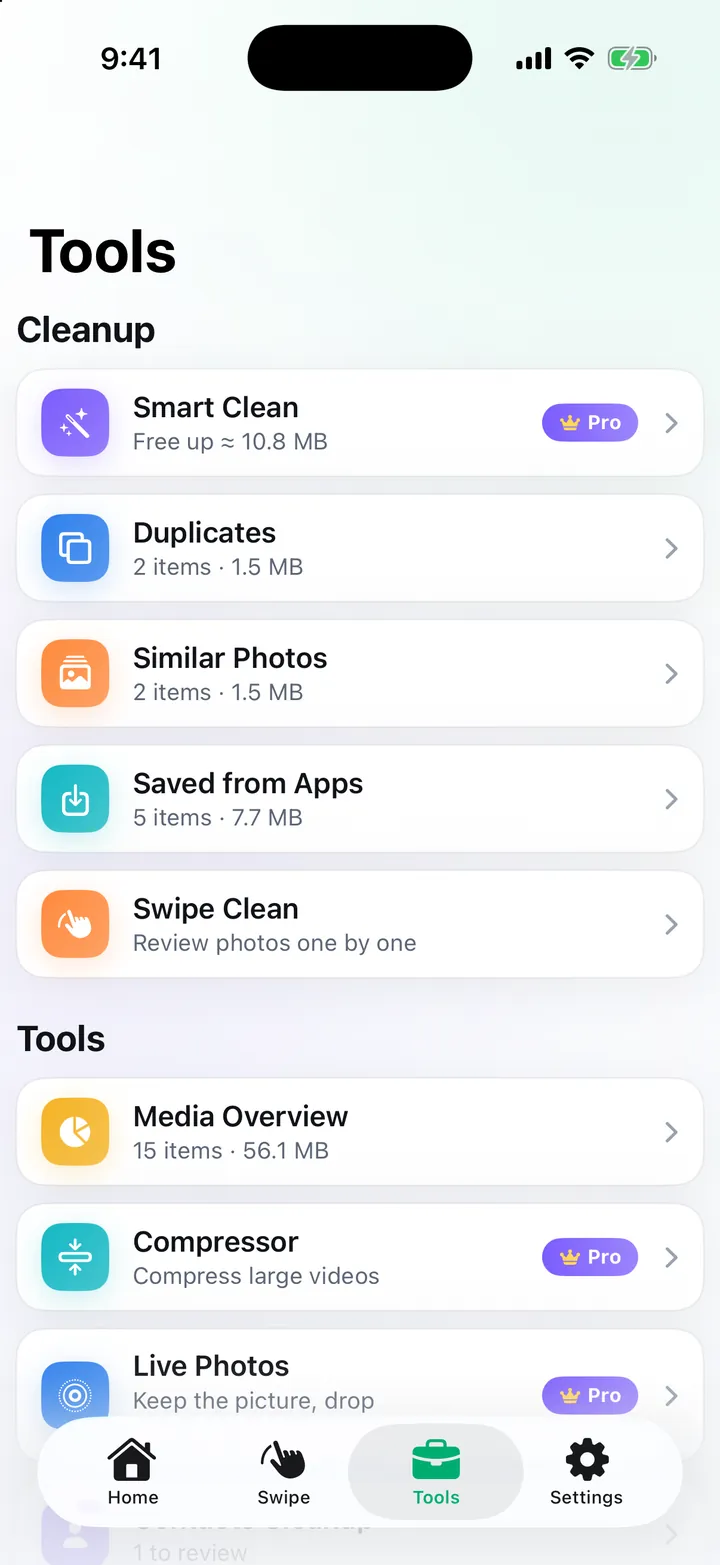
Sort screenshots into receipts, QR codes, tickets, and text, sort videos by size, compress big ones, and convert Live Photos (Pro).
Find promotions, spam, and old unread email by sender in Gmail, iCloud Mail, Outlook, Yahoo, and other IMAP mailboxes, then move them to Trash.
Delete duplicate and incomplete contacts with a backup saved first, and remove spam invitations and old events.
Keep private photos and videos in an encrypted vault protected by Face ID or a PIN, with a built-in vault camera.
Screenshots
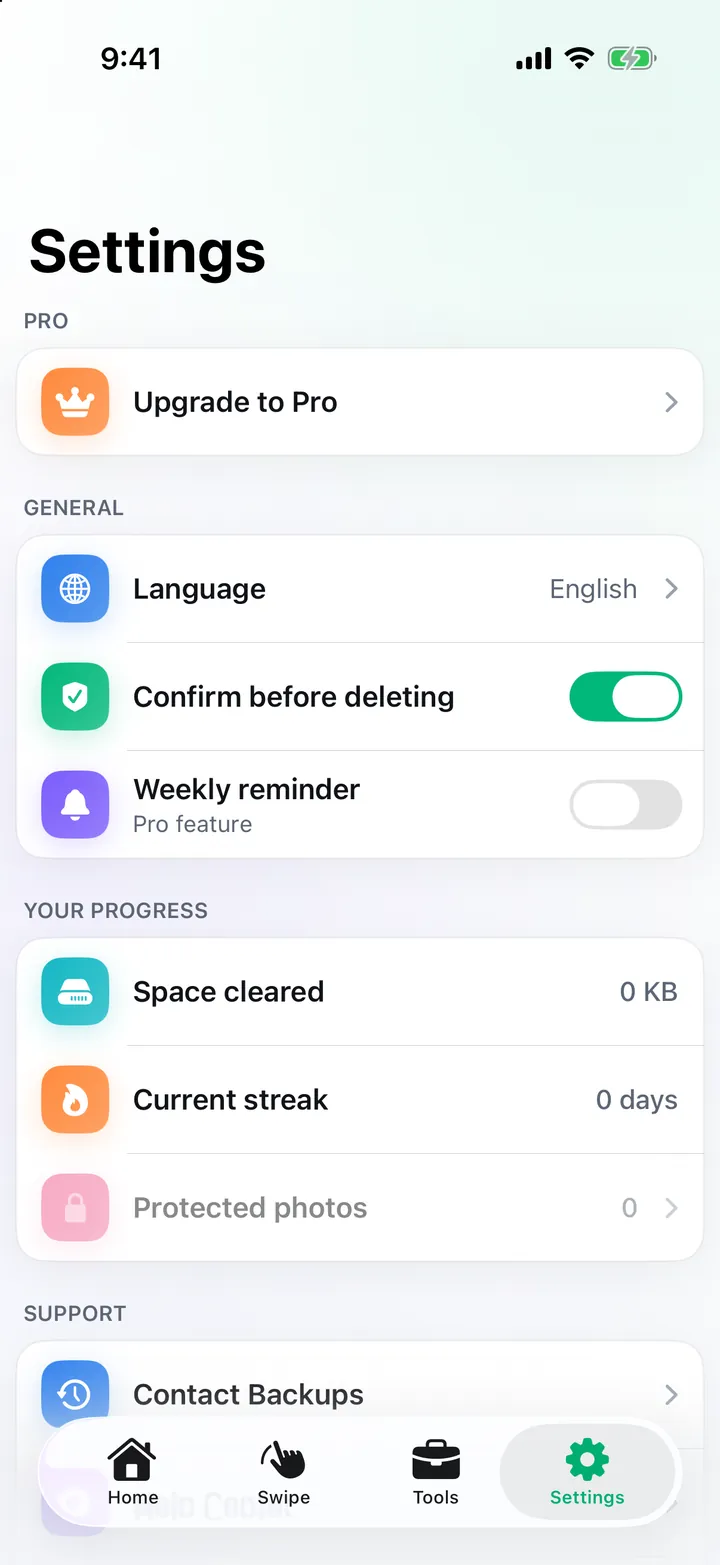
Official screenshots of Ultimate Cleaner: AI Clean Up for iPhone.
How it works
Allow Photos access and the app finds duplicates, similar shots, screenshots, and large videos on your iPhone.
Every clean shows what is removed and what is kept, and you can change any of it.
Confirm in Apple's dialog. Deleted photos stay in Recently Deleted for 30 days.
FAQ
Still need help? Email support@elevatemobilegroup.com or visit support.
Yes. Deleting is always free. Pro only adds shortcuts such as one-tap Smart Clean, compression, and the Secret Vault, and removes ads.
No. Photos, contacts, and calendars are processed on your iPhone and are never uploaded or shared.
The email cleaner reads only the sender, subject, date, size, and mailing-list headers, directly from your provider over an encrypted connection. It never downloads message bodies or attachments.
No. Every bulk clean shows what it removes and keeps, and deletion goes through Apple's own confirmation.
Ultimate Cleaner is coming soon to the App Store for iPhone.
Coming soon
Free with ads. Pro (subscription or lifetime) removes ads and adds shortcuts; deleting is always free.