Automatic call recorder
Record every incoming and outgoing call, or record a call manually with one tap when auto mode is off.

Record incoming and outgoing calls automatically in clear HD, choose which contacts to record, and keep every recording private on your phone.
Overview
Call Recorder – Auto Recording is a free Android app developed by Elevate Mobile Group LLC and available on Google Play.
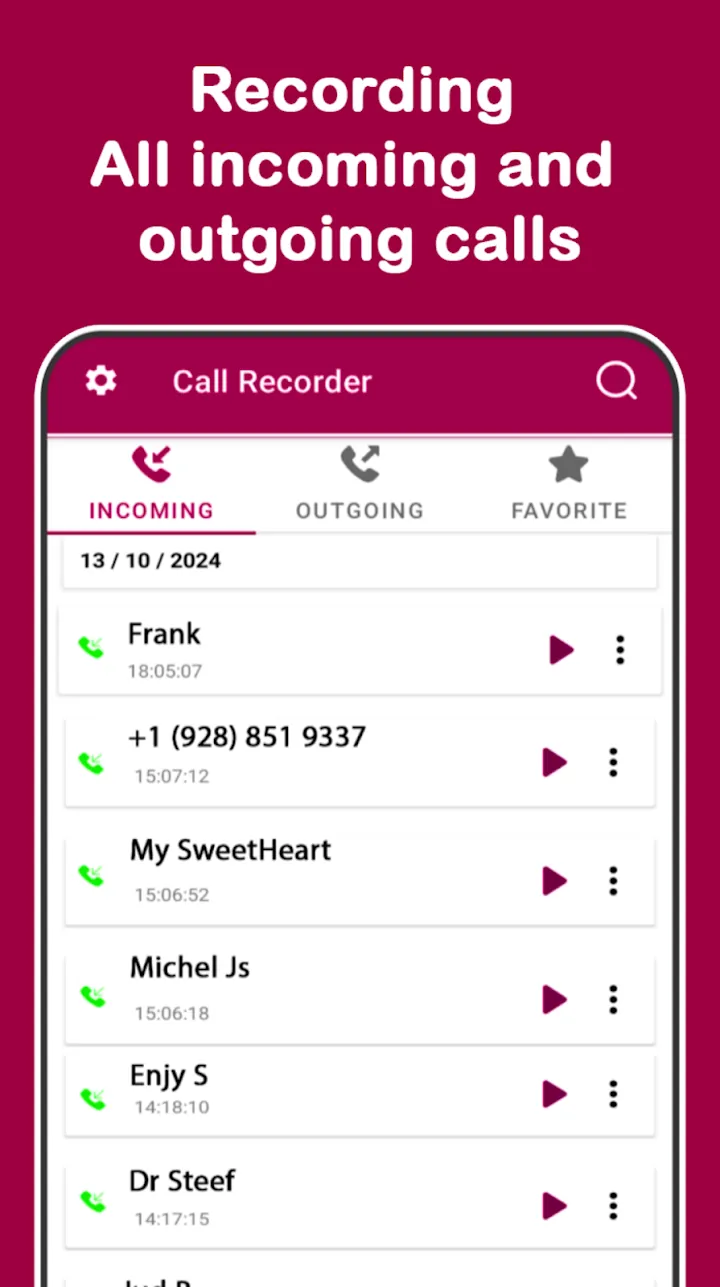
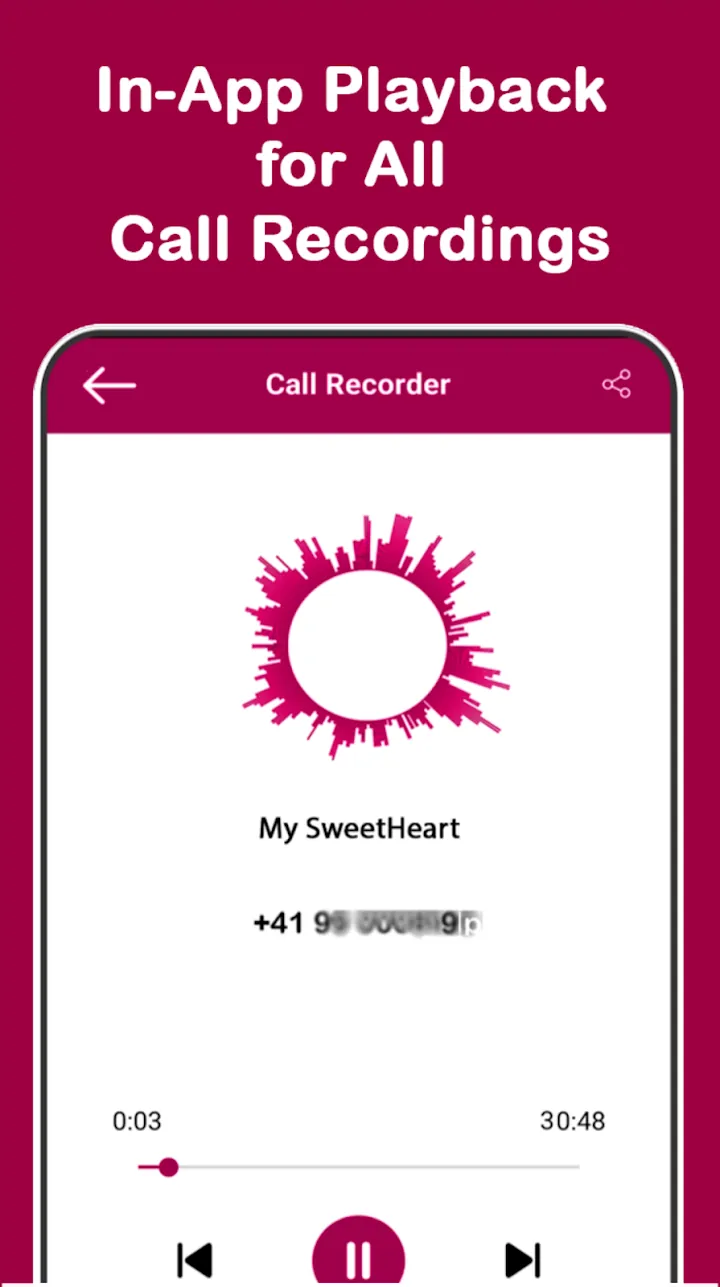
Call Recorder – Auto Recording is an automatic call recorder for Android. Turn on auto mode to save supported incoming and outgoing calls in the background, or record a call manually with one tap. Each recording shows the caller name, number, and date.
Record all calls, only the contacts you choose, or skip numbers on an ignore list. A built-in voice recorder handles notes, meetings, and lectures. Lock the app with a PIN or pattern; recordings stay on your phone and no account is needed.
Features
Record every incoming and outgoing call, or record a call manually with one tap when auto mode is off.
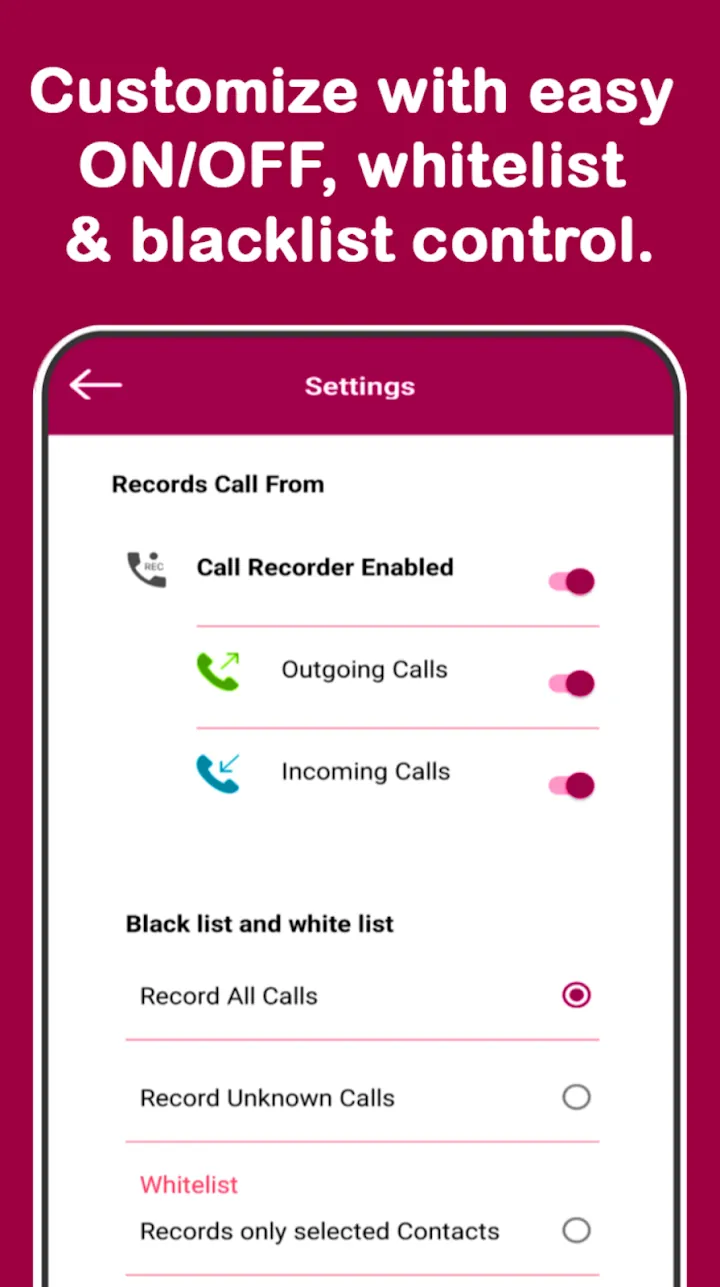
Record all calls, only selected contacts, or skip numbers on an ignore list.
Smart audio-source selection, with speaker mode for clearer two-way recording on phones that limit call audio.
Record notes, meetings, and lectures in M4A, WAV, or 3GP with noise suppression and pause and resume.
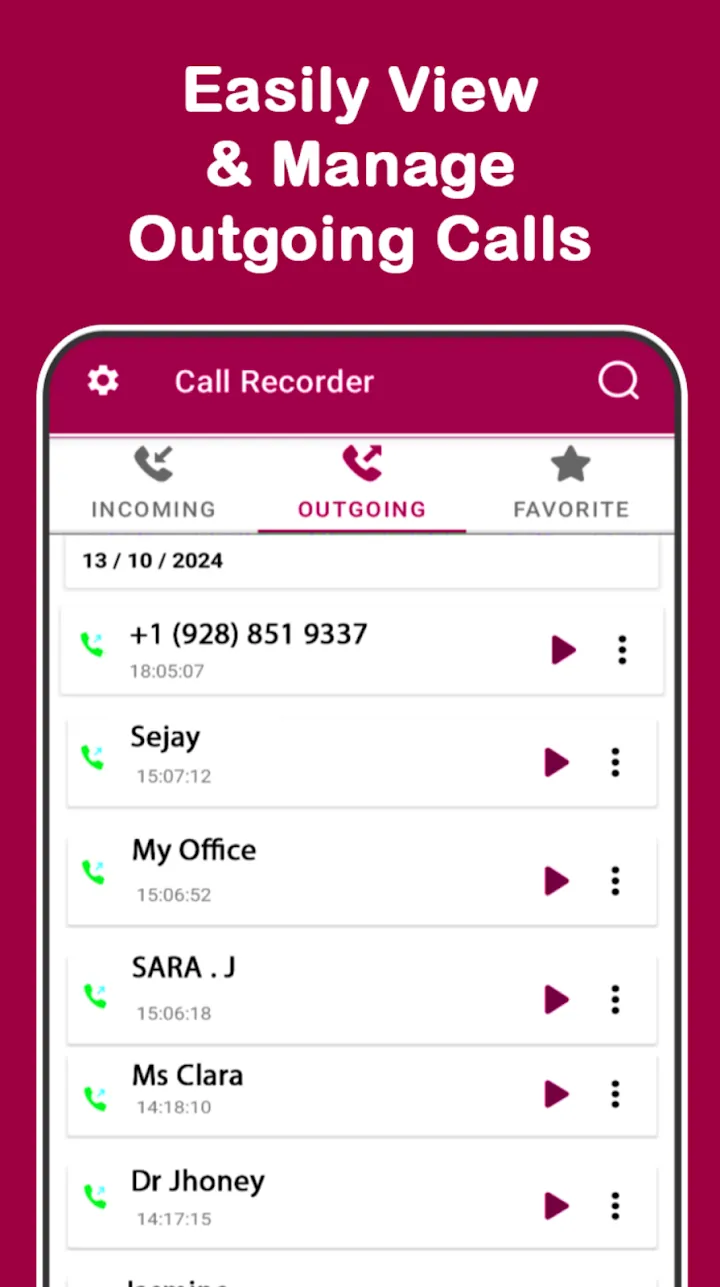
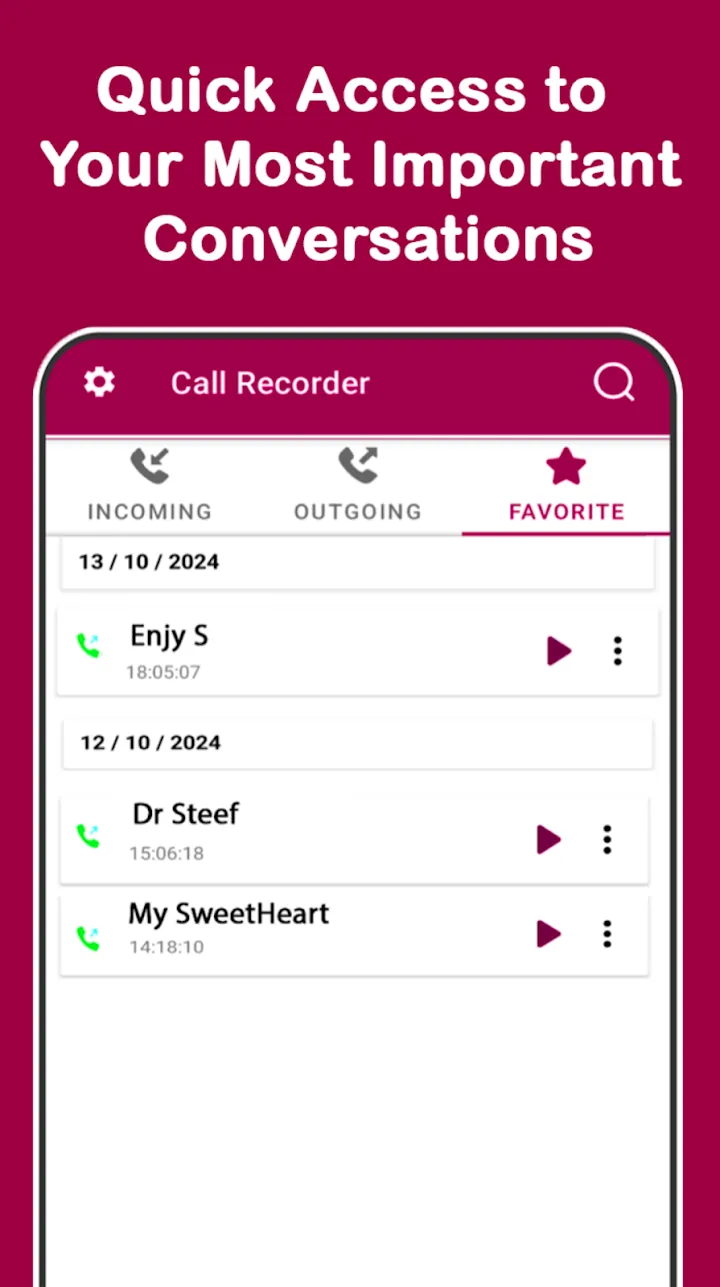
Search by name or number, mark favorites, trim recordings, and share or delete several at once.
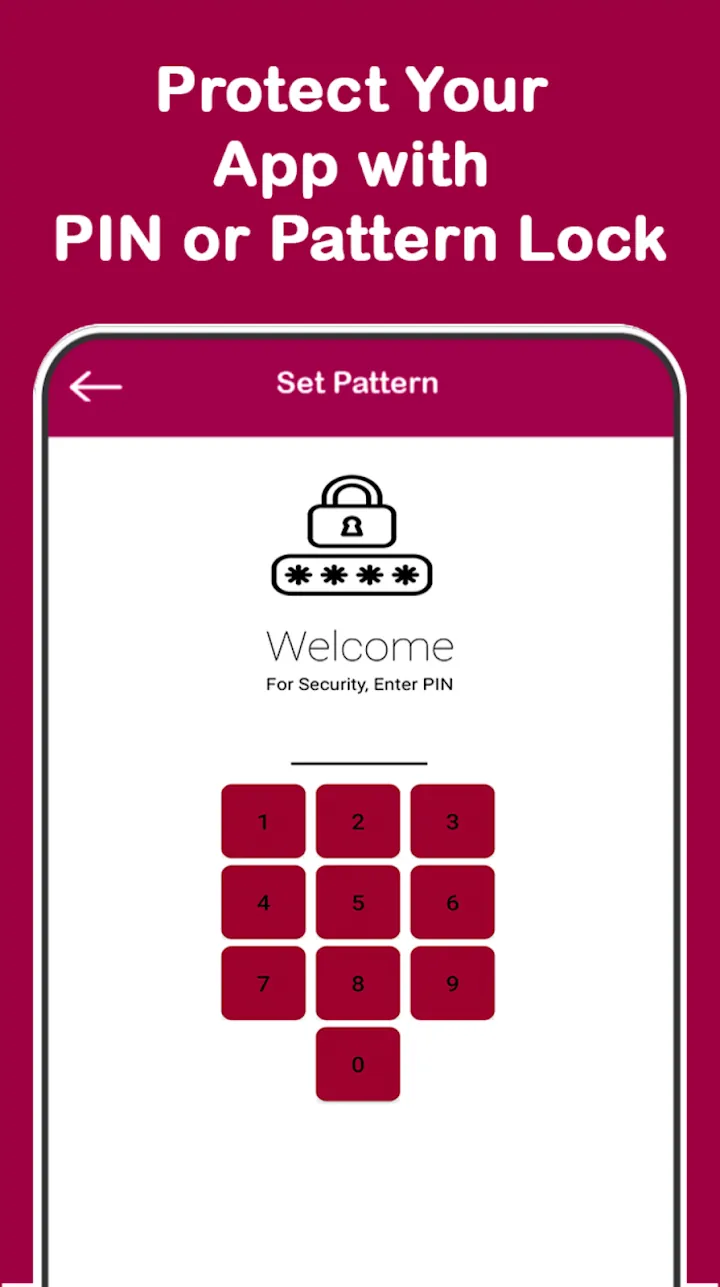
PIN or pattern lock, no account, offline recording, and recordings stored on your phone.
Screenshots
Official screenshots of Call Recorder – Auto Recording for Android.
How it works
Grant microphone, phone, and contacts permissions.
Pick all calls, selected contacts, or an ignore list.
Find recordings by contact, mark favorites, trim, and share.
FAQ
Still need help? Email support@elevatemobilegroup.com or visit support.
Turn on automatic call recording, or tap record during a call.
Yes. The auto call recorder saves supported incoming and outgoing calls on its own.
Yes. Record all calls, pick contacts, or add numbers to the ignore list.
Some phones and Android versions limit call audio. Use speaker mode for clearer two-way recording.
Yes. Open the recording, tap Share, and choose Gmail or your email app. The recording is attached as an audio file. Recordings only leave your phone when you share them.
Laws differ by country and state. Some places require that everyone on the call agrees to be recorded. You are responsible for following the laws that apply to you.
More from Elevate