Flash on call
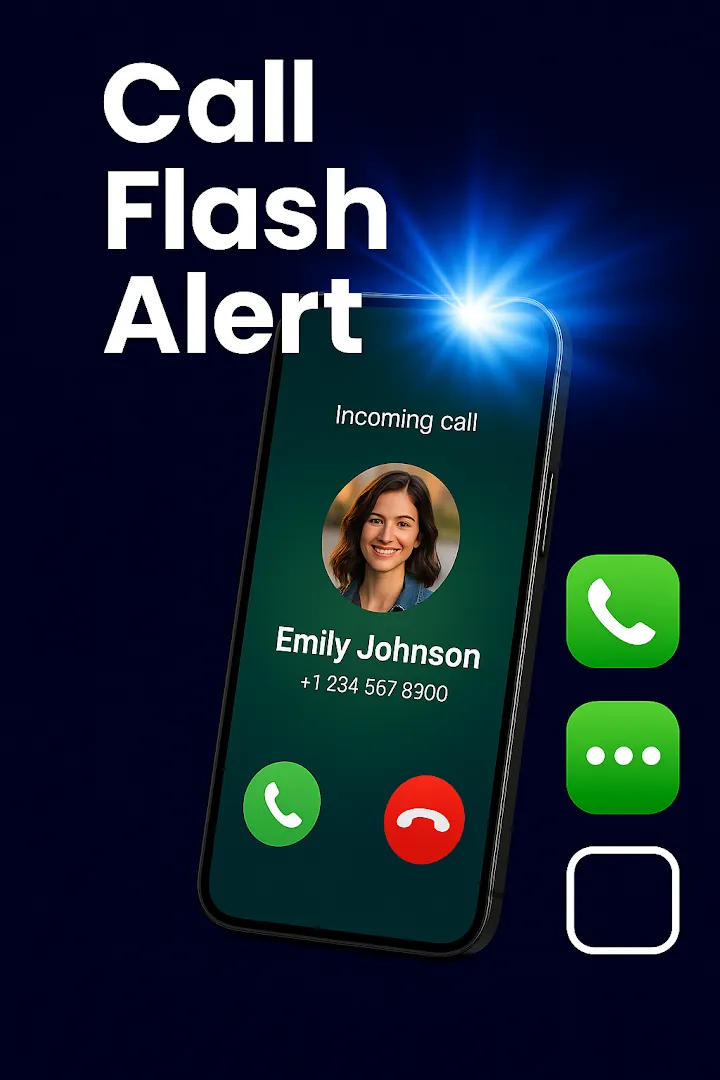
The camera LED blinks when a call comes in. Set the number, length, and gap of blinks and test your pattern.
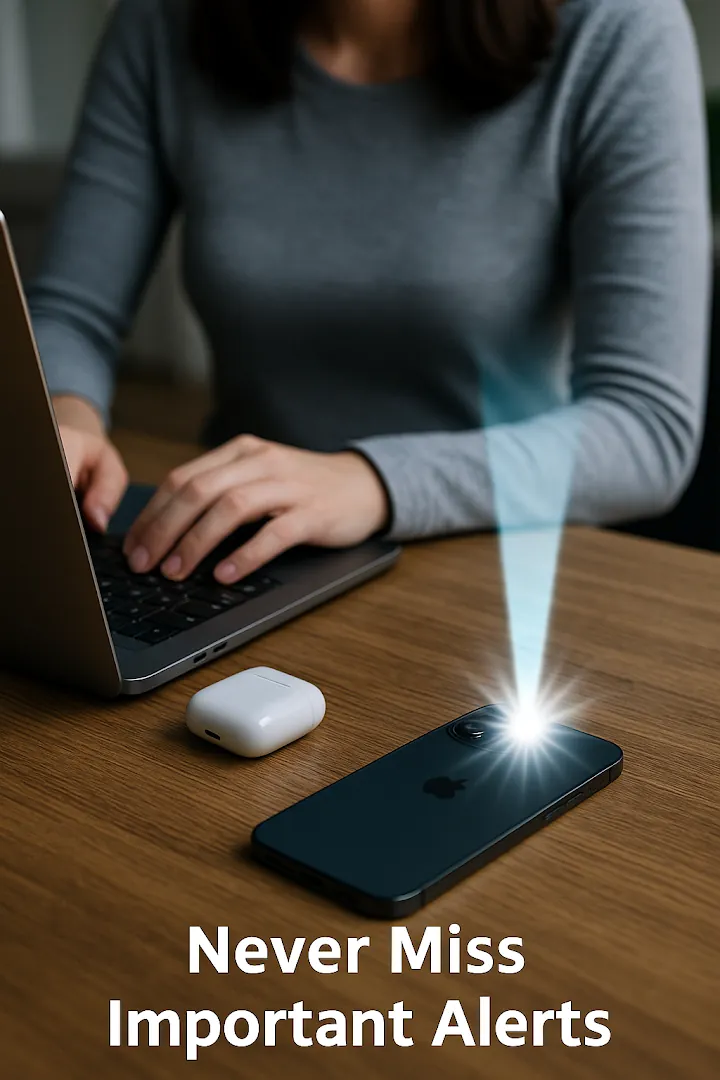
Your camera light blinks for incoming calls, messages, and app notifications, so you notice them even in silent mode. Plus a bright LED flashlight.
Overview
Flash Alert: Call & Flashlight is a free Android app developed by Elevate Mobile Group LLC and available on Google Play.
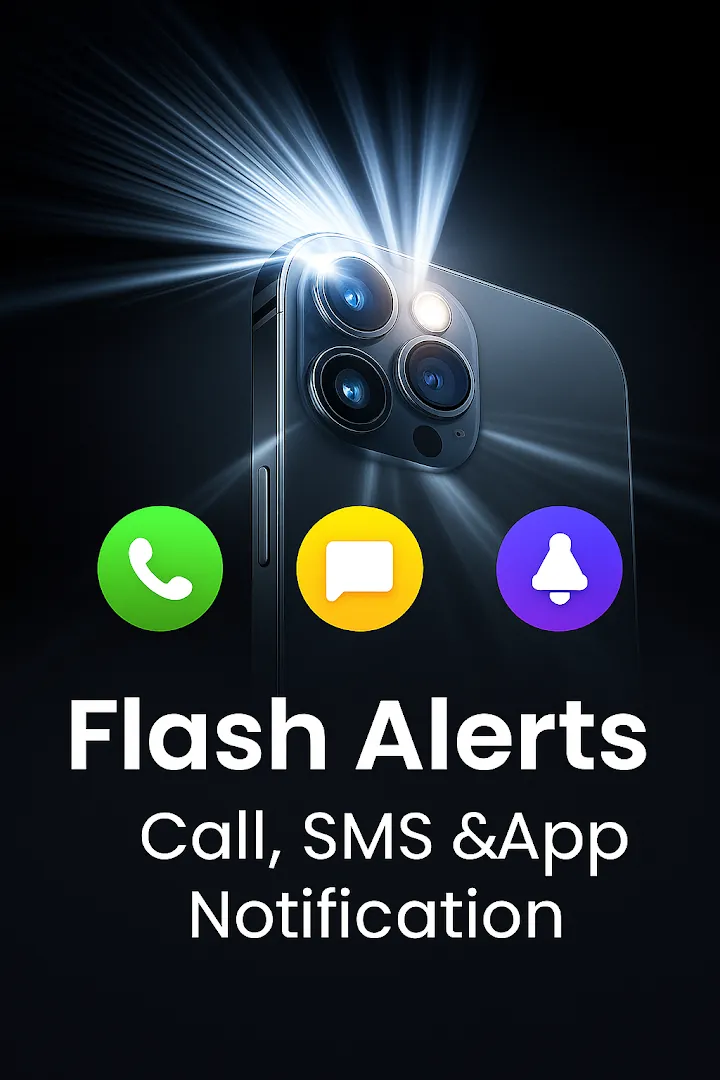
Flash Alert: Call & Flashlight makes the camera LED blink when a call or text message comes in and for notifications from the apps you choose. Visual alerts are easier to spot in a loud room or a quiet meeting, and helpful for people who are hard of hearing.
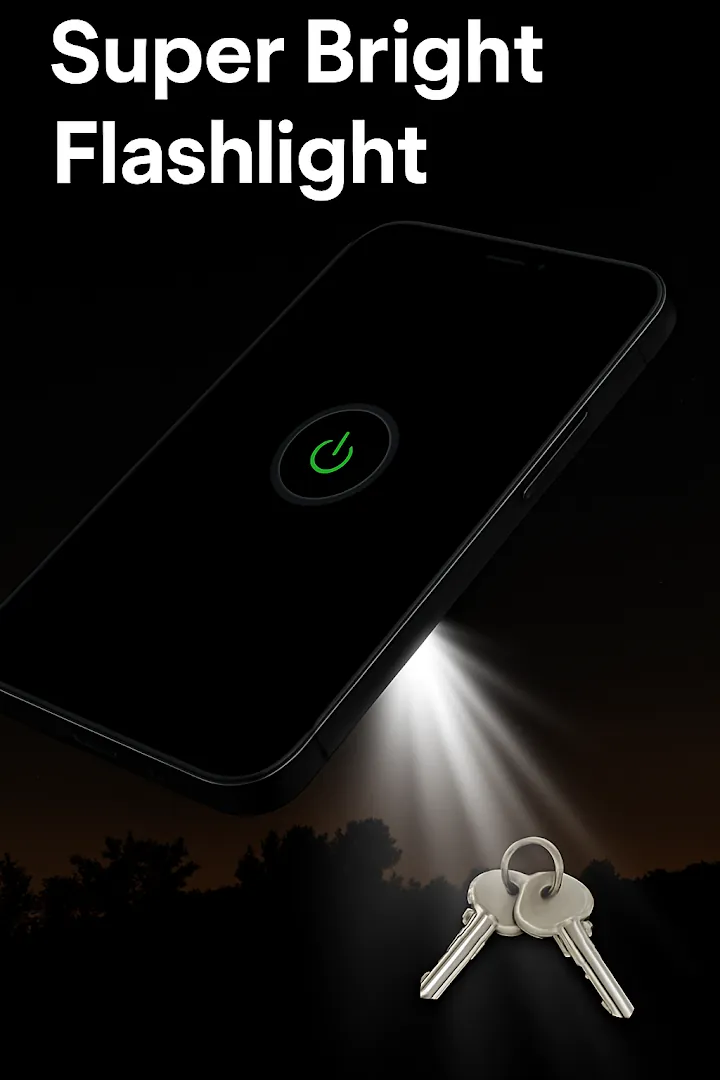
Control how many times the light blinks, how long each blink lasts, and when alerts are active. The app also includes a one-tap torch, a strobe light, an SOS signal, a music strobe, and home screen widgets.
Features
The camera LED blinks when a call comes in. Set the number, length, and gap of blinks and test your pattern.
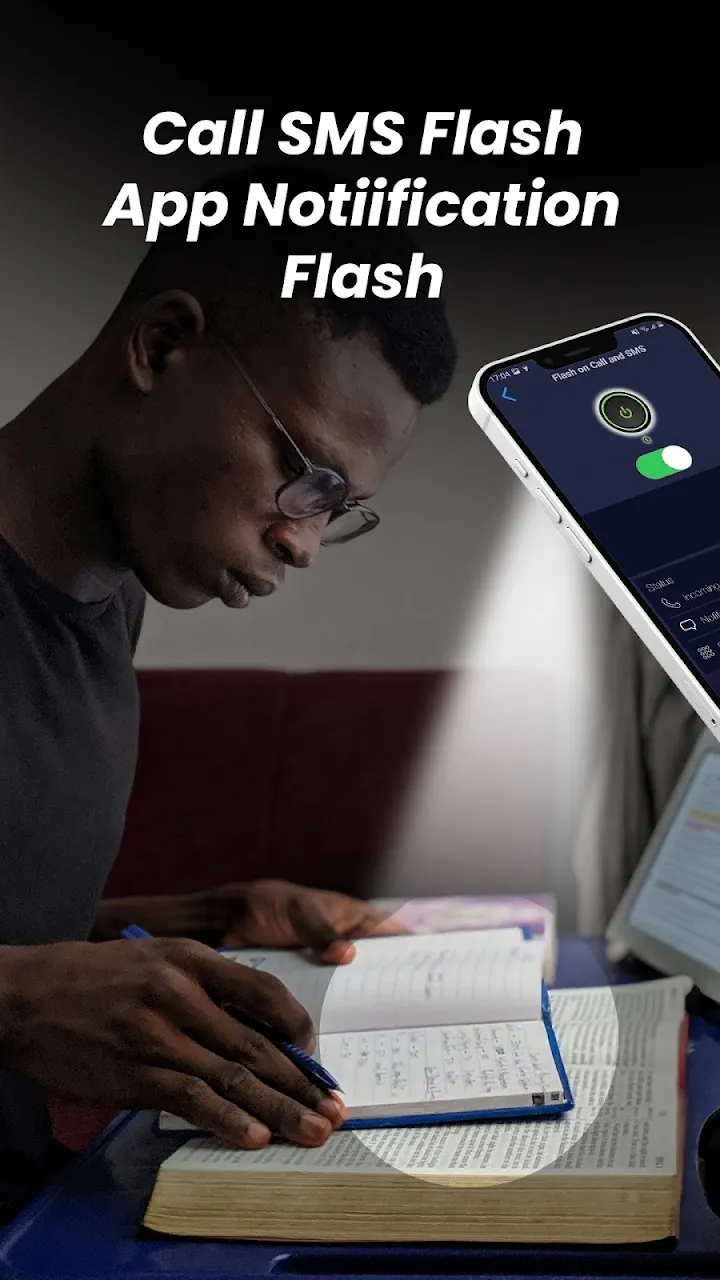
Blink for new text messages and for chat, email, and social apps you select.
Choose normal, vibrate, or silent mode, continuous or rhythm blinking, and Do Not Disturb hours.
Stop alerts automatically when the battery drops below a level you choose.
One-tap torch, a home screen widget, a Quick Settings tile, and a soft color screen light.
Adjustable strobe, an SOS signal for emergencies, and a music strobe that blinks to the beat.
Screenshots
Official screenshots of Flash Alert: Call & Flashlight for Android.

How it works
Grant camera and phone permissions so the LED can blink for calls.
Turn on calls and SMS, and select the apps that can trigger a light alert.
Adjust blink speed and test it before you rely on it.
FAQ
Still need help? Email support@elevatemobilegroup.com or visit support.
Open the app, allow camera and phone permissions, then switch on Incoming Call.
Enable notification access and choose the apps in Select Apps.
Yes. Choose normal, vibrate, and silent mode in the settings.
Your phone needs a rear camera flash, and some brands stop background apps. Allow the app to run in the background.
Yes. The flashlight, torch, and alerts work offline.
More from Elevate