Quick settings panel
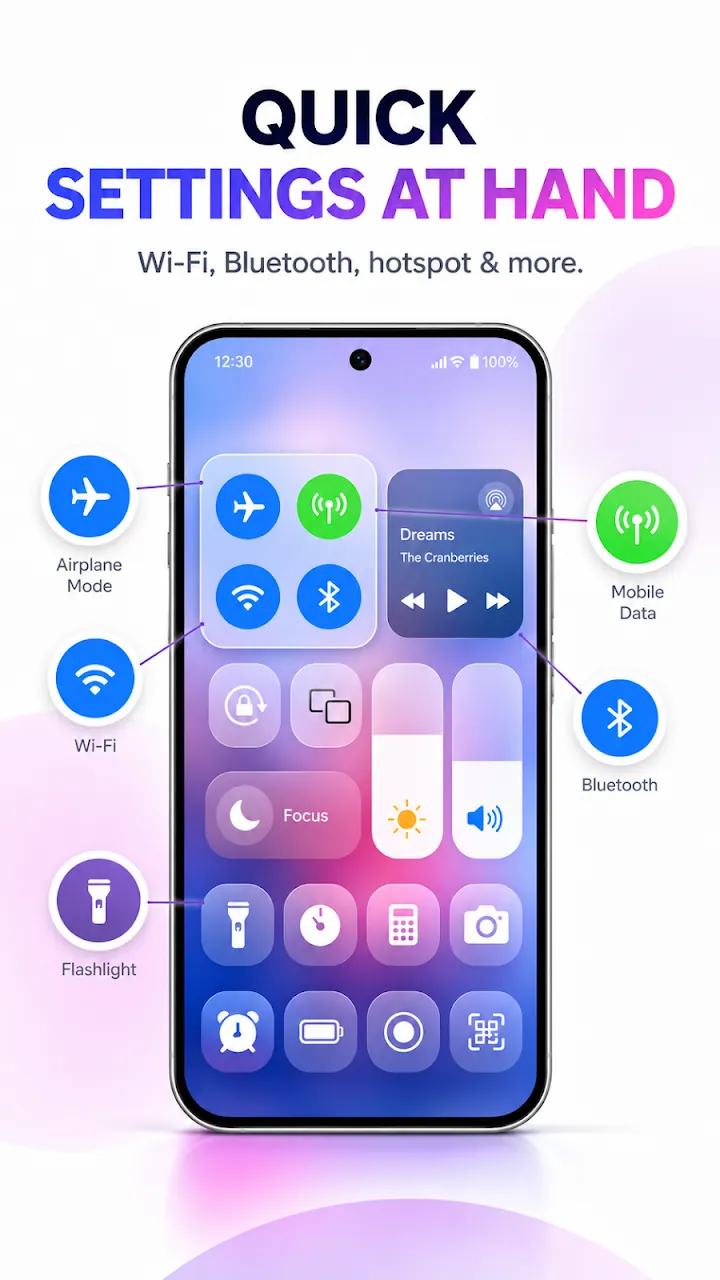
Wi-Fi, Bluetooth, mobile data, airplane mode, Do Not Disturb, rotation lock, and screen timeout in one place.
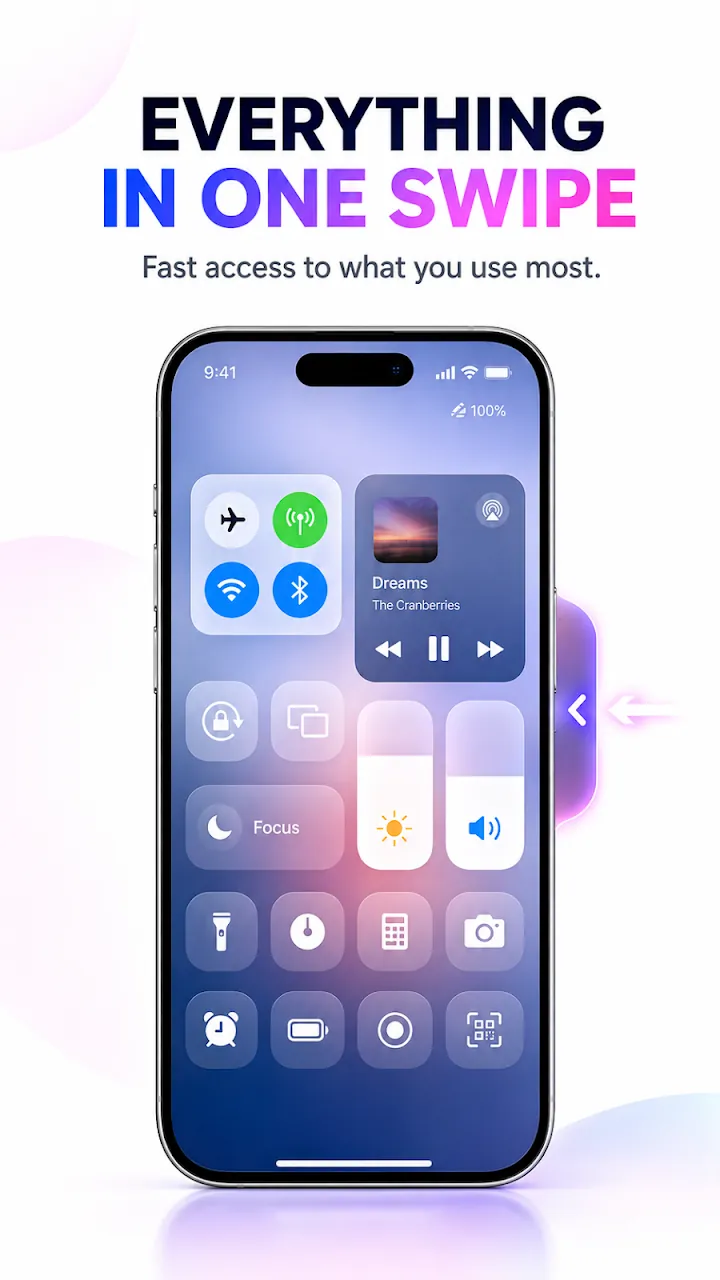
An iOS style control center for Android. Swipe from the edge for quick settings, music controls, screen recorder, and flashlight in any app.
Overview
Control Center - iOS Style is a free Android app developed by Elevate Mobile Group LLC and available on Google Play.
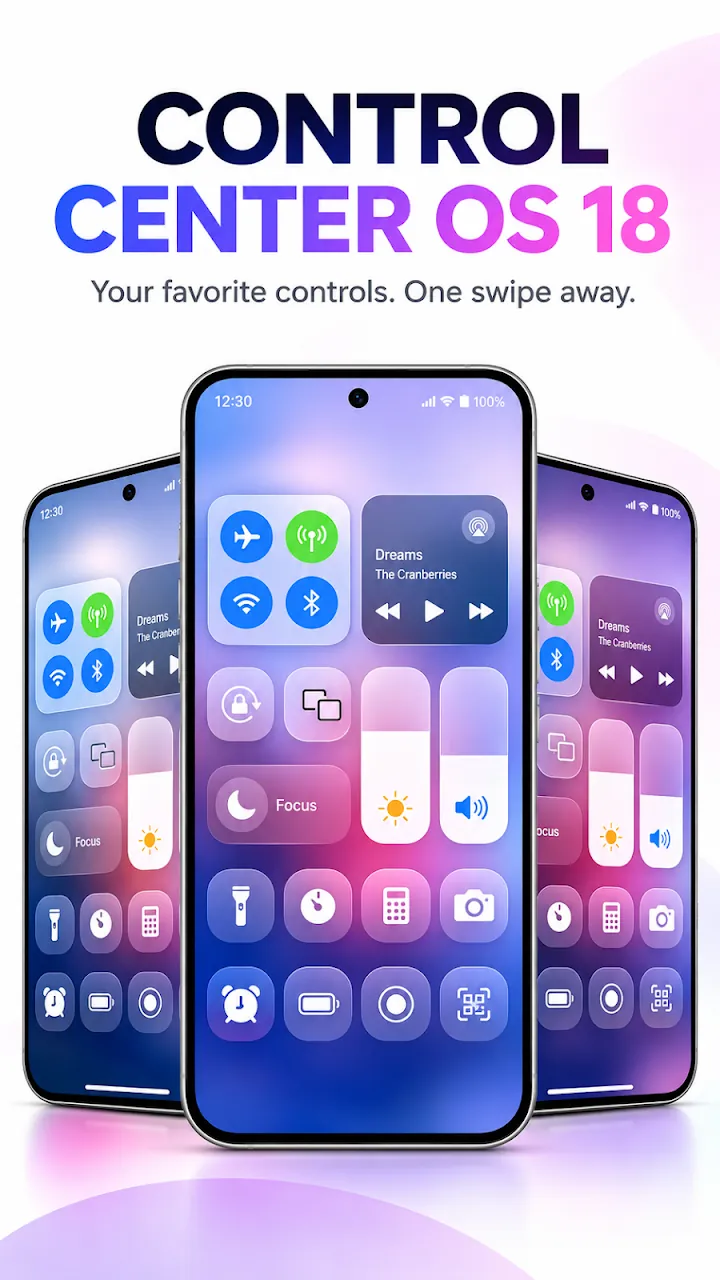
Control Center - iOS Style puts an iOS style quick settings panel one swipe away on your Android phone. Open Wi-Fi, Bluetooth, mobile data, airplane mode, Do Not Disturb, and rotation lock, and adjust brightness and volume with large sliders.
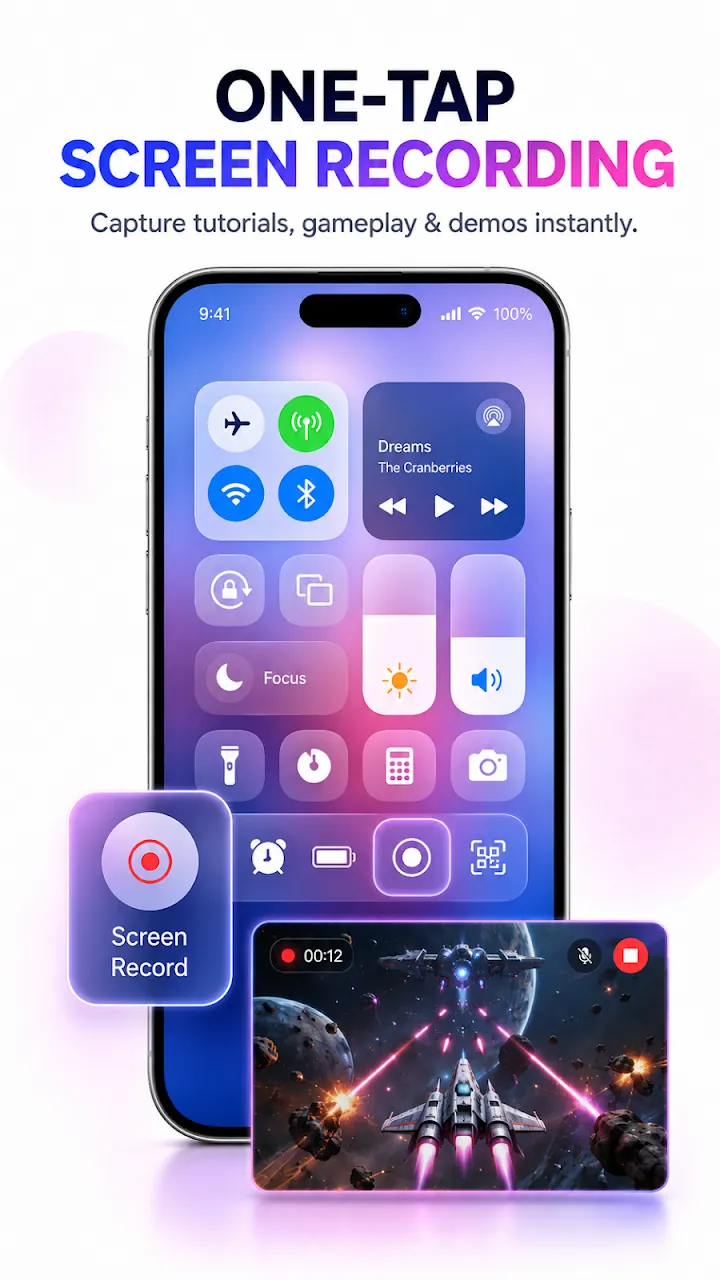
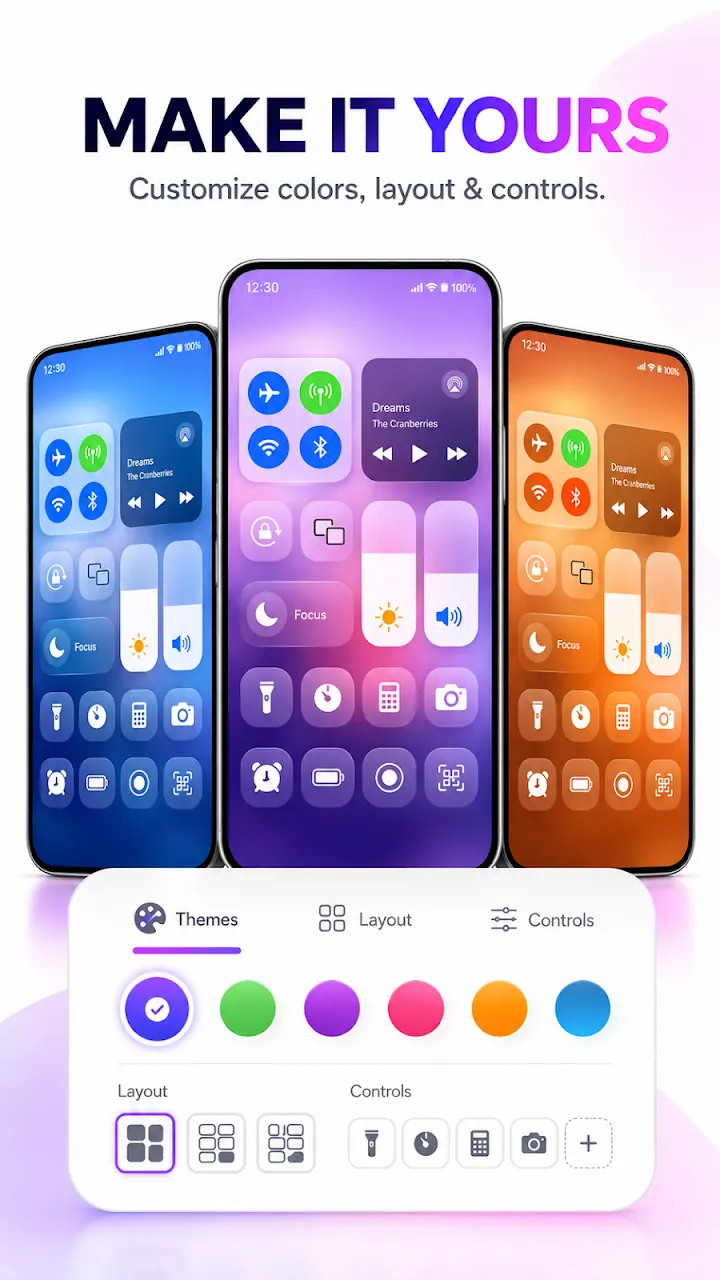
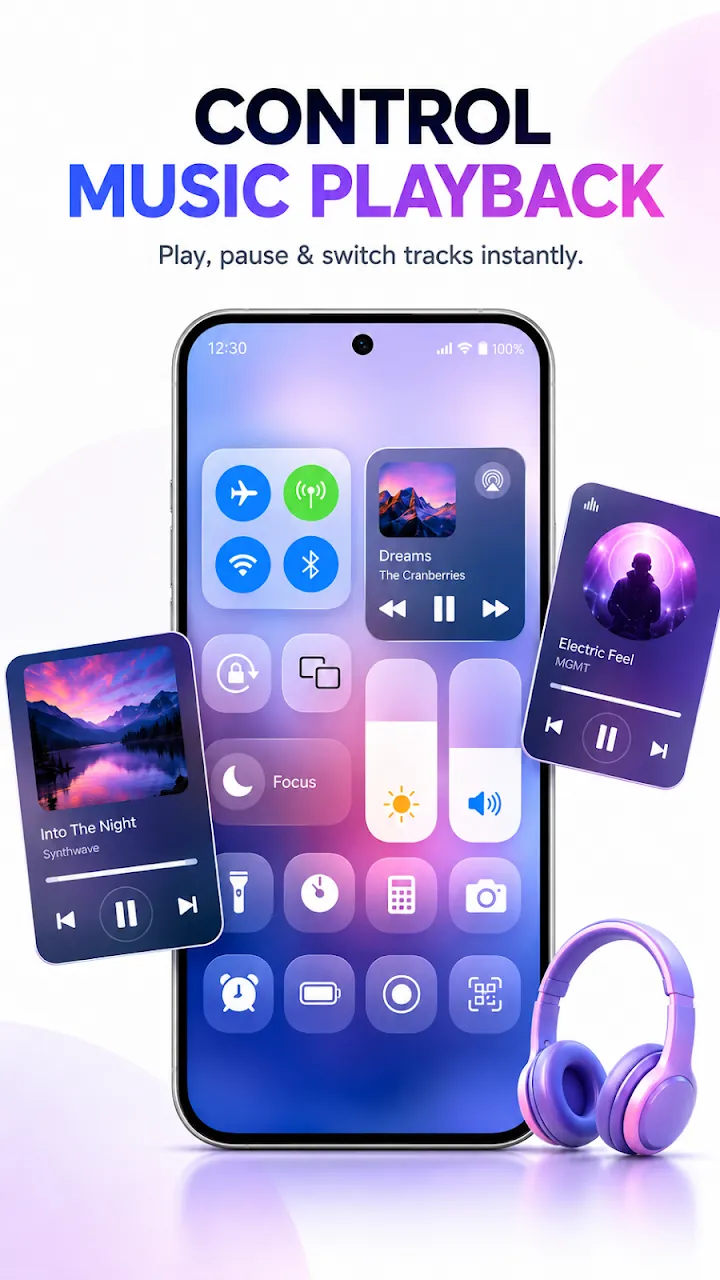
Control music from any player, record your screen with or without sound, and reach the flashlight, timer, calculator, and camera. Customize the background, colors, layout, and the swipe bar position to make it yours.
Features
Wi-Fi, Bluetooth, mobile data, airplane mode, Do Not Disturb, rotation lock, and screen timeout in one place.
Large sliders adjust brightness and volume without leaving the app you are using.
Play, pause, and skip songs and see the title and artist at a glance.
Record your screen with or without microphone sound, and choose resolution, frame rate, and bitrate.
Flashlight, timer, calculator, camera shortcuts, and a night shift filter.
Pick backgrounds and colors, reorder controls, set tap and long-press actions, and move the swipe bar to any edge.
Screenshots
Official screenshots of Control Center - iOS Style for Android.
How it works
Allow Display over other apps so the panel can appear anywhere.
Choose the top, bottom, left, or right edge and adjust its size and color.
Swipe from the bar to open Control Center from any screen.
FAQ
Still need help? Email support@elevatemobilegroup.com or visit support.
Swipe from the swipe bar at the edge of the screen. You can move the bar to the top, bottom, left, or right.
No. The panel works with Display over other apps. Accessibility is optional and adds Back, Recent apps, Notifications, Power menu, and Lock screen actions.
On newer Android versions, apps cannot switch Wi-Fi or Bluetooth directly, so the control opens the Android panel for you.
Allow notification access so the app can show and control the music that is playing.
No. iOS is a trademark of Apple Inc. This app is not affiliated with or endorsed by Apple.
More from Elevate