Lock Screen notes
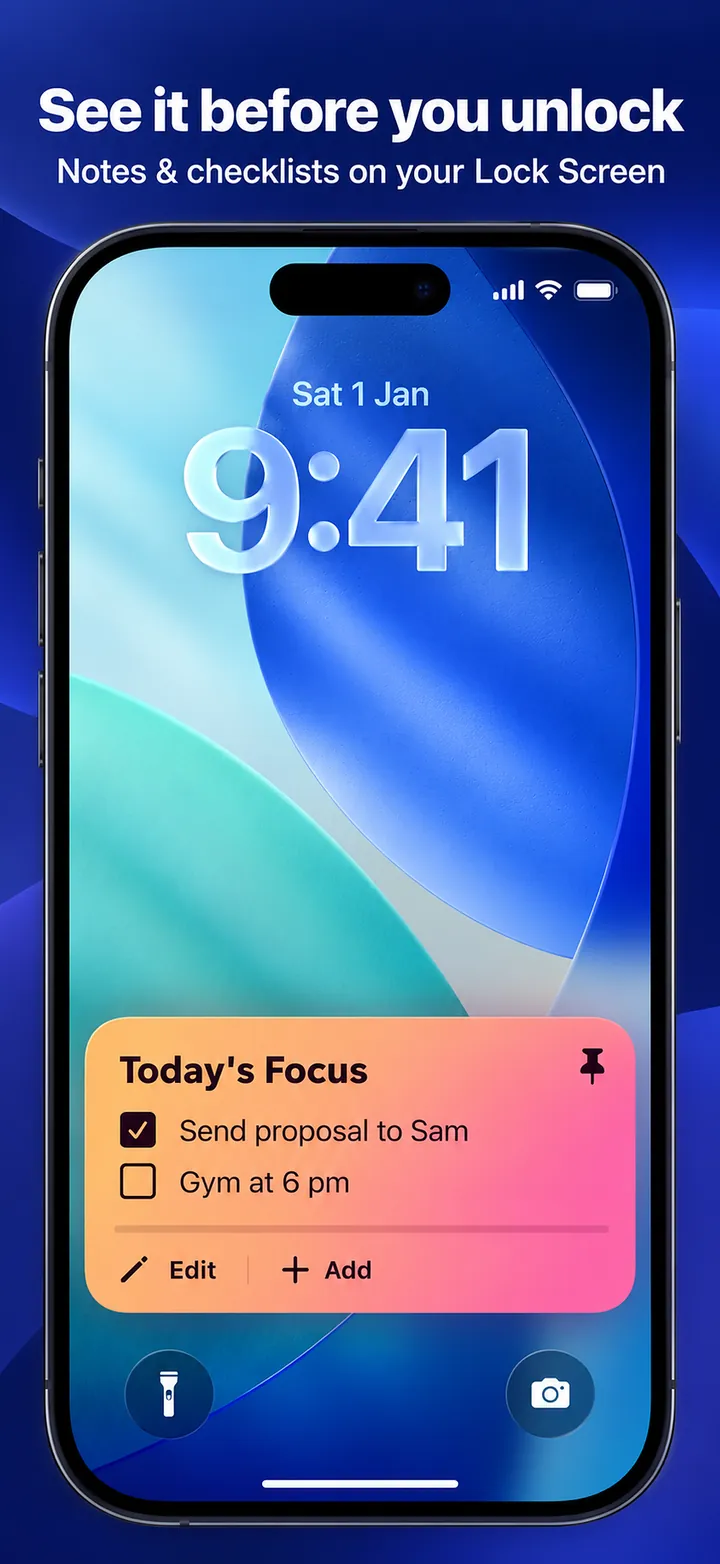
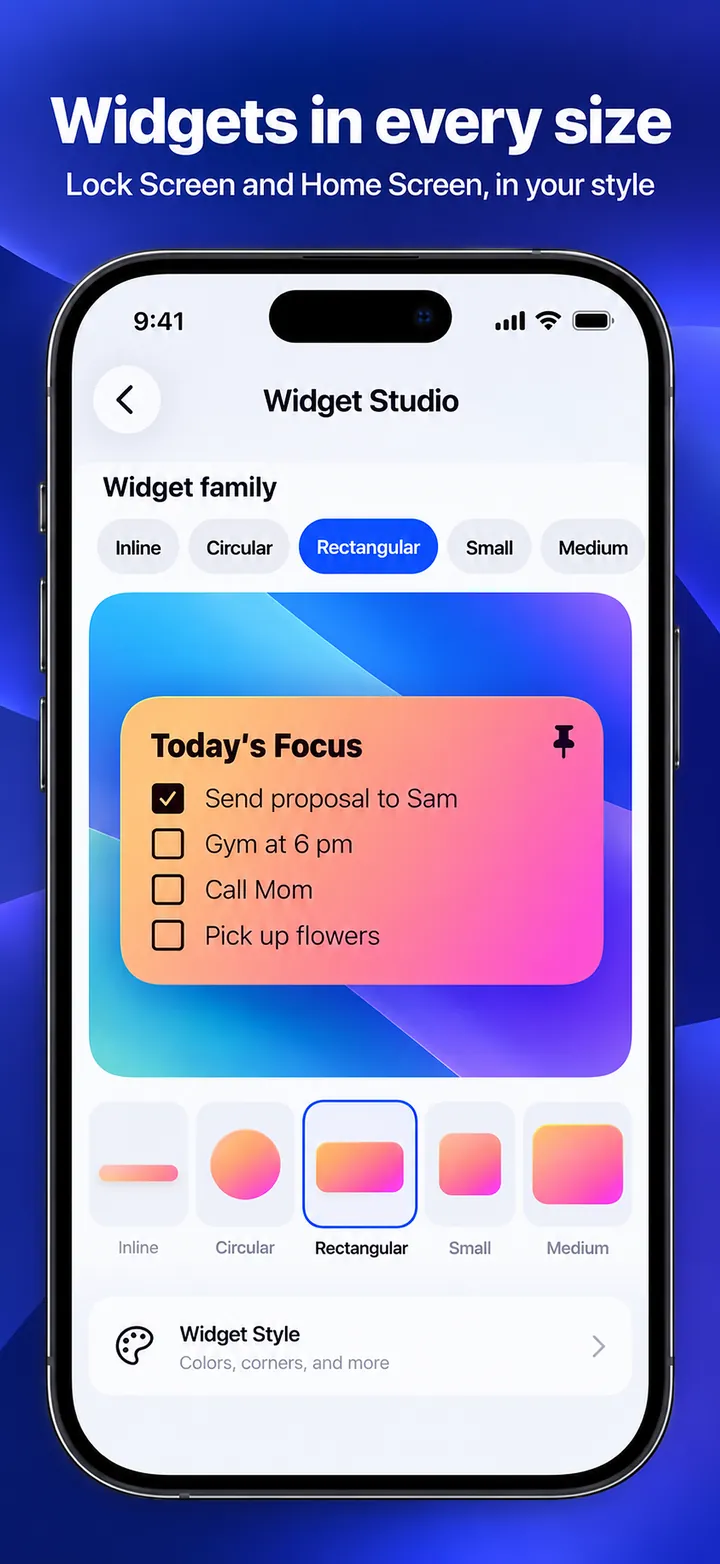
Pin a note, checklist, or reminder to a Lock Screen widget and see it before you unlock.
Keep your most important note on your Lock Screen, so you see it before you even unlock your iPhone.
Overview
GlanceNote: Lock Screen Notes is a free iPhone & iPad app developed by Elevate Mobile Group LLC and available on App Store.
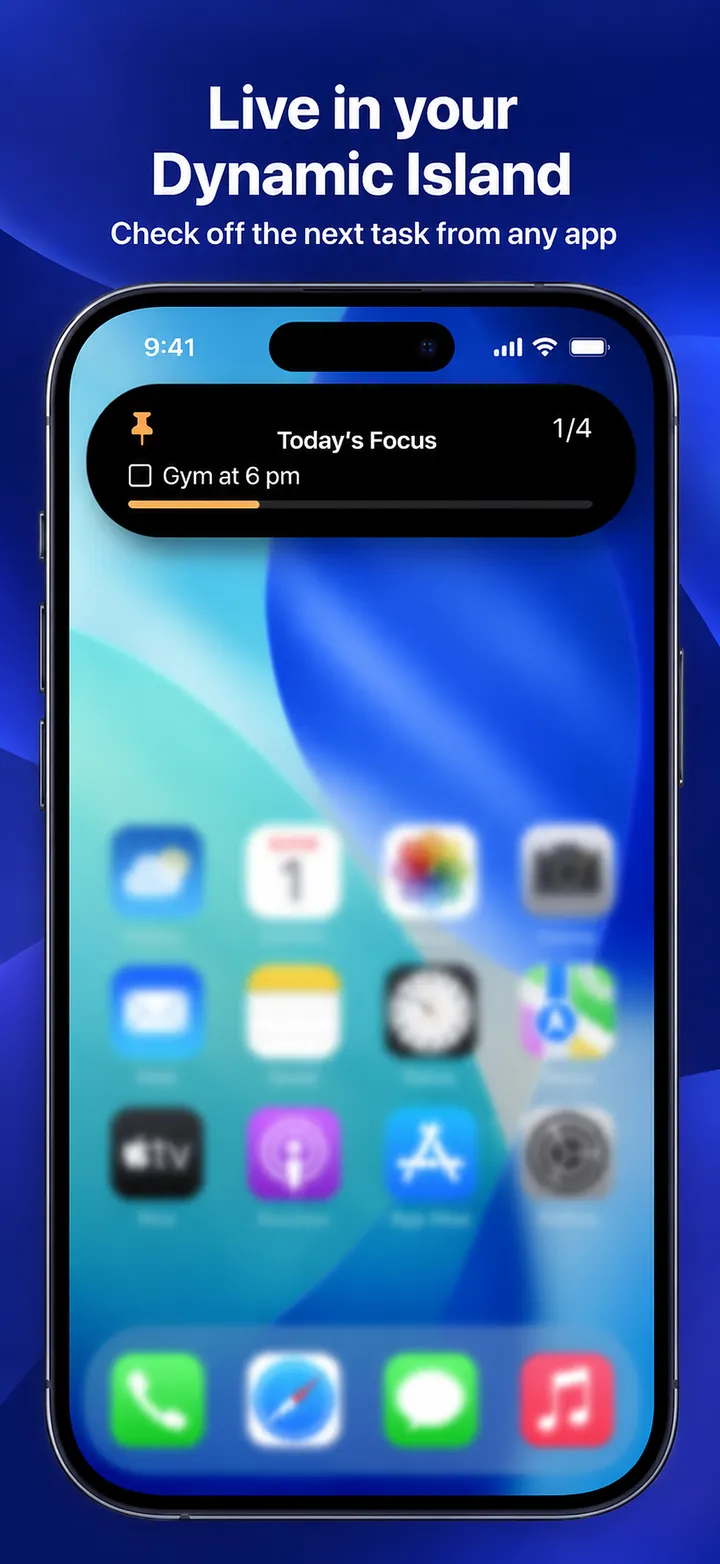
GlanceNote: Lock Screen Notes puts the note that matters right now on your Lock Screen widget, as a Live Activity below the clock, and in the Dynamic Island. Check off checklist items right on the Lock Screen without opening the app, and add home screen widgets in small and medium sizes.
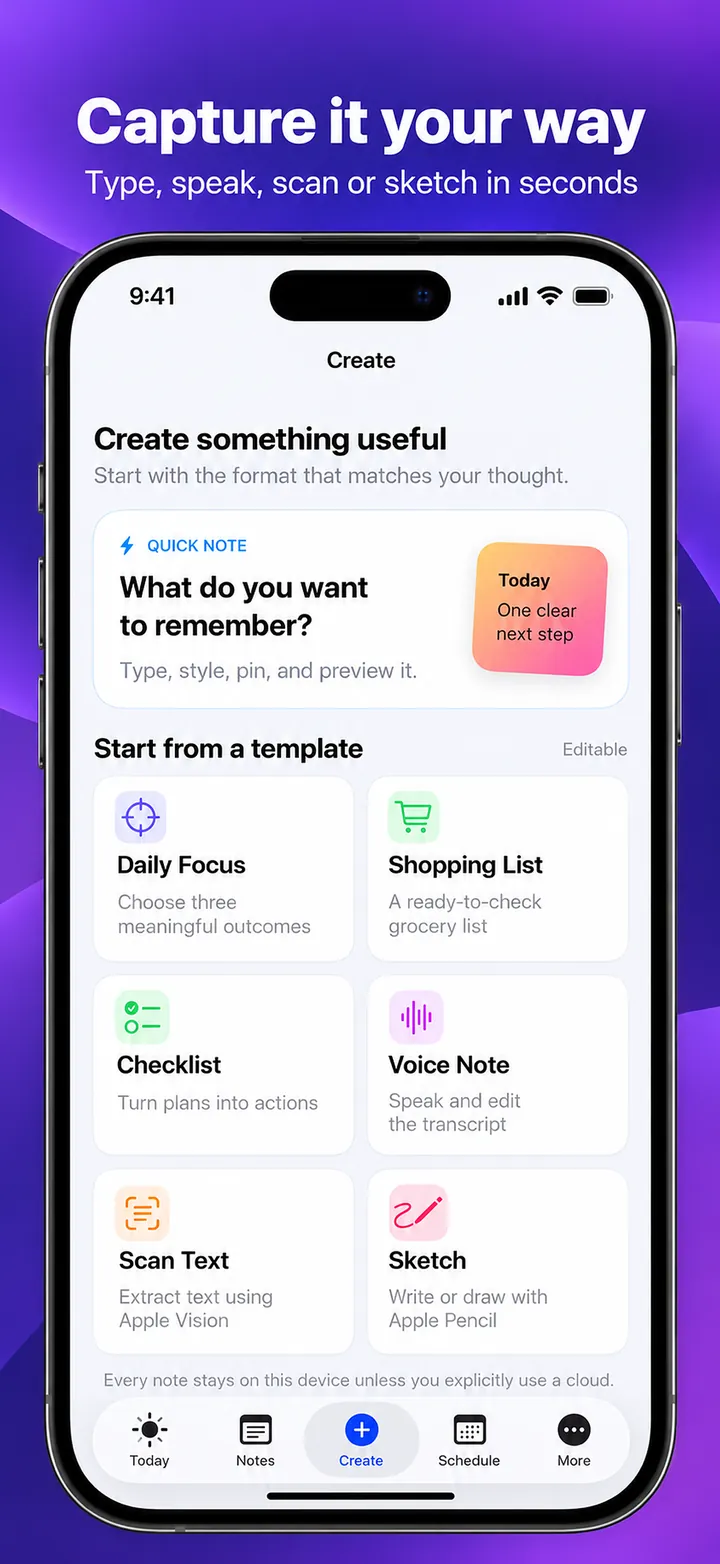
Capture a note by typing, speaking, scanning printed or handwritten text with the camera, sketching, or asking Siri. On-device AI with Apple Intelligence turns a brain dump into a checklist, shortens a long note so it fits, breaks a goal into steps, and spots dates like Friday at 3pm. Your notes stay on your device, and there is no account.
Features
Pin a note, checklist, or reminder to a Lock Screen widget and see it before you unlock.
Check off tasks right on the Lock Screen, no app launch needed.
Keep an active note below the clock and in the Dynamic Island while you work through it.
Type, speak, scan text with the camera, sketch with Apple Pencil, or ask Siri to add a note.
Organize a brain dump into a checklist, shorten a note, break a goal into steps, and find dates automatically.
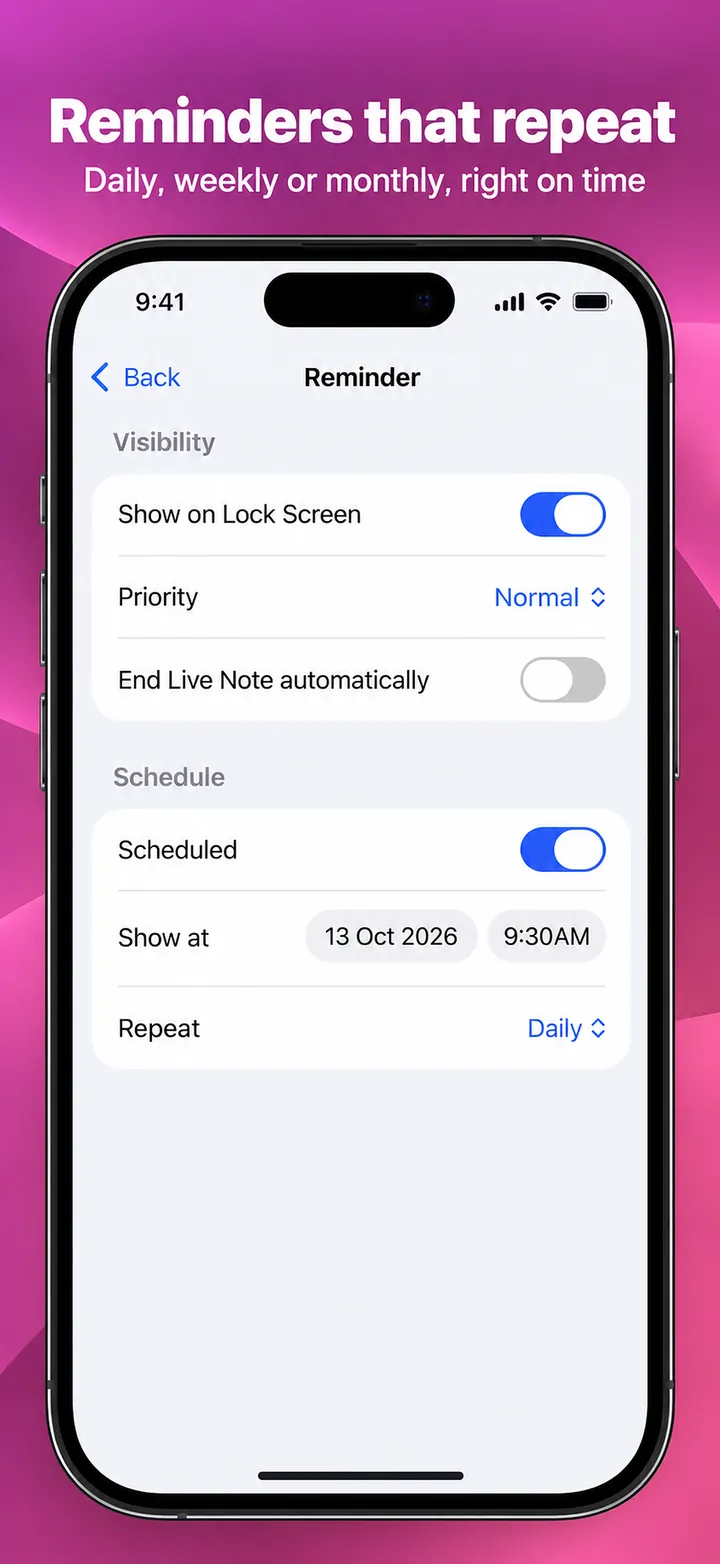
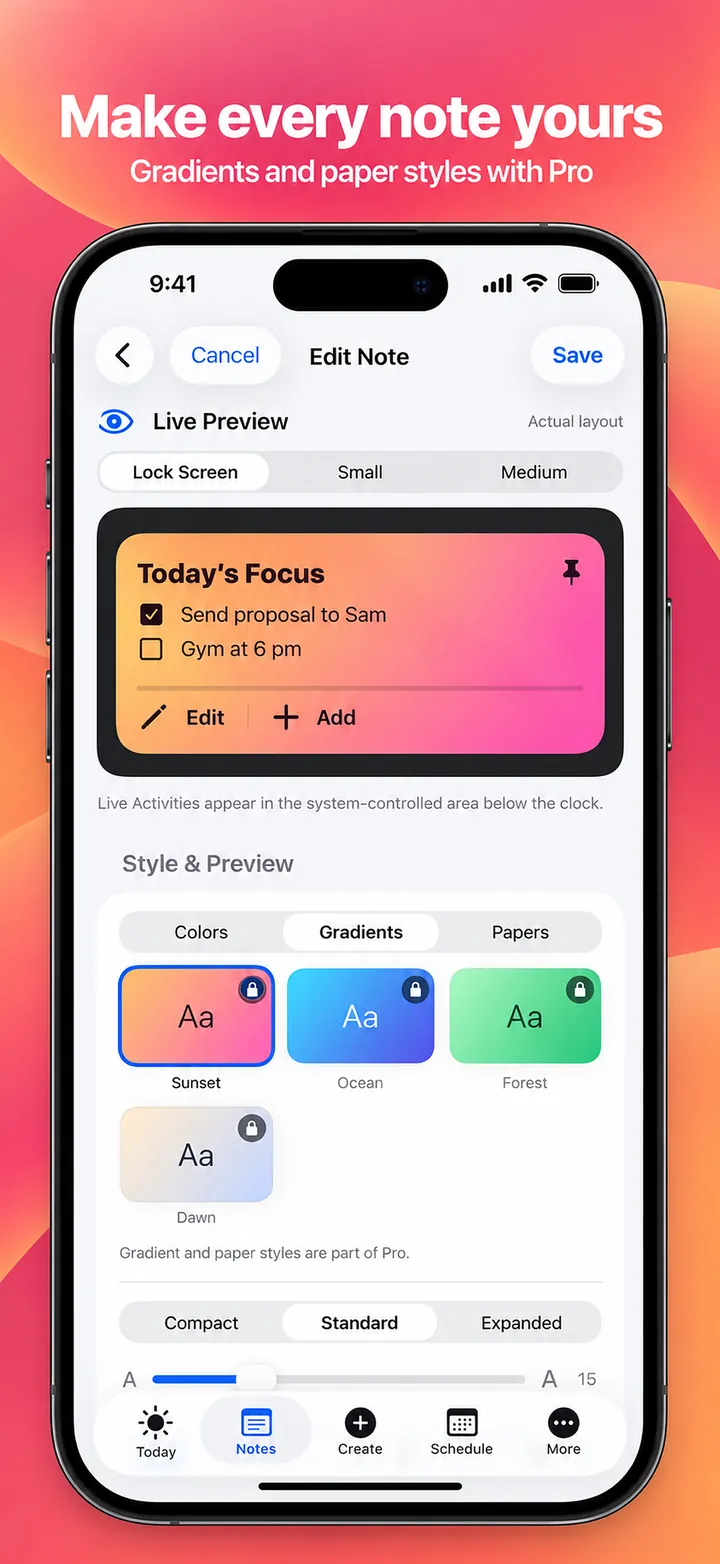
Schedule notes with daily, weekly, or monthly reminders, and style them with colors, gradients, and paper themes.
Screenshots
Official screenshots of GlanceNote: Lock Screen Notes for iPhone & iPad.
How it works
Type, speak, scan, sketch, or start from a template such as Daily Focus or Shopping List.
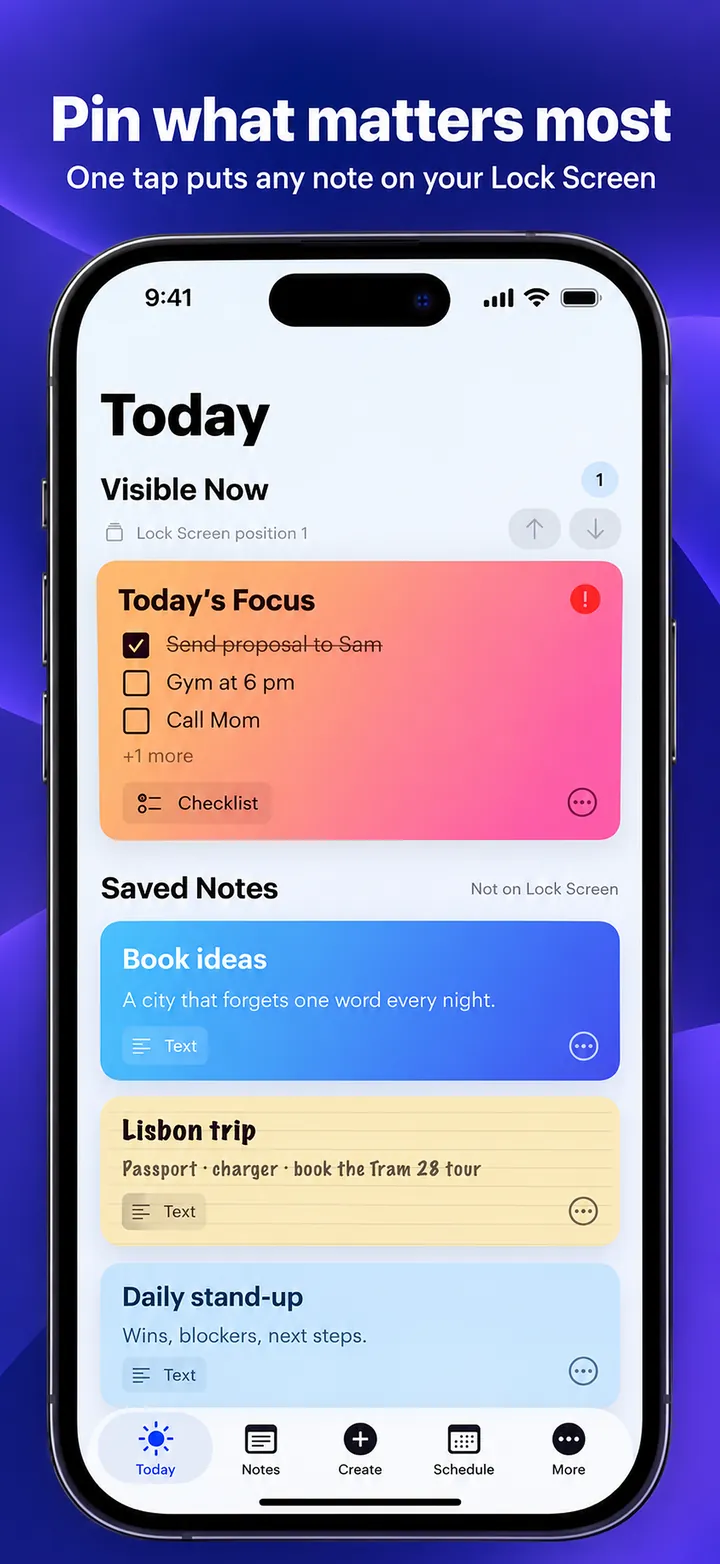
Tap once to put the note on your Lock Screen and in the Dynamic Island.
Tick tasks right on the Lock Screen and get reminders when they are due.
FAQ
Still need help? Email support@elevatemobilegroup.com or visit support.
Create a note in GlanceNote and tap Pin, then add the GlanceNote widget to your Lock Screen. The pinned note appears before you unlock.
Yes. Checklist items on the Lock Screen widget and Live Activity can be ticked off with a tap.
No. Notes are stored on your device, and AI actions run on your device with Apple Intelligence or GlanceNote's built-in organization. There is no account.
Free includes one Lock Screen note, the color themes, and 3 AI actions a day. Pro adds unlimited on-device AI, two notes on the Lock Screen at once, and every gradient and paper style.
Yes. Say "Add a note to GlanceNote", or use the Control Center button for one-tap new notes.
Free download
Free with optional Pro subscription or lifetime purchase. No ads.
DOWNLOAD ON THEApp Store